Sign In Start Free Trial
Account

Add to playlist

Create a Playlist

Modal Close icon
You need to login to use this feature.
  • Book Overview & Buying Python Programming Blueprints
  • Table Of Contents Toc
Python Programming Blueprints

Python Programming Blueprints

By : Daniel Furtado, Marcus Pennington
4 (2)
close
close
Python Programming Blueprints

Python Programming Blueprints

4 (2)
By: Daniel Furtado, Marcus Pennington

Overview of this book

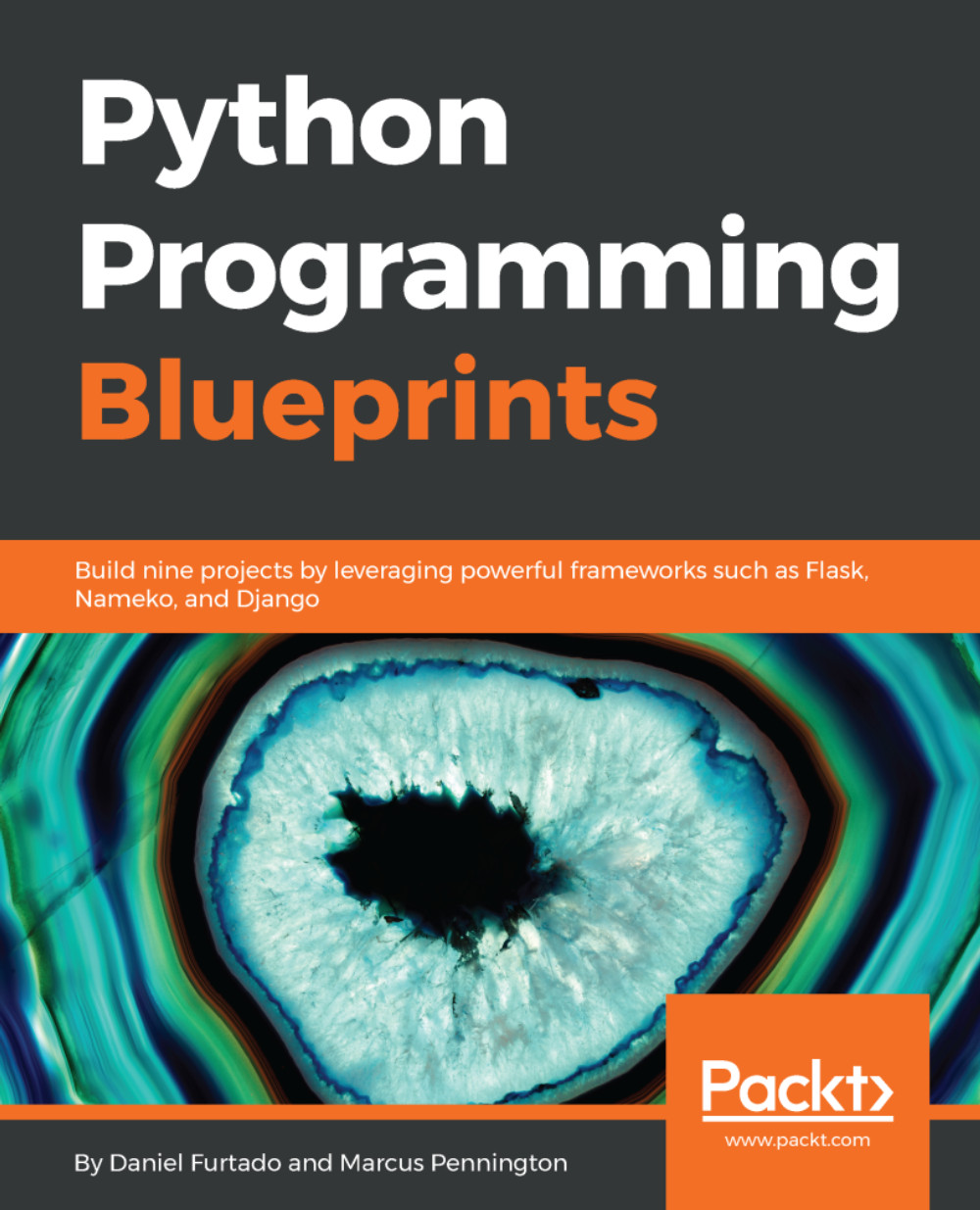
Python is a very powerful, high-level, object-oriented programming language. It's known for its simplicity and huge community support. Python Programming Blueprints will help you build useful, real-world applications using Python. In this book, we will cover some of the most common tasks that Python developers face on a daily basis, including performance optimization and making web applications more secure. We will familiarize ourselves with the associated software stack and master asynchronous features in Python. We will build a weather application using command-line parsing. We will then move on to create a Spotify remote control where we'll use OAuth and the Spotify Web API. The next project will cover reactive extensions by teaching you how to cast votes on Twitter the Python way. We will also focus on web development by using the famous Django framework to create an online game store. We will then create a web-based messenger using the new Nameko microservice framework. We will cover topics like authenticating users and, storing messages in Redis. By the end of the book, you will have gained hands-on experience in coding with Python.
Table of Contents (11 chapters)
close
close

Creating the project's main app


In this section, we are going to create our first Django app. One Django project can contain multiple apps. Splitting the project into apps is a good practice for many reasons; the most obvious is that you can reuse the same app across different projects. Another reason to split the project into multiple apps is that it enforces separation of concerns. Your project will be more organized, easier to reason, and our colleagues will thank you because it will be much easier to maintain.

Let's go ahead and run the command startapp, and, as shown before, you can either use the django-admin command or use manager.py. As we created the project using the django-admin command, it is a good opportunity to test the manager.py command. To create a new Django app, run the following command:

python manager.py startapp main

Here, we are going to create an app named main. Don't worry that no output is displayed, Django creates the project and the app silently. If you get a list...

CONTINUE READING
83
Tech Concepts
36
Programming languages
73
Tech Tools
Icon Unlimited access to the largest independent learning library in tech of over 8,000 expert-authored tech books and videos.
Icon Innovative learning tools, including AI book assistants, code context explainers, and text-to-speech.
Icon 50+ new titles added per month and exclusive early access to books as they are being written.
Python Programming Blueprints
notes
bookmark Notes and Bookmarks search Search in title playlist Add to playlist download Download options font-size Font size

Change the font size

margin-width Margin width

Change margin width

day-mode Day/Sepia/Night Modes

Change background colour

Close icon Search
Country selected

Close icon Your notes and bookmarks

Confirmation

Modal Close icon
claim successful

Buy this book with your credits?

Modal Close icon
Are you sure you want to buy this book with one of your credits?
Close
YES, BUY

Submit Your Feedback

Modal Close icon
Modal Close icon
Modal Close icon