Sign In Start Free Trial
Account

Add to playlist

Create a Playlist

Modal Close icon
You need to login to use this feature.
  • Book Overview & Buying Everyday data structures
  • Table Of Contents Toc
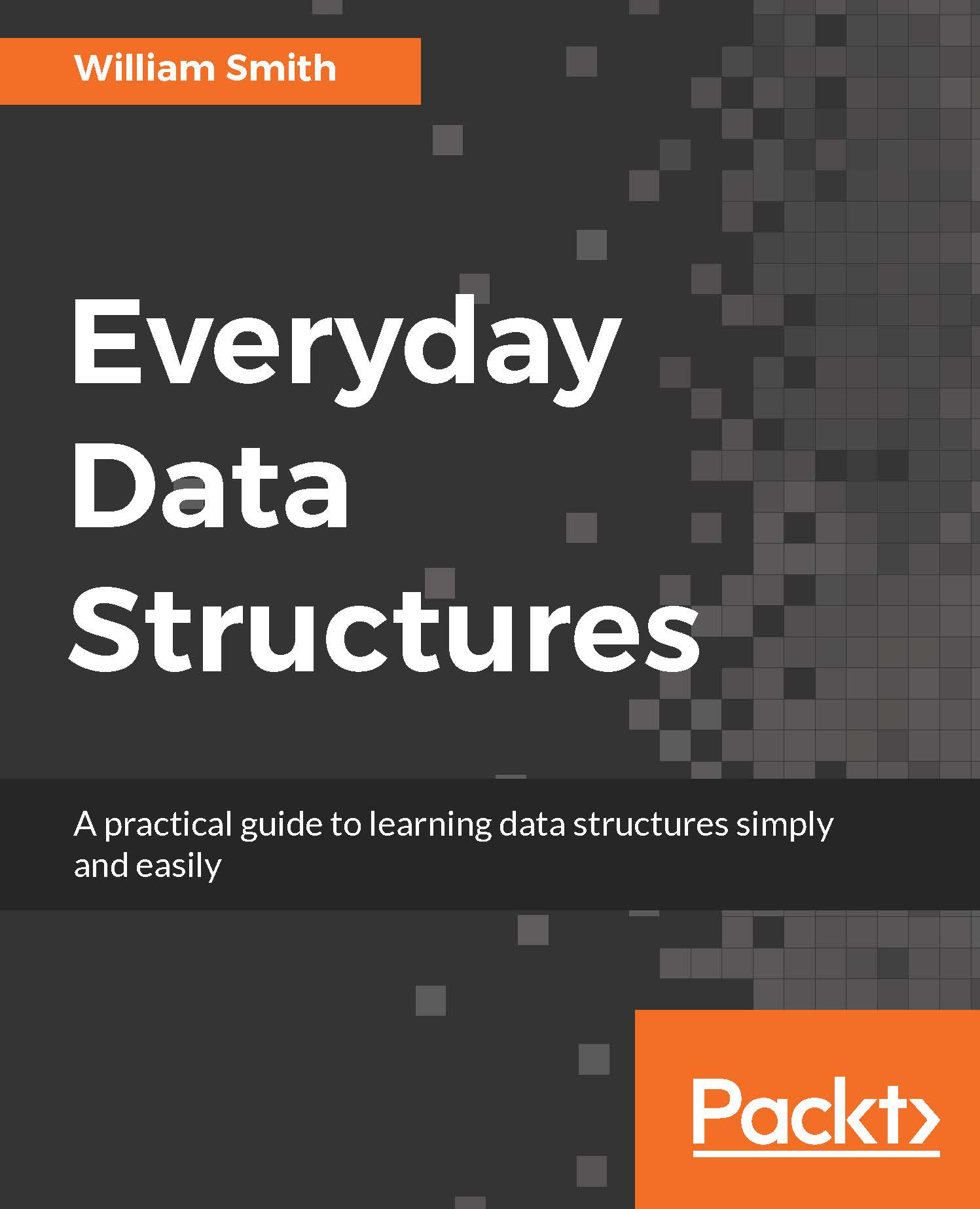
Everyday data structures

Everyday data structures

By : Smith
close
close
Everyday data structures

Everyday data structures

By: Smith

Overview of this book

Explore a new world of data structures and their applications easily with this data structures book. Written by software expert William Smith, you?ll learn how to master basic and advanced data structure concepts. ? Fully understand data structures using Java, C and other common languages ? Work through practical examples and learn real-world applications ? Get to grips with data structure problem solving using case studies
Table of Contents (14 chapters)
close
close
Lock Free Chapter
1
1. Data Types: Foundational Structures
chevron up

Strings

Strings are not precisely data types, although as developers we very often treat them as such. In actuality, strings are simply objects whose value is text; under the hood, strings contain a sequential collection of read-only char objects. This read-only nature of a string object makes strings immutable, which means the objects cannot be changed once they have been created in memory.

It is important to understand that changing any immutable object, not just a string, means your program is actually creating a new object in memory and discarding the old one. This is a more intensive operation than simply changing the value of an address in memory and requires more processing. Merging two strings together is called concatenation, and this is an even more costly procedure as you are disposing of two objects before creating a new one. If you find that you are editing your string values frequently, or frequently concatenating strings together, be aware that your program is not as efficient as it could be.

Strings are strictly immutable in C#, Java, and Objective-C. It is interesting to note that the Swift documentation refers to strings as mutable. However, the behavior is similar to Java, in that, when a string is modified, it gets copied on assignment to another object. Therefore, although the documentation says otherwise, strings are effectively immutable in Swift as well.

C#

C# uses the string keyword to declare string types:

    //C# 
    string one = "One String"; 
    Console.WriteLine("One: {0}", one); 
 
    String two = "Two String"; 
    Console.WriteLine("Two: {0}", two); 
 
    String red = "Red String"; 
    Console.WriteLine("Red: {0}", red); 
 
    String blue = "Blue String"; 
    Console.WriteLine("Blue: {0}", blue); 
 
    String purple = red + blue; 
    Console.WriteLine("Concatenation: {0}", purple); 
 
    purple = "Purple String"; 
    Console.WriteLine("Whoops! Mutation: {0}", purple); 

Java

Java uses the system class String to declare string types:

    //Java 
    String one = "One String"; 
    System.out.println("One: " + one); 
 
    String two = "Two String"; 
    System.out.println("Two: " + two); 
 
    String red = "Red String"; 
    System.out.println("Red: " + red); 
 
    String blue = "Blue String"; 
    System.out.println("Blue: " + blue); 
 
    String purple = red + blue; 
    System.out.println("Concatenation: " + purple); 
 
    purple = "Purple String"; 
    System.out.println("Whoops! Mutation: " + purple); 
Objective-C

Objective-C provides the NSString class to create string objects:

    //Objective-C 
    NSString *one = @"One String"; 
    NSLog(@"One: %@", one); 
 
    NSString *two = @"Two String"; 
    NSLog(@"Two: %@", two); 
 
    NSString *red = @"Red String"; 
    NSLog(@"Red: %@", red); 
 
    NSString *blue = @"Blue String"; 
    NSLog(@"Blue: %@", blue); 
 
    NSString *purple = [[NSArray arrayWithObjects:red, blue, nil] componentsJoinedByString:@""]; 
    NSLog(@"Concatenation: %@", purple); 
 
    purple = @"Purple String"; 
    NSLog(@"Whoops! Mutation: %@", purple); 

When you examine the Objective-C example, you might wonder why we have all that extra code for creating the purple object. That code is necessary because Objective-C does not provide a shortcut mechanism for concatenating strings like the other three languages we're using. So, in this scenario, I have chosen to place the two strings into an array and then call the NSArray method componentsJoinedByString:. I could have also chosen to use the NSMutableString class, which provides a method for concatenating strings. However, since we're not discussing mutable string classes in any of our selected languages, I have opted not to use that approach.

Swift

Swift provides the String class to create string objects:

    //Swift 
    var one : String = "One String" 
    print("One: \(one)") 
 
    var two : String = "Two String" 
    print("Two: \(two)") 
 
    var red : String = "Red String" 
    print("Red: \(red)") 
 
    var blue : String = "Blue String" 
    print("Blue: \(blue)") 
 
    var purple : String = red + blue 
    print("Concatenation: \(purple)") 
 
    purple = "Purple String"; 
    print("Whoops! Mutation: \(purple)") 

    /* 
      Output from each string example: 
      One: One String 
      Two: Two String 
      Red: Red String 
      Blue: Blue String 
      Concatenation: Red StringBlue String 
      Whoops! Mutation: Purple String 
    */ 
CONTINUE READING
83
Tech Concepts
36
Programming languages
73
Tech Tools
Icon Unlimited access to the largest independent learning library in tech of over 8,000 expert-authored tech books and videos.
Icon Innovative learning tools, including AI book assistants, code context explainers, and text-to-speech.
Icon 50+ new titles added per month and exclusive early access to books as they are being written.
Everyday data structures
notes
bookmark Notes and Bookmarks search Search in title playlist Add to playlist download Download options font-size Font size

Change the font size

margin-width Margin width

Change margin width

day-mode Day/Sepia/Night Modes

Change background colour

Close icon Search
Country selected

Close icon Your notes and bookmarks

Confirmation

Modal Close icon
claim successful

Buy this book with your credits?

Modal Close icon
Are you sure you want to buy this book with one of your credits?
Close
YES, BUY

Submit Your Feedback

Modal Close icon
Modal Close icon
Modal Close icon