Sign In Start Free Trial
Account

Add to playlist

Create a Playlist

Modal Close icon
You need to login to use this feature.
  • Book Overview & Buying Secret Recipes of the Python Ninja
  • Table Of Contents Toc
  • Feedback & Rating feedback
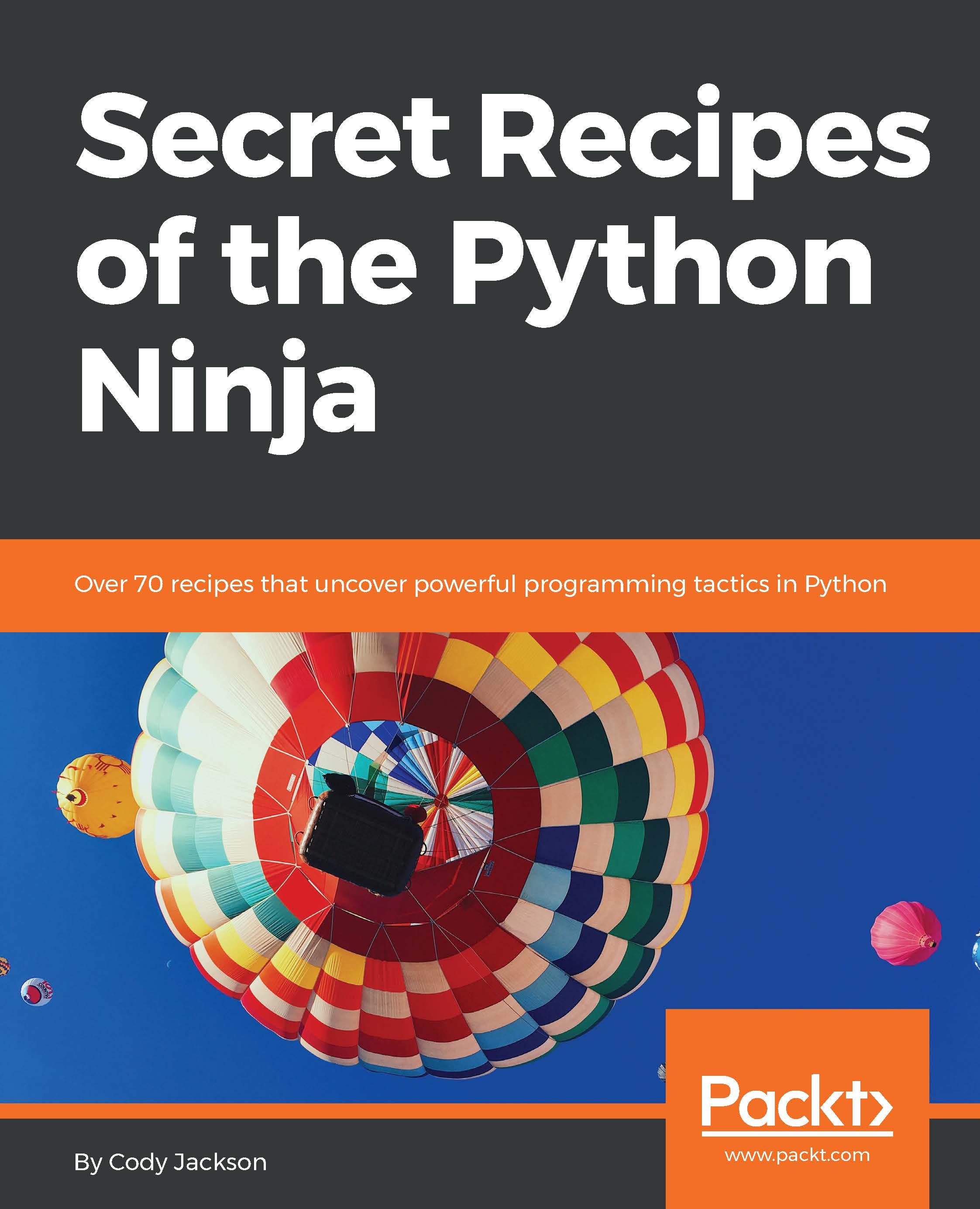
Secret Recipes of the Python Ninja

Secret Recipes of the Python Ninja

close
close
Secret Recipes of the Python Ninja

Secret Recipes of the Python Ninja

Overview of this book

This book covers the unexplored secrets of Python, delve into its depths, and uncover its mysteries. You’ll unearth secrets related to the implementation of the standard library, by looking at how modules actually work. You’ll understand the implementation of collections, decimals, and fraction modules. If you haven’t used decorators, coroutines, and generator functions much before, as you make your way through the recipes, you’ll learn what you’ve been missing out on. We’ll cover internal special methods in detail, so you understand what they are and how they can be used to improve the engineering decisions you make. Next, you’ll explore the CPython interpreter, which is a treasure trove of secret hacks that not many programmers are aware of. We’ll take you through the depths of the PyPy project, where you’ll come across several exciting ways that you can improve speed and concurrency. Finally, we’ll take time to explore the PEPs of the latest versions to discover some interesting hacks.
Table of Contents (11 chapters)
close
close

Using the Sphinx documentation program


Sphinx was written for Python documentation and is used extensively in official document creation. As a matter of fact, all of the documentation on the Python site is generated by Sphinx. Even the Sphinx website is written in reST and converted to HTML.

Sphinx can convert reST into HTML, PDF, ePub, Texinfo, and man pages. The program is also extensible, for example, via plugins, to generate mathematical notations from formulas or highlight source code.

Getting ready

Download Sphinx via pip or system installation, such as with apt install.

How to do it...

  1. Once installed, it is suggested you move to the project directory, as the program defaults to looking for files in the current directory. This is not required, however, as you can always change the configuration later.
  2. Run the following command at the command prompt: sphinx-quickstart. You will walk through an interactive configuration session, as follows:
  1. The questions are generally self-explanatory, but...
Visually different images
CONTINUE READING
83
Tech Concepts
36
Programming languages
73
Tech Tools
Icon Unlimited access to the largest independent learning library in tech of over 8,000 expert-authored tech books and videos.
Icon Innovative learning tools, including AI book assistants, code context explainers, and text-to-speech.
Icon 50+ new titles added per month and exclusive early access to books as they are being written.
Secret Recipes of the Python Ninja
notes
bookmark Notes and Bookmarks search Search in title playlist Add to playlist download Download options font-size Font size

Change the font size

margin-width Margin width

Change margin width

day-mode Day/Sepia/Night Modes

Change background colour

Close icon Search
Country selected

Close icon Your notes and bookmarks

Confirmation

Modal Close icon
claim successful

Buy this book with your credits?

Modal Close icon
Are you sure you want to buy this book with one of your credits?
Close
YES, BUY

Submit Your Feedback

Modal Close icon
Modal Close icon
Modal Close icon