Sign In Start Free Trial
Account

Add to playlist

Create a Playlist

Modal Close icon
You need to login to use this feature.
  • Book Overview & Buying Kotlin Programming Cookbook
  • Table Of Contents Toc
  • Feedback & Rating feedback
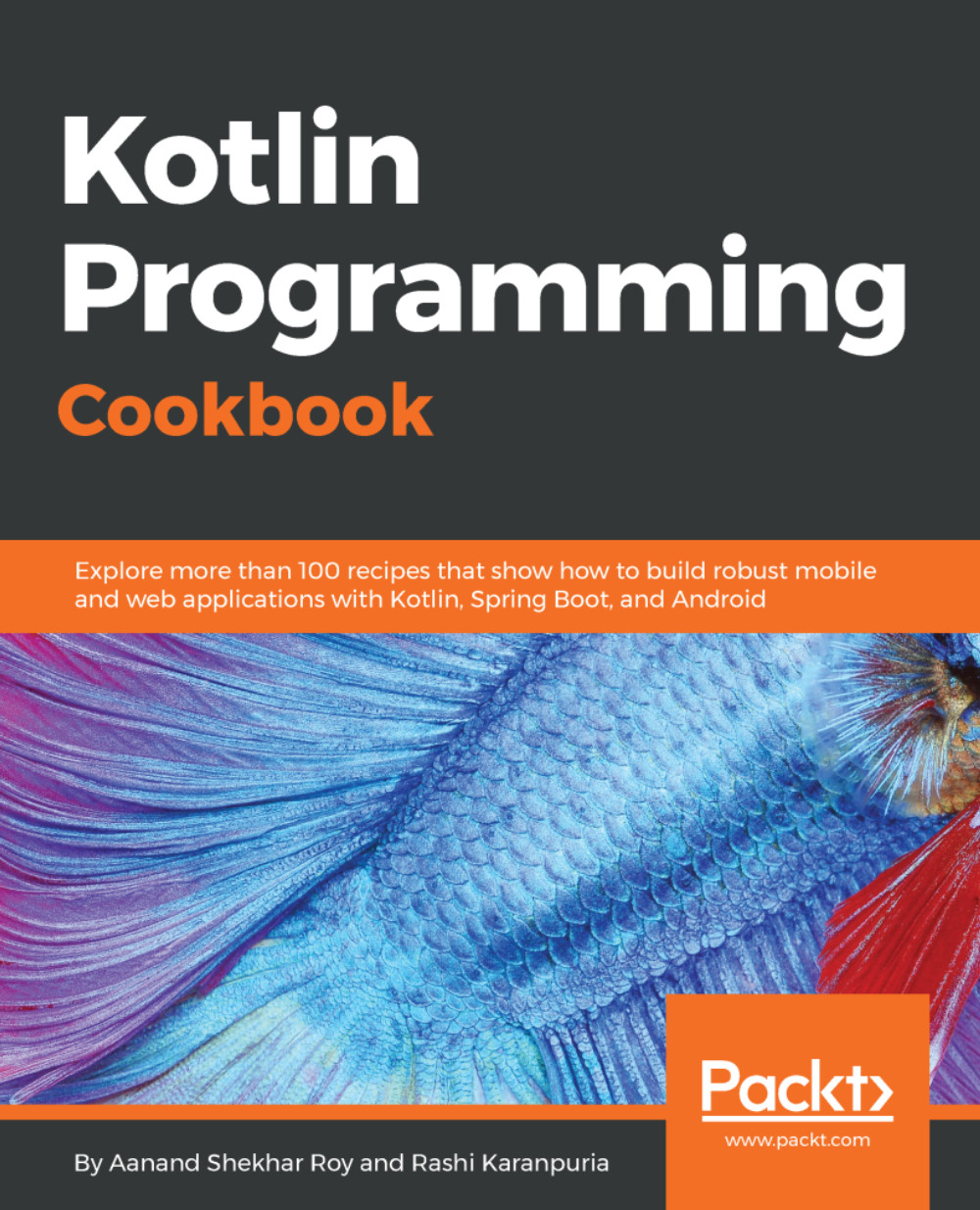
Kotlin Programming Cookbook

Kotlin Programming Cookbook

By : Aanand Shekhar Roy , Rashi Karanpuria
3.3 (3)
close
close
Kotlin Programming Cookbook

Kotlin Programming Cookbook

3.3 (3)
By: Aanand Shekhar Roy , Rashi Karanpuria

Overview of this book

The Android team has announced first-class support for Kotlin 1.1. This acts as an added boost to the language and more and more developers are now looking at Kotlin for their application development. This recipe-based book will be your guide to learning the Kotlin programming language. The recipes in this book build from simple language concepts to more complex applications of the language. After the fundamentals of the language, you will learn how to apply the object-oriented programming features of Kotlin 1.1. Programming with Lambdas will show you how to use the functional power of Kotlin. This book has recipes that will get you started with Android programming with Kotlin 1.1, providing quick solutions to common problems encountered during Android app development. You will also be taken through recipes that will teach you microservice and concurrent programming with Kotlin. Going forward, you will learn to test and secure your applications with Kotlin. Finally, this book supplies recipes that will help you migrate your Java code to Kotlin and will help ensure that it's interoperable with Java.
Table of Contents (16 chapters)
close
close

Setting up Anko with Gradle


We will begin by setting up the Anko library in our project. We will be using Gradle to handle the dependencies of the project.

Getting ready

I'll be using Android Studio to write code. You can also find the source code in the 1-setting-up-anko-with-gradle branch of repository at https://gitlab.com/aanandshekharroy/Anko-examples.

How to do it…

Follow these steps to add Anko to your project using the Gradle build system:

  1. The easiest way to set up Anko with Gradle is do it by adding the following lines in your build.gradle file:
    compile "org.jetbrains.anko:anko:$anko_version"
  1. You can replace $anko_version with the latest version of Anko, which is 0.10.1 when this book was written.
  2. The preceding compile statement will add all available features (including Commons, Layouts, SQLite) into your project at once. If you don't want that, and would prefer adding them separately as needed, here are the compile statements:
  • anko-commons: This library contains a lot of helpers for...
Visually different images
CONTINUE READING
83
Tech Concepts
36
Programming languages
73
Tech Tools
Icon Unlimited access to the largest independent learning library in tech of over 8,000 expert-authored tech books and videos.
Icon Innovative learning tools, including AI book assistants, code context explainers, and text-to-speech.
Icon 50+ new titles added per month and exclusive early access to books as they are being written.
Kotlin Programming Cookbook
notes
bookmark Notes and Bookmarks search Search in title playlist Add to playlist font-size Font size

Change the font size

margin-width Margin width

Change margin width

day-mode Day/Sepia/Night Modes

Change background colour

Close icon Search
Country selected

Close icon Your notes and bookmarks

Confirmation

Modal Close icon
claim successful

Buy this book with your credits?

Modal Close icon
Are you sure you want to buy this book with one of your credits?
Close
YES, BUY

Submit Your Feedback

Modal Close icon
Modal Close icon
Modal Close icon