Sign In Start Free Trial
Account

Add to playlist

Create a Playlist

Modal Close icon
You need to login to use this feature.
  • Book Overview & Buying Qt5 Python GUI Programming Cookbook
  • Table Of Contents Toc
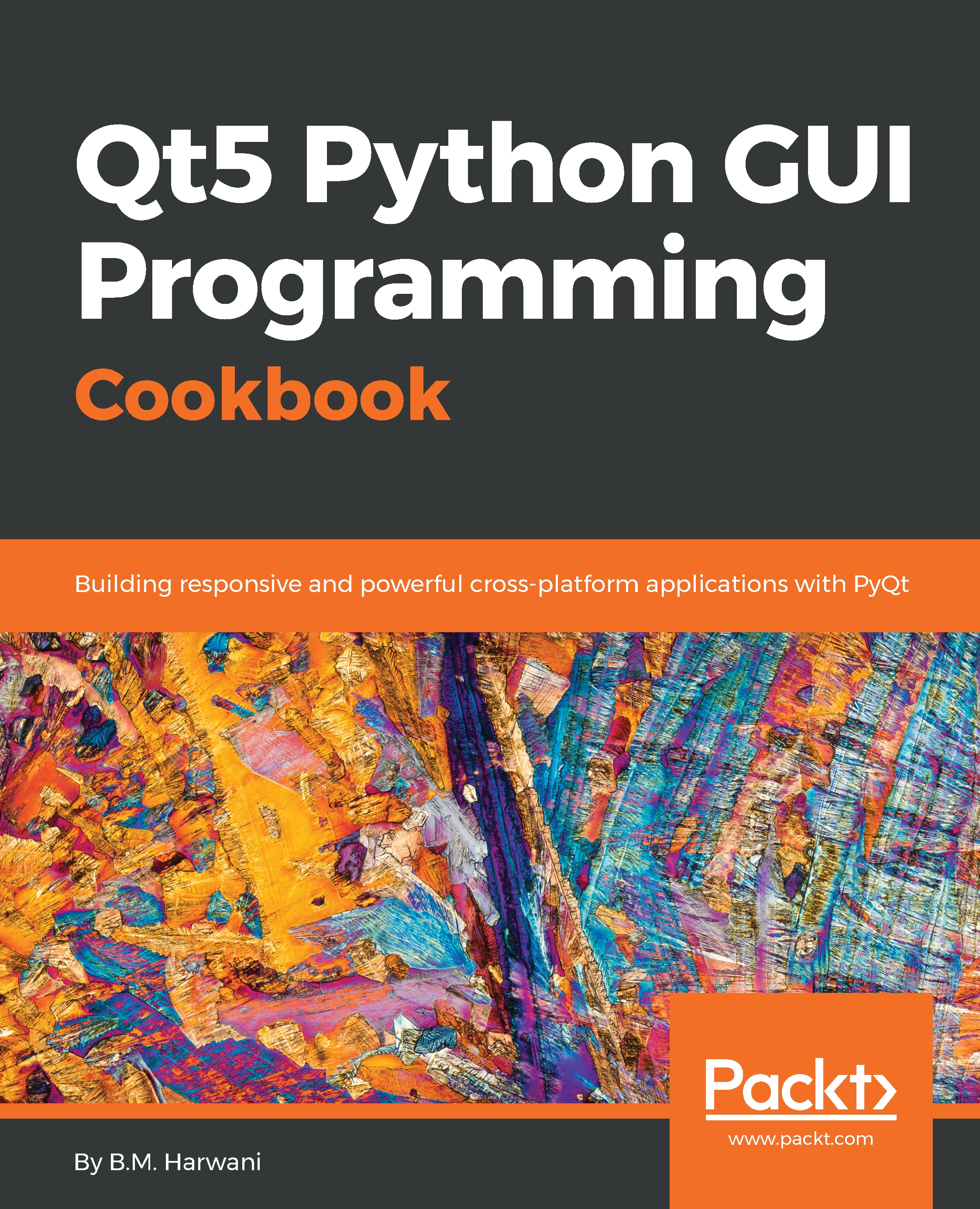
Qt5 Python GUI Programming Cookbook

Qt5 Python GUI Programming Cookbook

By : Harwani
2.4 (9)
close
close
Qt5 Python GUI Programming Cookbook

Qt5 Python GUI Programming Cookbook

2.4 (9)
By: Harwani

Overview of this book

PyQt is one of the best cross-platform interface toolkits currently available; it's stable, mature, and completely native. If you want control over all aspects of UI elements, PyQt is what you need. This book will guide you through every concept necessary to create fully functional GUI applications using PyQt, with only a few lines of code. As you expand your GUI using more widgets, you will cover networks, databases, and graphical libraries that greatly enhance its functionality. Next, the book guides you in using Qt Designer to design user interfaces and implementing and testing dialogs, events, the clipboard, and drag and drop functionality to customize your GUI. You will learn a variety of topics, such as look and feel customization, GUI animation, graphics rendering, implementing Google Maps, and more. Lastly, the book takes you through how Qt5 can help you to create cross-platform apps that are compatible with Android and iOS. You will be able to develop functional and appealing software using PyQt through interesting and fun recipes that will expand your knowledge of GUIs
Table of Contents (15 chapters)
close
close

Introduction


To view and manage 2D graphical items in Python, we need to make use of a class called QGraphicsScene. In order to display the contents of QGraphicsScene, we need the help of another class, called QGraphicsView. Basically, QGraphicsView provides a scrollable viewport to display the contents of QGraphicsScene. QGraphicsScene acts as a container for several graphical items. It also provides several standard shapes, such as rectangles and ellipses, including text items. One more thing: the QGraphicsScene uses OpenGL for rendering the graphics. The OpenGL is very efficient for displaying images and performing multimedia processing tasks. The QGraphicsScene class provides several methods that help in adding or removing graphical items from the scene. That is, you can add any graphical item to the sceneby calling theaddItem function. Similarly, to remove an item from the graphics scene, you can call theremoveItem function. 

Implementing animation

To apply animation in Python, we will...

Visually different images
CONTINUE READING
83
Tech Concepts
36
Programming languages
73
Tech Tools
Icon Unlimited access to the largest independent learning library in tech of over 8,000 expert-authored tech books and videos.
Icon Innovative learning tools, including AI book assistants, code context explainers, and text-to-speech.
Icon 50+ new titles added per month and exclusive early access to books as they are being written.
Qt5 Python GUI Programming Cookbook
notes
bookmark Notes and Bookmarks search Search in title playlist Add to playlist download Download options font-size Font size

Change the font size

margin-width Margin width

Change margin width

day-mode Day/Sepia/Night Modes

Change background colour

Close icon Search
Country selected

Close icon Your notes and bookmarks

Confirmation

Modal Close icon
claim successful

Buy this book with your credits?

Modal Close icon
Are you sure you want to buy this book with one of your credits?
Close
YES, BUY

Submit Your Feedback

Modal Close icon
Modal Close icon
Modal Close icon