Sign In Start Free Trial
Account

Add to playlist

Create a Playlist

Modal Close icon
You need to login to use this feature.
  • Book Overview & Buying Qt5 Python GUI Programming Cookbook
  • Table Of Contents Toc
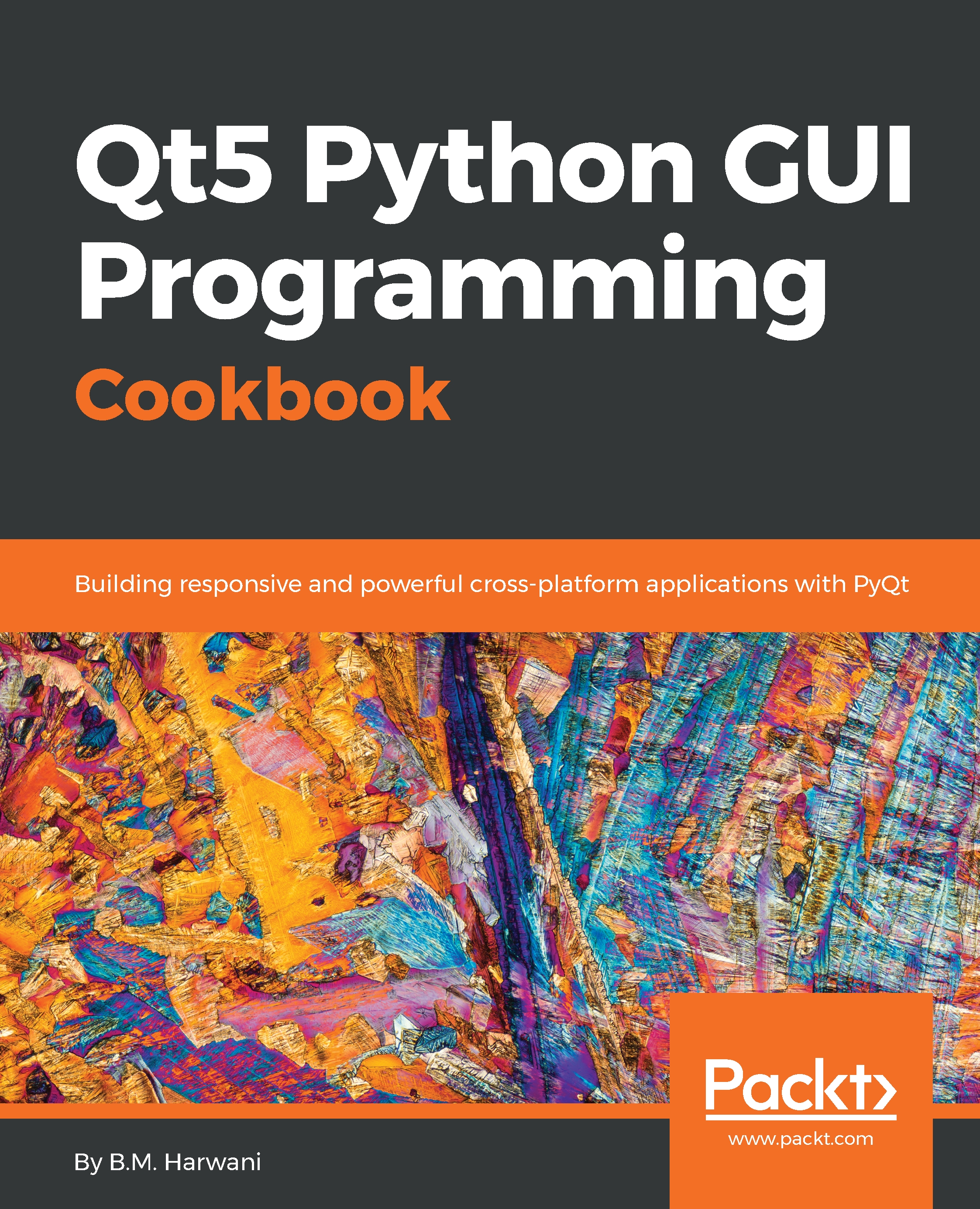
Qt5 Python GUI Programming Cookbook

Qt5 Python GUI Programming Cookbook

By : B. M. Harwani
2.4 (9)
close
close
Qt5 Python GUI Programming Cookbook

Qt5 Python GUI Programming Cookbook

2.4 (9)
By: B. M. Harwani

Overview of this book

PyQt is one of the best cross-platform interface toolkits currently available; it's stable, mature, and completely native. If you want control over all aspects of UI elements, PyQt is what you need. This book will guide you through every concept necessary to create fully functional GUI applications using PyQt, with only a few lines of code. As you expand your GUI using more widgets, you will cover networks, databases, and graphical libraries that greatly enhance its functionality. Next, the book guides you in using Qt Designer to design user interfaces and implementing and testing dialogs, events, the clipboard, and drag and drop functionality to customize your GUI. You will learn a variety of topics, such as look and feel customization, GUI animation, graphics rendering, implementing Google Maps, and more. Lastly, the book takes you through how Qt5 can help you to create cross-platform apps that are compatible with Android and iOS. You will be able to develop functional and appealing software using PyQt through interesting and fun recipes that will expand your knowledge of GUIs
Table of Contents (15 chapters)
close
close

Making a ball animate as per the specified curve


A curve with the desired shape and size is created and a ball is set to move along the shape of the curve on the click of a push button. In this recipe, you will understand how to implement a guided animation.

How to do it...

The setKeyValueAt method of the QPropertyAnimation class determines the direction of an animation. For guided animation, you invoke the setKeyValueAt method in a loop. The coordinates of the curve are passed to the setKeyValueAt method in the loop to make the ball animate along the curve. Here are the steps to make an object animate as desired:

  1. Create a new application based on the Dialog without Buttons template.
  2. Drag and drop a Label widget and one Push Button widget onto the form.
  3. Set the text property of the Push Button widget to Move With Curve.
  4. Assuming you have a ball image on your computer with the filename coloredball.jpg, you can assign this ball image to the Label widget by using its pixmap property.
  5. In the pixmap...
CONTINUE READING
83
Tech Concepts
36
Programming languages
73
Tech Tools
Icon Unlimited access to the largest independent learning library in tech of over 8,000 expert-authored tech books and videos.
Icon Innovative learning tools, including AI book assistants, code context explainers, and text-to-speech.
Icon 50+ new titles added per month and exclusive early access to books as they are being written.
Qt5 Python GUI Programming Cookbook
notes
bookmark Notes and Bookmarks search Search in title playlist Add to playlist download Download options font-size Font size

Change the font size

margin-width Margin width

Change margin width

day-mode Day/Sepia/Night Modes

Change background colour

Close icon Search
Country selected

Close icon Your notes and bookmarks

Confirmation

Modal Close icon
claim successful

Buy this book with your credits?

Modal Close icon
Are you sure you want to buy this book with one of your credits?
Close
YES, BUY

Submit Your Feedback

Modal Close icon
Modal Close icon
Modal Close icon