Sign In Start Free Trial
Account

Add to playlist

Create a Playlist

Modal Close icon
You need to login to use this feature.
  • Book Overview & Buying Qt5 Python GUI Programming Cookbook
  • Table Of Contents Toc
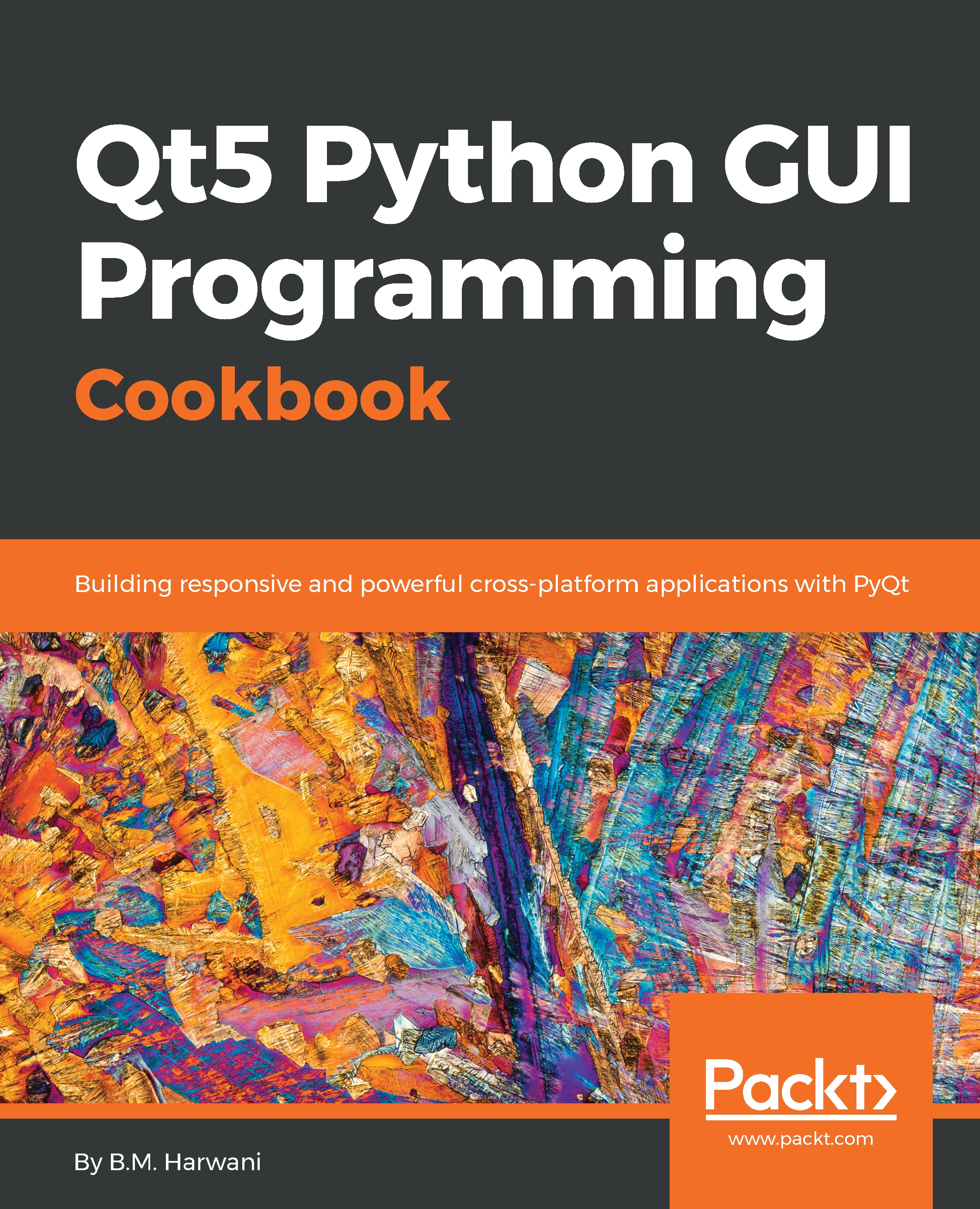
Qt5 Python GUI Programming Cookbook

Qt5 Python GUI Programming Cookbook

By : Harwani
2.4 (9)
close
close
Qt5 Python GUI Programming Cookbook

Qt5 Python GUI Programming Cookbook

2.4 (9)
By: Harwani

Overview of this book

PyQt is one of the best cross-platform interface toolkits currently available; it's stable, mature, and completely native. If you want control over all aspects of UI elements, PyQt is what you need. This book will guide you through every concept necessary to create fully functional GUI applications using PyQt, with only a few lines of code. As you expand your GUI using more widgets, you will cover networks, databases, and graphical libraries that greatly enhance its functionality. Next, the book guides you in using Qt Designer to design user interfaces and implementing and testing dialogs, events, the clipboard, and drag and drop functionality to customize your GUI. You will learn a variety of topics, such as look and feel customization, GUI animation, graphics rendering, implementing Google Maps, and more. Lastly, the book takes you through how Qt5 can help you to create cross-platform apps that are compatible with Android and iOS. You will be able to develop functional and appealing software using PyQt through interesting and fun recipes that will expand your knowledge of GUIs
Table of Contents (15 chapters)
close
close

Finding out details of a location or a landmark


In this recipe, you will be prompted to enter a location or landmark whose details you want to know. For example, if you enter Buckingham Palace, the recipe will display the city and postal code of the location where the palace is situated, along with its longitude and latitude values.

How to do it…

The search method of the GoogleMaps class is the key player in this recipe. The landmark or location entered by the user is passed to the search method. The city, postal_code, lat, and lng properties of the object returned from the search method are used to display the city, postal code, latitude, and longitude of the location, respectively. Let's see how it is done through the following step-by-step procedure: 

  1. Create an application based on the Dialog without Buttons template.
  2. Add six QLabel, a QLineEdit, and a QPushButton widget to the form by dragging and dropping six Label, one Line Edit, and a Push Button widget onto the form.
  3. Set the text property...
Visually different images
CONTINUE READING
83
Tech Concepts
36
Programming languages
73
Tech Tools
Icon Unlimited access to the largest independent learning library in tech of over 8,000 expert-authored tech books and videos.
Icon Innovative learning tools, including AI book assistants, code context explainers, and text-to-speech.
Icon 50+ new titles added per month and exclusive early access to books as they are being written.
Qt5 Python GUI Programming Cookbook
notes
bookmark Notes and Bookmarks search Search in title playlist Add to playlist download Download options font-size Font size

Change the font size

margin-width Margin width

Change margin width

day-mode Day/Sepia/Night Modes

Change background colour

Close icon Search
Country selected

Close icon Your notes and bookmarks

Confirmation

Modal Close icon
claim successful

Buy this book with your credits?

Modal Close icon
Are you sure you want to buy this book with one of your credits?
Close
YES, BUY

Submit Your Feedback

Modal Close icon
Modal Close icon
Modal Close icon