


-
Book Overview & Buying
-
Table Of Contents

-
Feedback & Rating

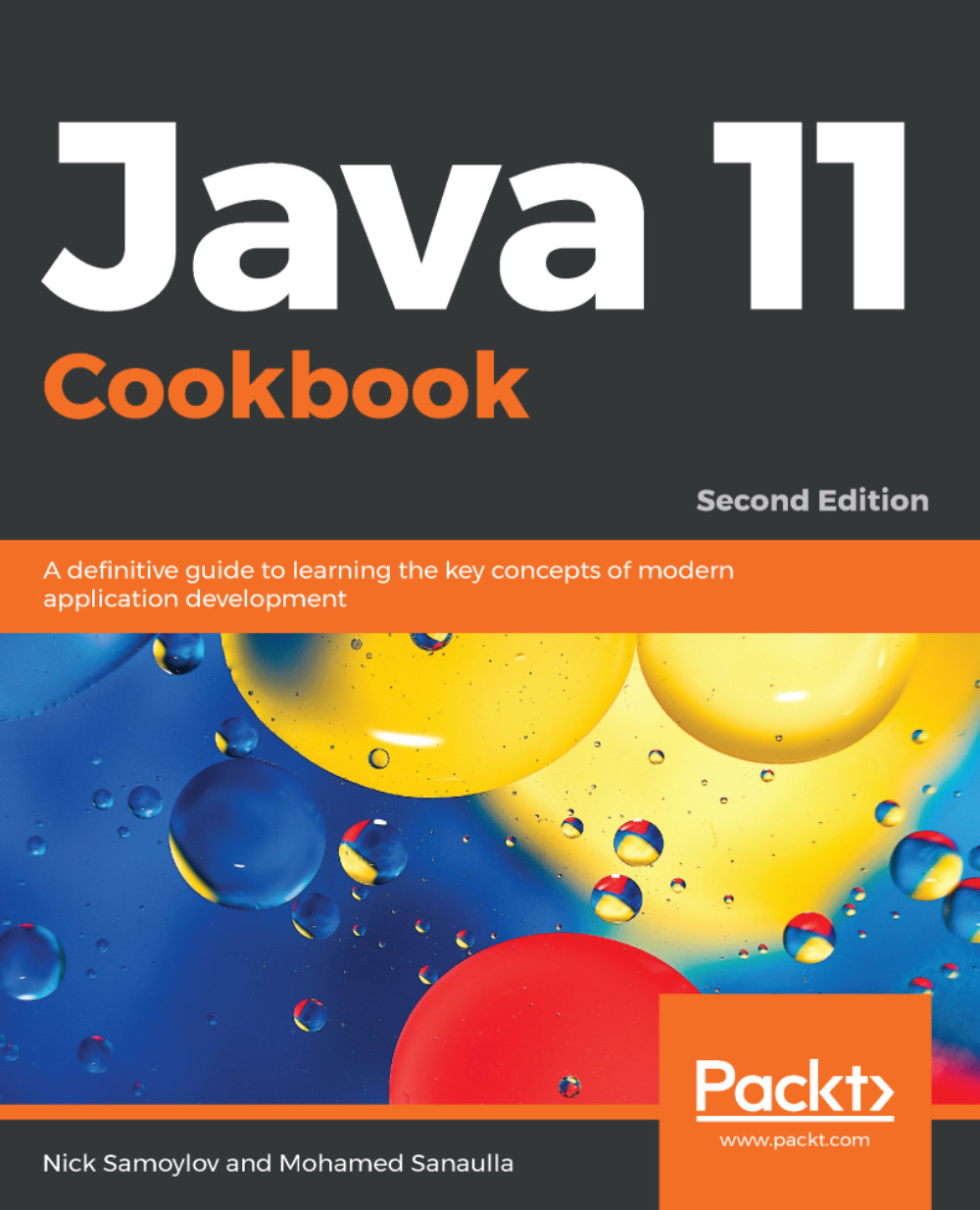
Java 11 Cookbook - Second Edition
By :


Java 11 Cookbook
By:
Overview of this book
For more than three decades, Java has been on the forefront of developing robust software that has helped versatile businesses meet their requirements. Being one of the most widely used programming languages in history, it’s imperative for Java developers to discover effective ways of using it in order to take full advantage of the power of the latest Java features. Java 11 Cookbook offers a range of software development solutions with simple and straightforward Java 11 code examples to help you build a modern software system.
Starting with the installation of Java, each recipe addresses various problem by explaining the solution and offering insights into how it works. You’ll explore the new features added to Java 11 that will make your application modular, secure, and fast. The book contains recipes on functional programming, GUI programming, concurrent programming, and database programming in Java. You’ll also be taken through the new features introduced in JDK 18.3 and 18.9.
By the end of this book, you’ll be equipped with the skills required to write robust, scalable, and optimal Java code effectively.
Table of Contents (18 chapters)
Preface


 Free Chapter
Installation and a Sneak Peek into Java 11
Fast Track to OOP - Classes and Interfaces
Modular Programming
Going Functional
Streams and Pipelines
Database Programming
Concurrent and Multithreaded Programming
Better Management of the OS Process

RESTful Web Services Using Spring Boot
Networking
Memory Management and Debugging
The Read-Evaluate-Print Loop (REPL) Using JShell
Working with New Date and Time APIs
Testing
The New Way of Coding with Java 10 and Java 11
GUI Programming Using JavaFX
Other Books You May Enjoy
Customer Reviews




