


When you install the website module, the /website/info path displays some information about your Odoo instance. In this recipe, we will override this in order to change this information page's layout, and to also change what is displayed.
-
Book Overview & Buying
-
Table Of Contents

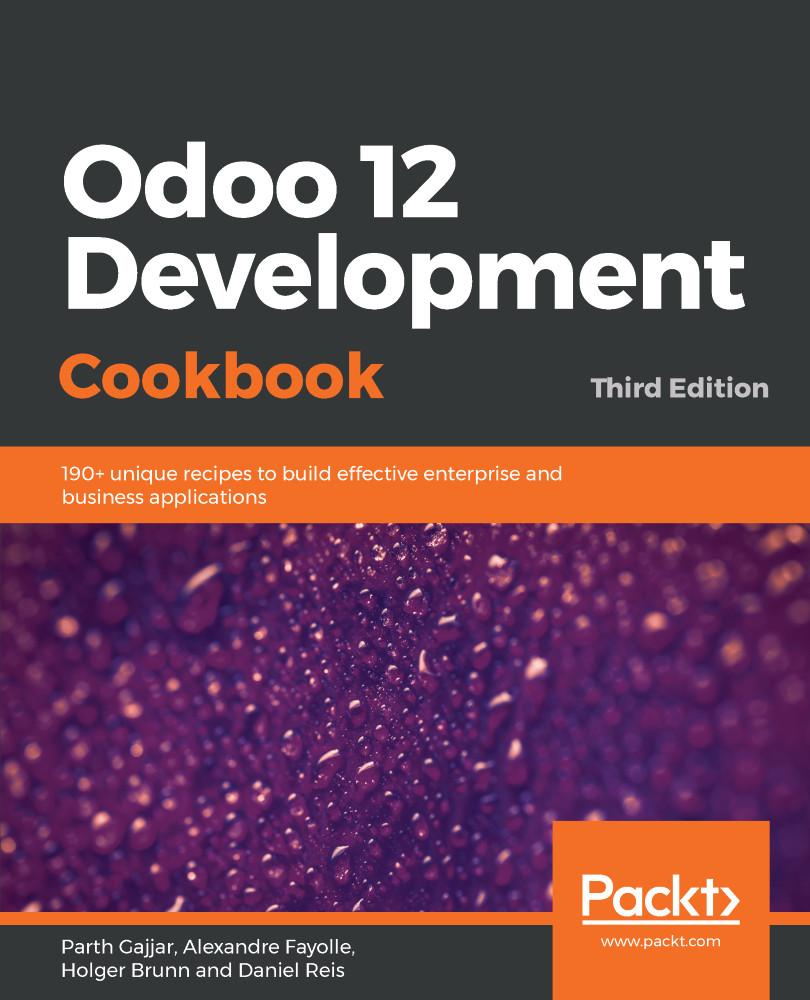
Odoo 12 Development Cookbook - Third Edition
By :


Odoo 12 Development Cookbook
By:
Overview of this book
Odoo is a powerful framework known for rapid application development. Its latest release, Odoo 12, introduces tons of new features. With this book, you’ll learn how to develop powerful Odoo applications from scratch, using all the latest features.
This Odoo cookbook starts by covering Odoo installation and deployment on the server. Next, you’ll explore the Odoo framework with real-world examples. You’ll create a new Odoo module from the ground up and progress to advanced framework concepts. You’ll also learn how to modify existing applications, including Point of Sale (POS). This book is not just limited to backend development; the advanced JavaScript recipes for creating new views and widgets will help you build beautiful UI elements. As you move forward, you’ll gain insights into website development and become a quality Odoo developer by studying performance optimization, debugging, and automated tests. Finally, you’ll learn the latest concepts like multi-website, In-App Purchasing (IAP), Odoo.sh, and IoT Box.
By the end of the book, you’ll have all the knowledge you need to build powerful Odoo applications. The development best practices used in this book will undoubtedly come handy when you are working with the Odoo framework.
Table of Contents (26 chapters)
Preface

 Free Chapter
Installing the Odoo Development Environment
Managing Odoo Server Instances
Server Deployment
Creating Odoo Add-On Modules
Application Models
Basic Server-Side Development
Module Data
Debugging
Advanced Server-Side Development Techniques
Backend Views
Access Security
Internationalization
Automation, Workflows, and Printouts
Web Server Development

CMS Website Development
Web Client Development
In-App Purchasing with Odoo
Automated Test Cases
Managing, Deploying, and Testing with Odoo.sh
Remote Procedure Calls in Odoo
Performance Optimization
Point of Sale
Manage Emails in Odoo
IoT Box
Other Book You May Enjoy


