
Sign In Start Free Trial
Account

Add to playlist

Create a Playlist

Modal Close icon
You need to login to use this feature.
  • Book Overview & Buying Modern Web Development with ASP.NET Core 3
  • Table Of Contents Toc
Modern Web Development with ASP.NET Core 3

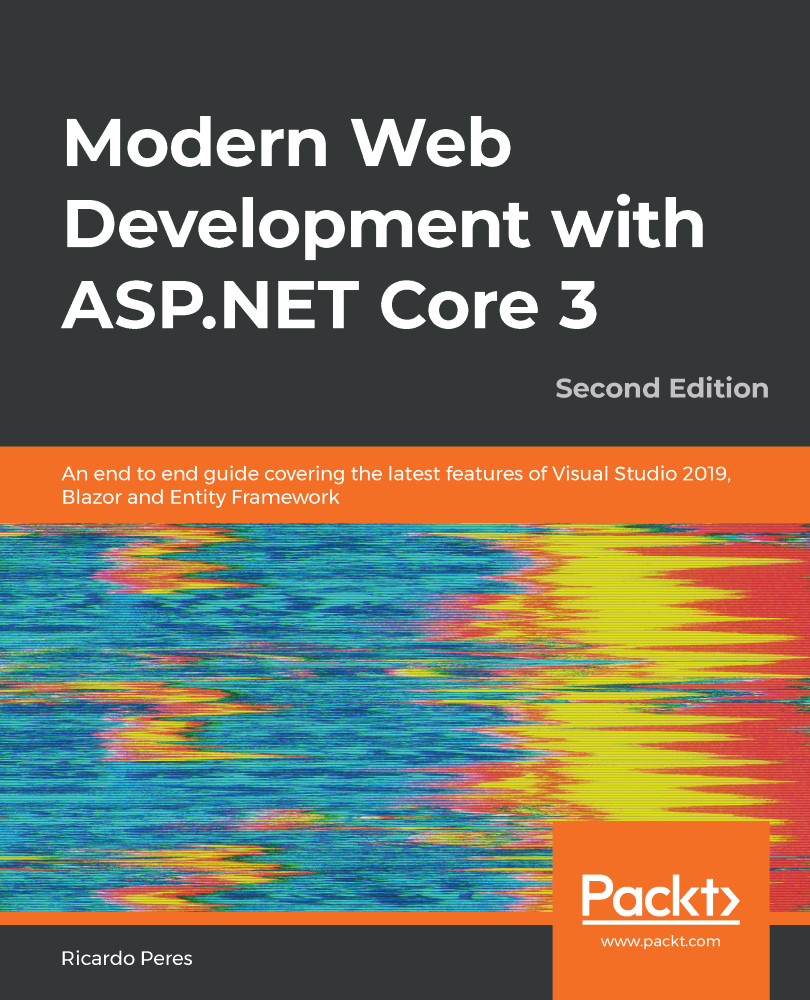
Modern Web Development with ASP.NET Core 3 - Second Edition

By : Ricardo Peres
3.7 (6)
close
close
Modern Web Development with ASP.NET Core 3

Modern Web Development with ASP.NET Core 3

3.7 (6)
By: Ricardo Peres

Overview of this book

ASP.NET has been the preferred choice of web developers for a long time. With ASP.NET Core 3, Microsoft has made internal changes to the framework along with introducing new additions that will change the way you approach web development. This second edition has been thoroughly updated to help you make the most of the latest features in the framework, right from gRPC and conventions to Blazor, which has a new chapter dedicated to it. You’ll begin with an overview of the essential topics, exploring the Model-View-Controller (MVC) pattern, various platforms, dependencies, and frameworks. Next, you’ll learn how to set up and configure the MVC environment, before delving into advanced routing options. As you advance, you’ll get to grips with controllers and actions to process requests, and later understand how to create HTML inputs for models. Moving on, you'll discover the essential aspects of syntax and processes when working with Razor. You'll also get up to speed with client-side development and explore the testing, logging, scalability, and security aspects of ASP.NET Core. Finally, you'll learn how to deploy ASP.NET Core to several environments, such as Azure, Amazon Web Services (AWS), and Docker. By the end of the book, you’ll be well versed in development in ASP.NET Core and will have a deep understanding of how to interact with the framework and work cross-platform.
Table of Contents (26 chapters)
close
close
1
Section 1: The Fundamentals of ASP.NET Core 3
7
Section 2: Improving Productivity
14
Section 3: Advanced Topics
1
Appendix A: The dotnet Tool

Applying URL rewriting

As convenient as MVC routing is, there are, however, times when we need to present different URLs to the public, or vice versa—be able to accept a URL that the public knows about. This is where URL rewriting comes in.

URL rewriting is not new; it's been around since ASP.NET Web Forms, natively, and in a more advanced way, through the IIS URL Rewrite module (see https://www.iis.net/downloads/microsoft/url-rewrite). ASP.NET Core offers similar functionality through the Microsoft.AspNetCore.Rewrite package. Let's see how it works.

Essentially, URL rewriting is a feature by which you can turn request URLs into something different based on a set of preconfigured rules. Microsoft suggests some situations where this may come in handy:

  • Providing unchanging URLs for resources that need to be changed, temporarily or permanently
  • Splitting request across apps
  • Reorganizing URL fragments
  • ...
CONTINUE READING
83
Tech Concepts
36
Programming languages
73
Tech Tools
Icon Unlimited access to the largest independent learning library in tech of over 8,000 expert-authored tech books and videos.
Icon Innovative learning tools, including AI book assistants, code context explainers, and text-to-speech.
Icon 50+ new titles added per month and exclusive early access to books as they are being written.
Modern Web Development with ASP.NET Core 3
notes
bookmark Notes and Bookmarks search Search in title playlist Add to playlist download Download options font-size Font size

Change the font size

margin-width Margin width

Change margin width

day-mode Day/Sepia/Night Modes

Change background colour

Close icon Search
Country selected

Close icon Your notes and bookmarks

Confirmation

Modal Close icon
claim successful

Buy this book with your credits?

Modal Close icon
Are you sure you want to buy this book with one of your credits?
Close
YES, BUY

Submit Your Feedback

Modal Close icon
Modal Close icon
Modal Close icon