


-
Book Overview & Buying
-
Table Of Contents

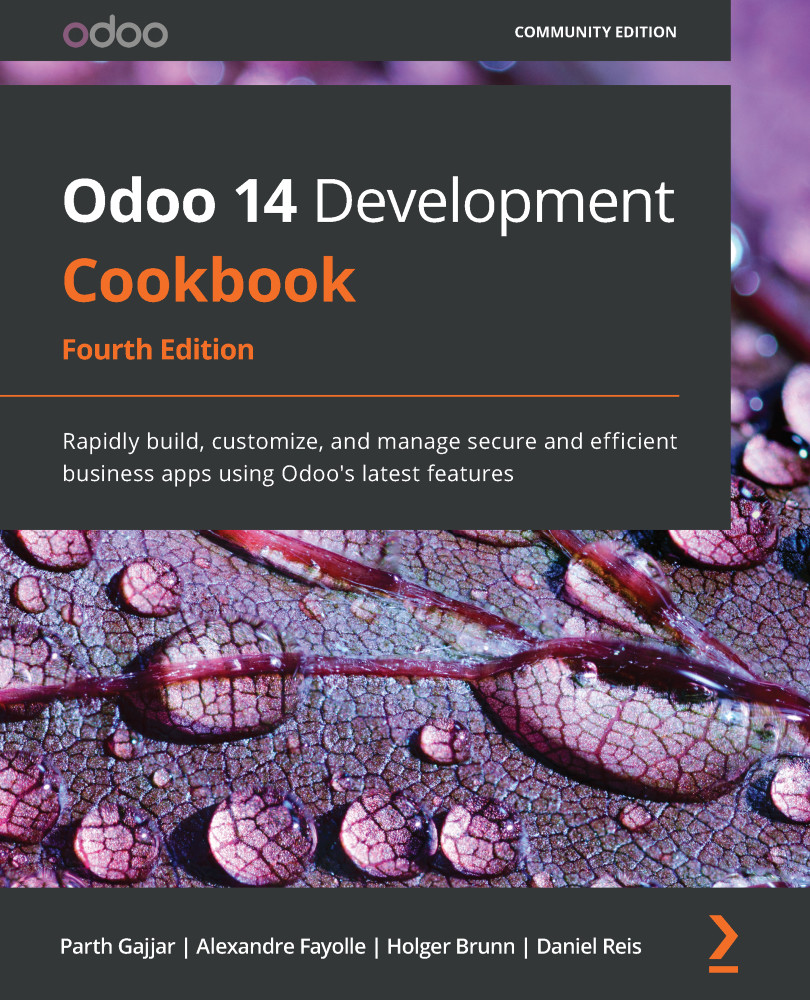
Odoo 14 Development Cookbook - Fourth Edition
By :


Odoo 14 Development Cookbook
By:
Overview of this book
With its latest iteration, the powerful Odoo framework released a wide variety of features for rapid application development. This updated Odoo development cookbook will help you explore the new features in Odoo 14 and learn how to use them to develop Odoo applications from scratch. You'll learn about the new website concepts in Odoo 14 and get a glimpse of Odoo's new web-client framework, the Odoo Web Library (OWL).
Once you've completed the installation, you'll begin to explore the Odoo framework with real-world examples. You'll then create a new Odoo module from the ground up and progress to advanced framework concepts. You'll also learn how to modify existing applications, including Point of Sale (POS) applications. This book isn't just limited to backend development; you'll discover advanced JavaScript recipes for creating new views and widgets. As you progress, you'll learn about website development and become a quality Odoo developer by studying performance optimization, debugging, and automated testing. Finally, you'll delve into advanced concepts such as multi-website, In-App Purchasing (IAP), Odoo.sh, the IoT Box, and security.
By the end of the book, you'll have all the knowledge you need to build impressive Odoo applications and you'll be well versed in development best practices that will come in handy when working with the Odoo framework.
Table of Contents (26 chapters)
Preface


Chapter 1: Installing the Odoo Development Environment
 Free Chapter
Chapter 2: Managing Odoo Server Instances
Chapter 3: Creating Odoo Add-On Modules

Chapter 4: Application Models
Chapter 5: Basic Server-Side Development
Chapter 6: Managing Module Data
Chapter 7: Debugging Modules
Chapter 8: Advanced Server-Side Development Techniques
Chapter 9: Backend Views
Chapter 10: Security Access
Chapter 11: Internationalization
Chapter 12: Automation, Workflows, Emails, and Printing
Chapter 13: Web Server Development
Chapter 14: CMS Website Development
Chapter 15: Web Client Development
Chapter 16: The Odoo Web Library (OWL)
Chapter 17: In-App Purchasing with Odoo
Chapter 18: Automated Test Cases
Chapter 19: Managing, Deploying, and Testing with Odoo.sh
Chapter 20: Remote Procedure Calls in Odoo
Chapter 21: Performance Optimization
Chapter 22: Point of Sale
Chapter 23: Managing Emails in Odoo
Chapter 24: Managing the IoT Box
Other Books You May Enjoy


