


-
Book Overview & Buying
-
Table Of Contents

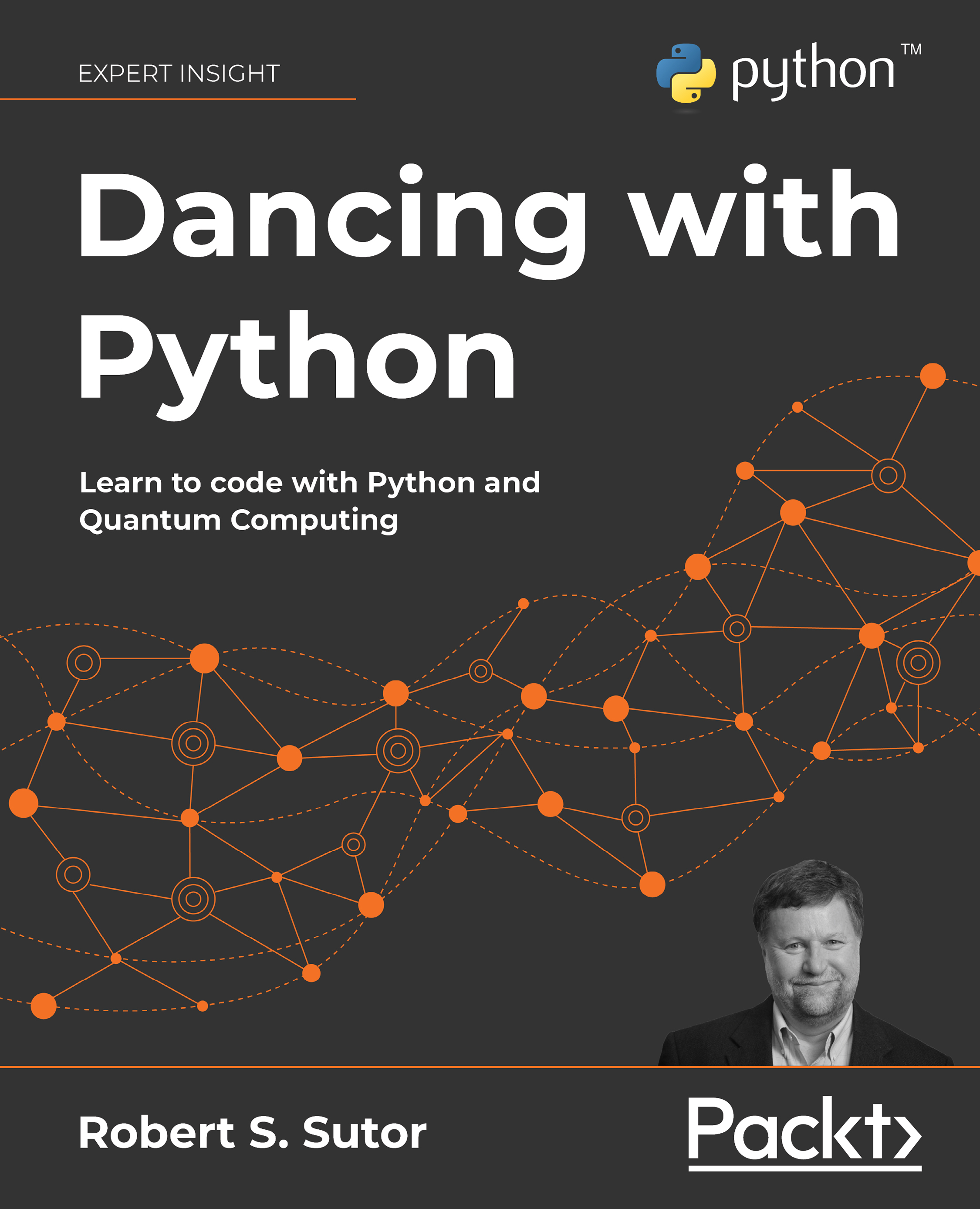
Dancing with Python
By :


Dancing with Python
By:
Overview of this book
Dancing with Python helps you learn Python and quantum computing in a practical way. It will help you explore how to work with numbers, strings, collections, iterators, and files.
The book goes beyond functions and classes and teaches you to use Python and Qiskit to create gates and circuits for classical and quantum computing. Learn how quantum extends traditional techniques using the Grover Search Algorithm and the code that implements it. Dive into some advanced and widely used applications of Python and revisit strings with more sophisticated tools, such as regular expressions and basic natural language processing (NLP). The final chapters introduce you to data analysis, visualizations, and supervised and unsupervised machine learning.
By the end of the book, you will be proficient in programming the latest and most powerful quantum computers, the Pythonic way.
Table of Contents (29 chapters)
Preface


 Free Chapter
Chapter 1: Doing the Things That Coders Do
Part I: Getting to Know Python
Chapter 2: Working with Expressions
Chapter 3: Collecting Things Together
Chapter 4: Stringing You Along
Chapter 5: Computing and Calculating
Chapter 6: Defining and Using Functions
Chapter 7: Organizing Objects into Classes
Chapter 8: Working with Files
PART II: Algorithms and Circuits
Chapter 9: Understanding Gates and Circuits
Chapter 10: Optimizing and Testing Your Code
Chapter 11: Searching for the Quantum Improvement
PART III: Advanced Features and Libraries
Chapter 12: Searching and Changing Text
Chapter 13: Creating Plots and Charts

Chapter 14: Analyzing Data
Chapter 15: Learning, Briefly
References
Other Books You May Enjoy
Appendices
Appendix A: Tools
Appendix B: Staying Current
Appendix C: The Complete UniPoly Class
Appendix D: The Complete Guitar Class Hierarchy
Appendix E: Notices
Appendix F: Production Notes


