Sign In Start Free Trial
Account

Add to playlist

Create a Playlist

Modal Close icon
You need to login to use this feature.
  • Book Overview & Buying Polished Ruby Programming
  • Table Of Contents Toc
Polished Ruby Programming

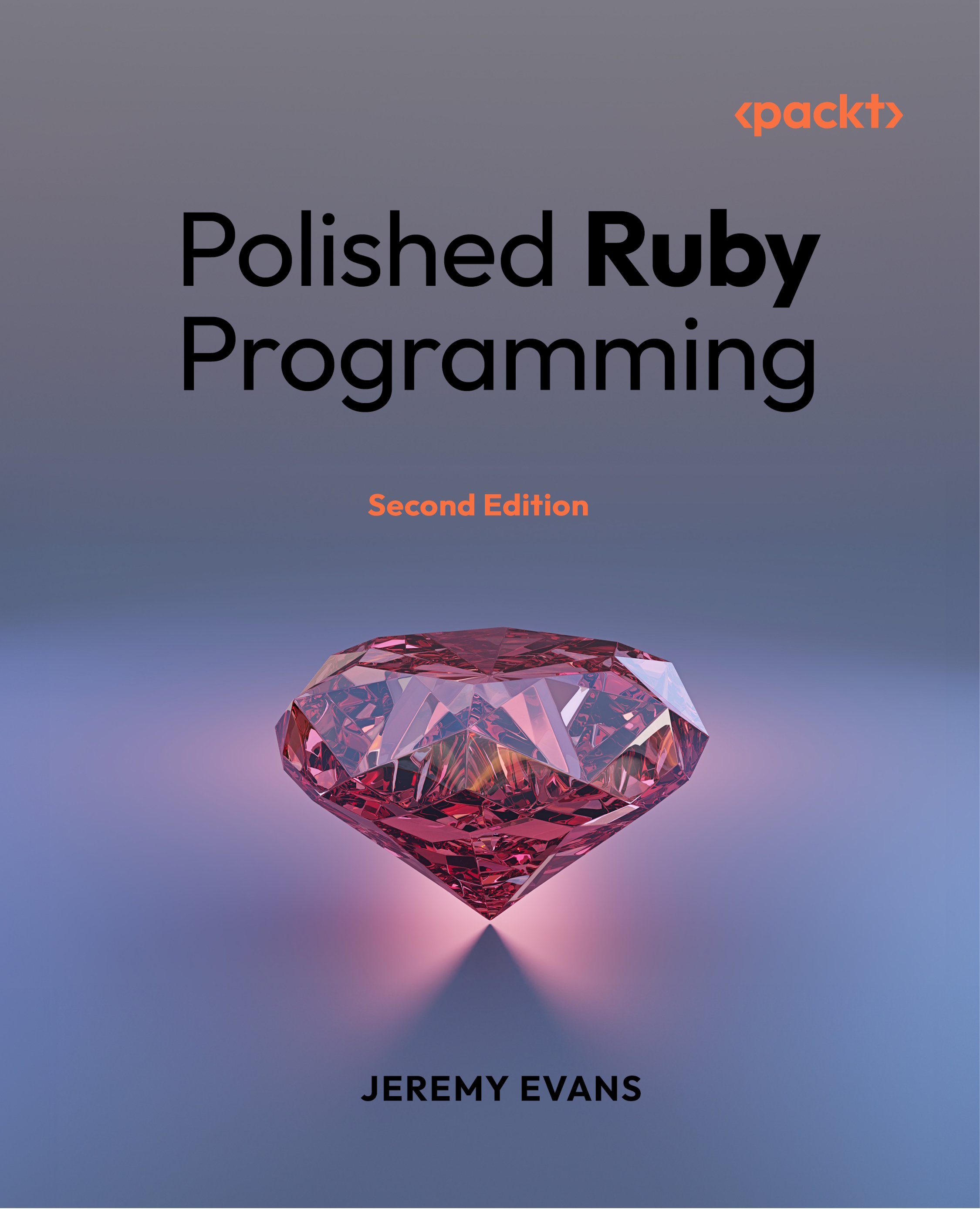
Polished Ruby Programming - Second Edition

By : Jeremy Evans
close
close
Polished Ruby Programming

Polished Ruby Programming

By: Jeremy Evans

Overview of this book

Most successful Ruby applications become more difficult to maintain as the codebase grows in size. Polished Ruby Programming, 2nd Edition provides you with the skills and advice you need to design Ruby programs and libraries that are robust, performant, scalable, and maintainable. The book takes you through possible implementation approaches for many common programming situations, discusses the trade-offs inherent in each approach, and explains why you may sometimes choose to use different approaches. You'll start by learning fundamental Ruby programming principles, such as correctly using core classes, class and method design, variable usage, error handling, and code formatting. Then you’ll move on to higher-level topics such as library design, metaprogramming, domain-specific languages, and refactoring. Finally, you'll learn about the pros and cons of different approaches to concurrency, what you should consider when deciding whether to use static types in your Ruby code, and how best to optimize your Ruby code. The 2nd edition of Polished Ruby Programming has been updated to include relevant changes between Ruby 3.0 and 4.0. While most principles discussed in the book apply to all recent Ruby versions, some of the content in the book is specific to Ruby 4.0, the latest release at the time of publication.
Table of Contents (20 chapters)
close
close
18
Other Books You May Enjoy
19
Index

Learning when to create a class

Object-oriented design involves creating a class for each separate type of object, and passing messages between objects. Functional design avoids the use of classes, instead using functions that operate on immutable data structures. Procedural design avoids classes as well, but uses functions that operate on mutable data structures. No one design approach is superior in all cases, and all design approaches have trade-offs. Ruby supports object-oriented design, functional design, and procedural design, and maintainable code often has a mix of all three.

One question you should consider before creating a class is, "Do I need to create a class?" There is a cost in creating a class versus using a core class. Both core classes and classes you create result in some amount of conceptual overhead. However, Ruby programmers have probably used the most common core classes already, which means they have already internalized the conceptual overhead. Creating a class, on the other hand, means that everyone who deals with the code needs to learn about the class and how it works, before they are able to use it correctly and productively.

There are two main benefits of creating a class. One benefit is that classes provide encapsulation, only allowing manipulation of instances in ways that make sense. The second benefit is that classes provide a simpler way to call functions related to the instances of the class. In Ruby, these functions are called methods. Whether these benefits outweigh the cost of the conceptual overhead is going to be situation dependent.

Let's say your application needs to store a stack of objects. This is simple to implement with the core Array class:

stack = []

# add to top of stack
stack.push(1)

# get top value from stack
stack.pop

This approach is intuitive and maintainable. However, because an Array object is used, if external code can get a reference to the array, it can violate the stack design and do this:

# add to bottom to stack!
stack.unshift(2)

To prevent this, you can create a Stack class to provide encapsulation:

class Stack
  def initialize = @stack = []

  def push(value) = @stack.push(value)

  def pop = @stack.pop
end

If you are allowing users to operate on Stack objects directly, and pass the Stack objects as arguments to other methods, this encapsulation makes sense. However, if the stack is only an implementation detail of another class, which has its own encapsulation, then creating a Stack class is probably unnecessary complexity. In addition to being less intuitive than using an Array directly, it is slower and requires more memory, due to additional object allocation and indirection.

Unfortunately, while the above code appears to provide the necessary encapulation, it actually leaks the underlying array, since Stack#push returns the underlying Array object (@stack). To ensure the necessary encapsulation, the Stack#push method should be modified to return self:

  def push(value)
    @stack.push(value)
    self
  end

The Stack#initialize method also returns the underlying Array object, but initialize methods are private by default, so users can only call initialize directly if they are choosing to bypass the encapsulation.

In the previous examples, the only benefit to creating the Stack class is information hiding, since Stack#push and Stack#pop methods only call the underlying Array methods. What if you want to require that the values in the stack are symbols, and you want to return the time the symbol spent in the stack when popping the stack? You decide to implement the behavior by creating a SymbolStack class, using an Array for storage:

class SymbolStack
  def initialize = @stack = []

You define the SymbolStack#push method to check that the argument provided is a symbol, and push the symbol and current time onto the internal stack:

  def push(sym)
    unless sym.is_a?(Symbol)
      raise TypeError, "can only push symbols onto stack"
    end
    @stack.push(sym, clock_time)
    self
  end

You define the SymbolStack#pop method to pop those values from the internal stack, and return the symbol and the amount of time the symbol spent in the stack:

  def pop
    sym, pushed_at = @stack.pop(2)
    [sym, clock_time - pushed_at]
  end

In order to calculate times accurately, you define a private SymbolStack#clock_time method that uses Process::CLOCK_MONOTONIC. This is more reliable than using Time.now, as using Time.now to calculate time durations can be affected by changes to the system time:

  private

  def clock_time = Process.clock_gettime(Process::CLOCK_MONOTONIC)
end

In this scenario, where you need both information hiding and custom behavior, defining a class usually makes sense.

One last thing to consider before creating a class is the number of places you plan to use the class. In the previous example, if you are using SymbolStack in three separate classes that have similar needs, that's a strong indication that a separate class is appropriate. However, if you are only using SymbolStack in a single class, and it doesn't need to be accessed directly by users, it may be better to inline the behavior instead of creating a custom class.

In this section, you learned principles to help you decide whether creating a class is appropriate. In the next section, you'll learn about SOLID design, and the trade-offs involved in applying it.

CONTINUE READING
83
Tech Concepts
36
Programming languages
73
Tech Tools
Icon Unlimited access to the largest independent learning library in tech of over 8,000 expert-authored tech books and videos.
Icon Innovative learning tools, including AI book assistants, code context explainers, and text-to-speech.
Icon 50+ new titles added per month and exclusive early access to books as they are being written.
Polished Ruby Programming
notes
bookmark Notes and Bookmarks search Search in title playlist Add to playlist font-size Font size

Change the font size

margin-width Margin width

Change margin width

day-mode Day/Sepia/Night Modes

Change background colour

Close icon Search
Country selected

Close icon Your notes and bookmarks

Confirmation

Modal Close icon
claim successful

Buy this book with your credits?

Modal Close icon
Are you sure you want to buy this book with one of your credits?
Close
YES, BUY

Submit Your Feedback

Modal Close icon
Modal Close icon
Modal Close icon