


-
Book Overview & Buying
-
Table Of Contents

Expert Delphi - Second Edition
By :


Expert Delphi
By:
Overview of this book
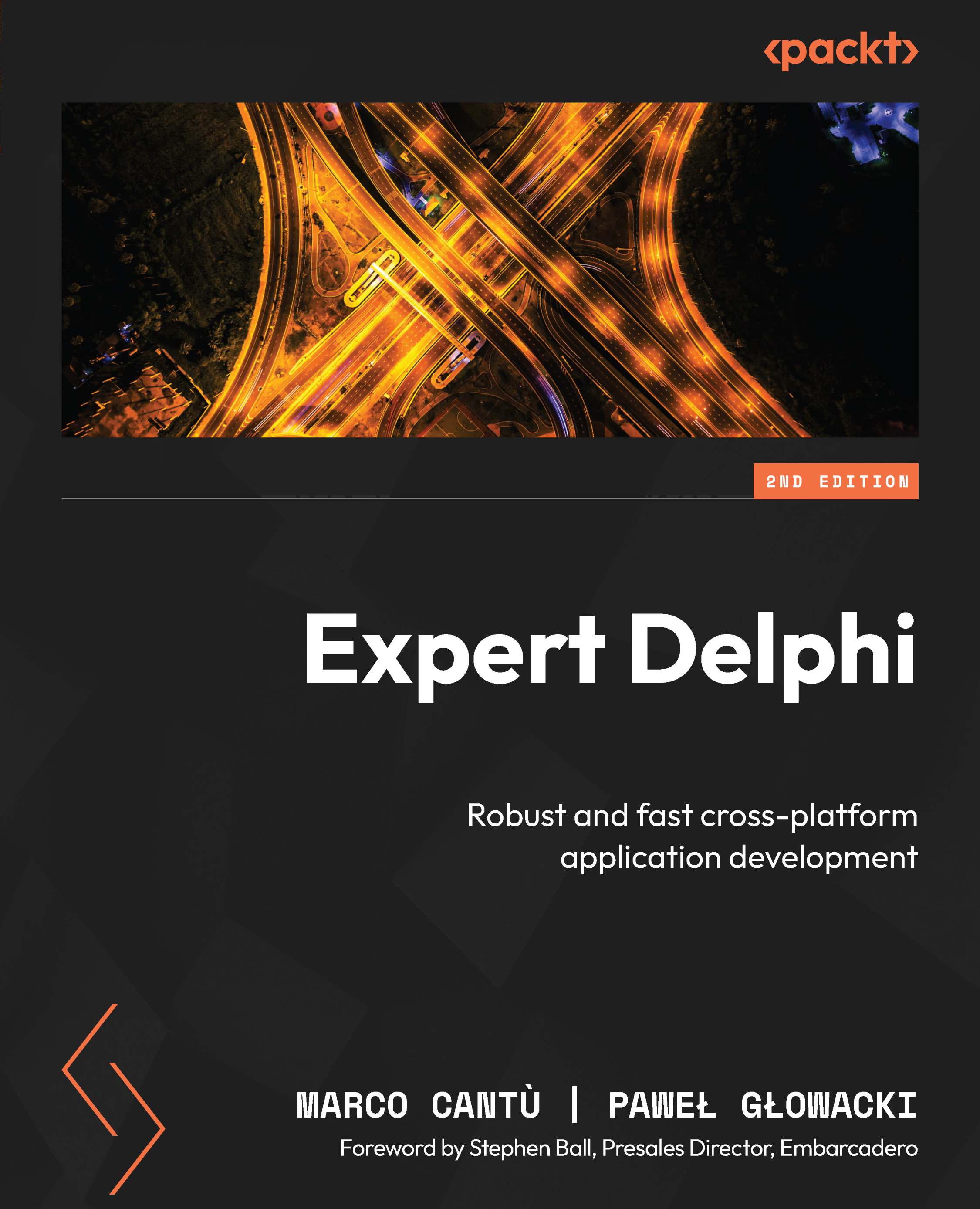
Master Delphi, the most powerful Object Pascal IDE and versatile component library for cross-platform native app development, by harnessing its capabilities for building natively compiled, blazingly fast apps for all major platforms, including Android, iOS, Windows, Mac, and Linux.
Expert Delphi begins with a quick overview of Delphi, helping you get acquainted with the IDE and the Object Pascal language. The book then quickly progresses to more advanced concepts, followed by the architecture of applications and the FireMonkey library, guiding you through building server-side services, parallel programming, and database access. Toward the end, you’ll learn how to integrate your app with various web services and deploy them effectively.
By the end of this book, you’ll be adept at building powerful, cross-platform, native apps for iOS, Android, Windows, and macOS—all from a single code base.
Table of Contents (21 chapters)
Preface


Chapter 1: Fasten Your Seat Belts
Chapter 2: Mind Your Language
Chapter 3: Packing Up Your Toolbox
Chapter 4: Using the Parallel Programming Library
Part 2: Going Mobile
Chapter 5: Playing with FireMonkey
Chapter 6: FireMonkey in 3D
Chapter 7: Building User Interfaces with Style
Chapter 8: Working with Mobile Operating Systems
Chapter 9: Desktop Apps and Mobile Bridges
Part 3: From Data to Services
Chapter 10: Embedding Databases
Chapter 11: Integrating with Web Services
Chapter 12: Building Mobile Backends
Chapter 13: Easy REST API Publishing with RAD Server

Chapter 14: App Deployment
Chapter 15: The Road Ahead
Index


