Sign In Start Free Trial
Account

Add to playlist

Create a Playlist

Modal Close icon
You need to login to use this feature.
  • Book Overview & Buying Expert Delphi
  • Table Of Contents Toc
  • Feedback & Rating feedback
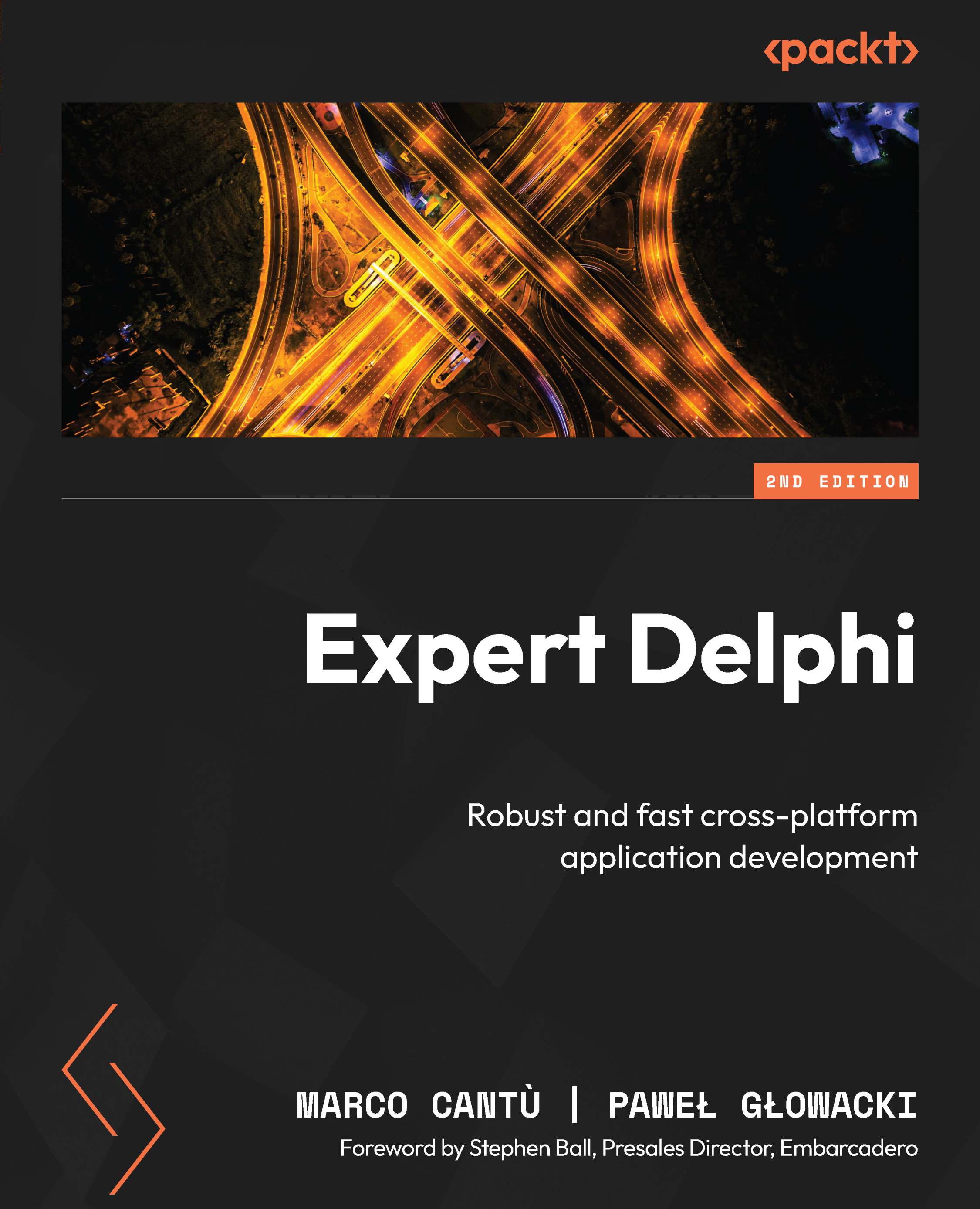
Expert Delphi

Expert Delphi - Second Edition

By : Marco Cantù, Paweł Głowacki
5 (6)
close
close
Expert Delphi

Expert Delphi

5 (6)
By: Marco Cantù, Paweł Głowacki

Overview of this book

Master Delphi, the most powerful Object Pascal IDE and versatile component library for cross-platform native app development, by harnessing its capabilities for building natively compiled, blazingly fast apps for all major platforms, including Android, iOS, Windows, Mac, and Linux. Expert Delphi begins with a quick overview of Delphi, helping you get acquainted with the IDE and the Object Pascal language. The book then quickly progresses to more advanced concepts, followed by the architecture of applications and the FireMonkey library, guiding you through building server-side services, parallel programming, and database access. Toward the end, you’ll learn how to integrate your app with various web services and deploy them effectively. By the end of this book, you’ll be adept at building powerful, cross-platform, native apps for iOS, Android, Windows, and macOS—all from a single code base.
Table of Contents (21 chapters)
close
close
Lock Free Chapter
1
Part 1: Building Blocks
6
Part 2: Going Mobile
12
Part 3: From Data to Services
19
Index

Drawing in code

The key to FireMonkey’s cross-platform support is its rendering architecture. When you create a new multi-device project with Delphi, on the first page of the wizard, you can choose an application type. Effectively, this selects the type of the first form to add to a new app. For this, you can choose Blank Application. This will add a form inherited from TForm to the project, which is a basic two-dimensional form. The second choice is 3D Application. This will add a form inherited from TForm3D. All other choices give you a TForm descendant with some additional controls already added.

If you decide to add more forms to the project, then you’ll come across the real choice: HD Form or 3D Form. Here, HD stands for high-definition and is just a different name for 2D. Depending on the chosen platform, FireMonkey forms are rendered using different graphics APIs, such as OpenGL or DirectX. These are the same APIs that many developers use to implement graphically...

Visually different images
CONTINUE READING
83
Tech Concepts
36
Programming languages
73
Tech Tools
Icon Unlimited access to the largest independent learning library in tech of over 8,000 expert-authored tech books and videos.
Icon Innovative learning tools, including AI book assistants, code context explainers, and text-to-speech.
Icon 50+ new titles added per month and exclusive early access to books as they are being written.
Expert Delphi
notes
bookmark Notes and Bookmarks search Search in title playlist Add to playlist download Download options font-size Font size

Change the font size

margin-width Margin width

Change margin width

day-mode Day/Sepia/Night Modes

Change background colour

Close icon Search
Country selected

Close icon Your notes and bookmarks

Confirmation

Modal Close icon
claim successful

Buy this book with your credits?

Modal Close icon
Are you sure you want to buy this book with one of your credits?
Close
YES, BUY

Submit Your Feedback

Modal Close icon
Modal Close icon
Modal Close icon