


-
Book Overview & Buying
-
Table Of Contents

Modern CMake for C++ - Second Edition
By :


Modern CMake for C++
By:
Overview of this book
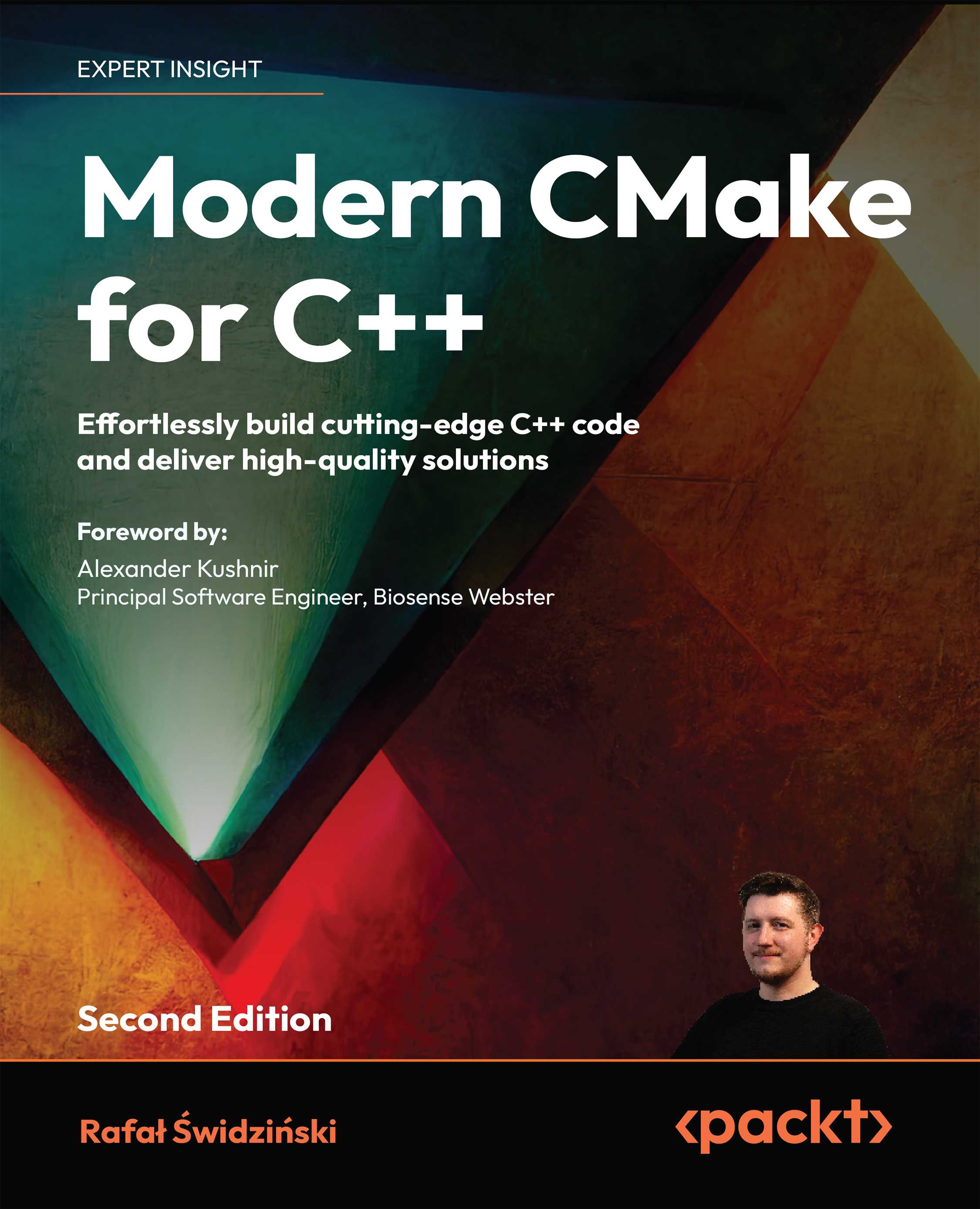
Modern CMake for C++ isn't just another reference book, or a repackaging of the documentation, but a blueprint to bridging the gap between learning C++ and being able to use it in a professional setting. It's an end-to-end guide to the automation of complex tasks, including building, testing, and packaging software.
This second edition is significantly rewritten, restructured and refreshed with latest additions to CMake, such as support of C++20 Modules.
In this book, you'll not only learn how to use the CMake language in CMake projects but also discover how to make those projects maintainable, elegant, and clean. As you progress, you'll dive into the structure of source directories, building targets, and packages, all while learning how to compile and link executables and libraries. You'll also gain a deeper understanding of how those processes work and how to optimize builds in CMake for the best results. You'll discover how to use external dependencies in your project – third-party libraries, testing frameworks, program analysis tools, and documentation generators. Finally, you'll gain profi ciency in exporting, installing, and packaging for internal and external purposes.
By the end of this book, you'll be able to use CMake confi dently at a professional level.
Table of Contents (21 chapters)
Preface


 Free Chapter
First Steps with CMake
The CMake Language
Using CMake in Popular IDEs
Setting Up Your First CMake Project
Working with Targets
Using Generator Expressions
Compiling C++ Sources with CMake
Linking Executables and Libraries
Managing Dependencies in CMake
Using the C++20 Modules

Testing Frameworks
Program Analysis Tools
Generating Documentation
Installing and Packaging
Creating Your Professional Project
Writing CMake Presets
Unlock Your Book’s Exclusive Benefits
Other Books You May Enjoy
Index



