Sign In Start Free Trial
Account

Add to playlist

Create a Playlist

Modal Close icon
You need to login to use this feature.
  • Book Overview & Buying Learning JavaScript Data Structures and Algorithms
  • Table Of Contents Toc
Learning JavaScript Data Structures and Algorithms

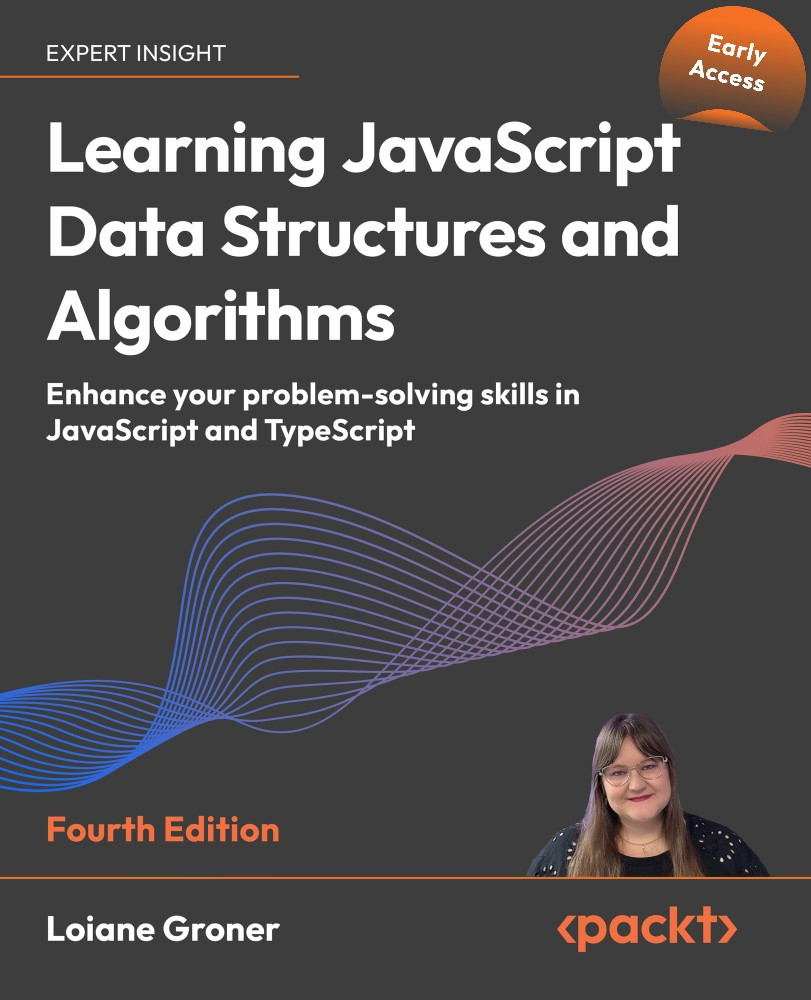
Learning JavaScript Data Structures and Algorithms - Fourth Edition

By : Loiane Groner
close
close
Learning JavaScript Data Structures and Algorithms

Learning JavaScript Data Structures and Algorithms

By: Loiane Groner

Overview of this book

Data structures and algorithms are foundational topics for software developers. This easy-to-follow book from experienced developer and trainer Loiane Groner will help you to fill in the gaps in your knowledge – whether you’re a self-taught developer, you’re preparing for technical interviews, or you just want to write better code and improve your problem-solving skills. This fourth edition covers essential data structures, algorithms, and their usage in the context of JavaScript. You’ll follow examples in both JavaScript and TypeScript, in line with the latest standards and best practices, learning how to do complexity analysis along the way. New to this edition are LeetCode and HackerRank exercises at the end of each chapter, which you'll be guided through solving. You’ll also find brand-new chapters on the tries data structure, and string and math algorithms. By the end of the book, you will know how to develop programs using the best data structures and algorithms for the job.
Table of Contents (9 chapters)
close
close
Lock Free Chapter
1
Learning JavaScript Data Structures and Algorithms, Fourth Edition: Enhance your problem-solving skills in JavaScript and TypeScript

Iterator methods

JavaScript also has some built in methods as part of the Array API that are extremely useful in the day-to-day coding tasks. These methods accept a callback function that we can use to manipulate the data in the array as needed.

Let's look at these methods. Consider the following array used as a base for the examples in this section:

const numbers = [1, 2, 3, 4, 5, 6, 7, 8, 9, 10];

Iterating using the forEach method

If we need the array to be completely iterated no matter what, we can use the forEach function. It has the same result as using a for loop with the function's code inside it, as follows:

numbers.forEach((value, index) => {
  console.log(`numbers[${index}]`, value);
});

Most of the times, we are only interested in using the value coming from each position of the array, without having to access each position as the preceding example. Following is a more concise example:

numbers.forEach(value => console.log(value));

Depending on personal...

CONTINUE READING
83
Tech Concepts
36
Programming languages
73
Tech Tools
Icon Unlimited access to the largest independent learning library in tech of over 8,000 expert-authored tech books and videos.
Icon Innovative learning tools, including AI book assistants, code context explainers, and text-to-speech.
Icon 50+ new titles added per month and exclusive early access to books as they are being written.
Learning JavaScript Data Structures and Algorithms
notes
bookmark Notes and Bookmarks search Search in title playlist Add to playlist font-size Font size

Change the font size

margin-width Margin width

Change margin width

day-mode Day/Sepia/Night Modes

Change background colour

Close icon Search
Country selected

Close icon Your notes and bookmarks

Confirmation

Modal Close icon
claim successful

Buy this book with your credits?

Modal Close icon
Are you sure you want to buy this book with one of your credits?
Close
YES, BUY

Submit Your Feedback

Modal Close icon
Modal Close icon
Modal Close icon