


-
Book Overview & Buying
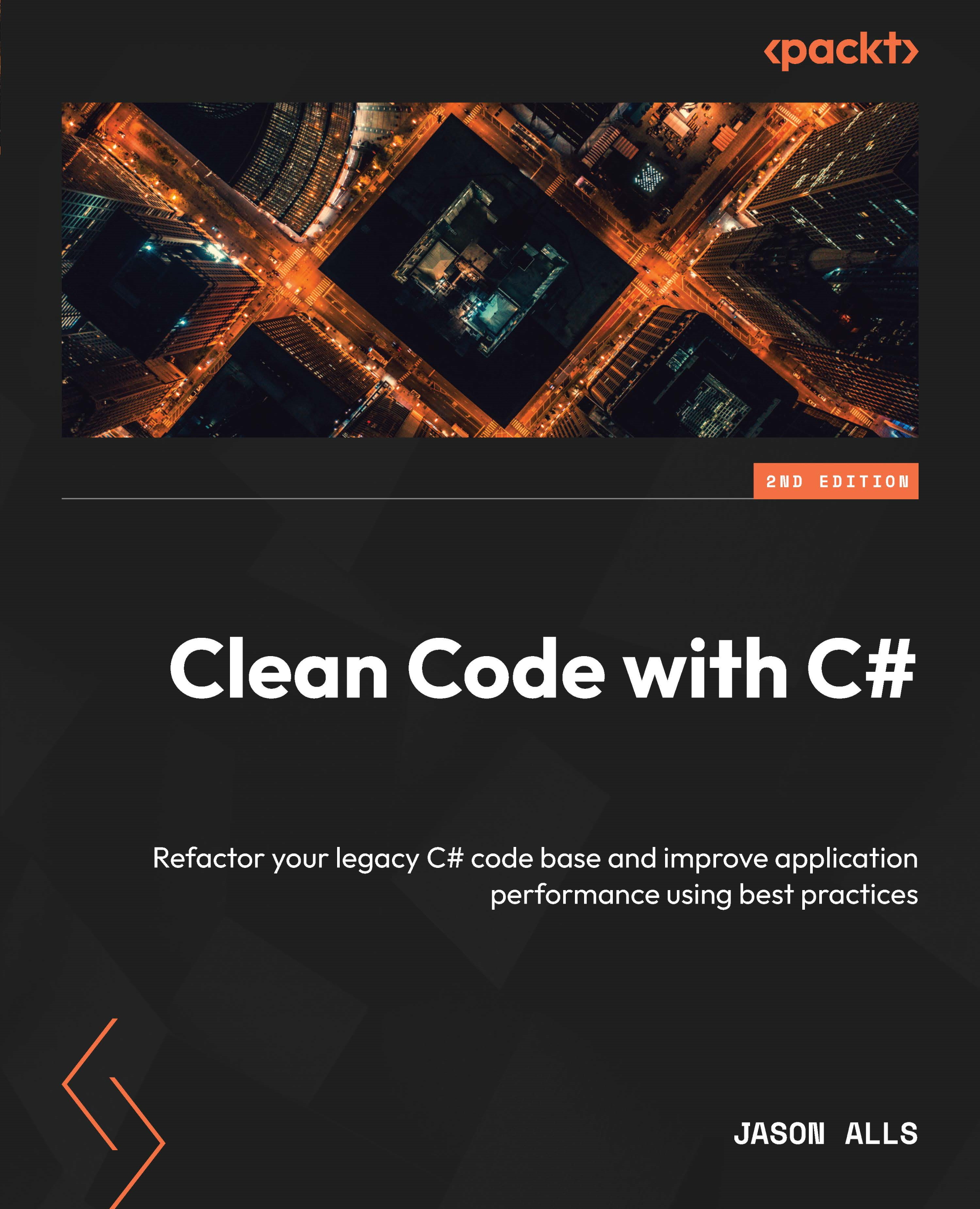
-
Table Of Contents

Clean Code with C# - Second Edition
By :


Clean Code with C#
By:
Overview of this book
Traditionally associated with Windows desktop applications and game development, C# has expanded into web, cloud, and mobile development. However, despite its extensive coding features, professionals often encounter issues with efficiency, scalability, and maintainability due to poor code. Clean Code in C# guides you in identifying and resolving these problems using coding best practices.
This book starts by comparing good and bad code to emphasize the importance of coding standards, principles, and methodologies. It then covers code reviews, unit testing, and test-driven development, and addresses cross-cutting concerns. As you advance through the chapters, you’ll discover programming best practices for objects, data structures, exception handling, and other aspects of writing C# computer programs. You’ll also explore API design and code quality enhancement tools, while studying examples of poor coding practices to understand what to avoid.
By the end of this clean code book, you’ll have the developed the skills needed to apply industry-approved coding practices to write clean, readable, extendable, and maintainable C# code.
Table of Contents (18 chapters)
Preface


Chapter 1: Coding Standards and Principles in C#
 Free Chapter
Chapter 2: Code Review – Process and Importance
Chapter 3: Classes, Objects, and Data Structures
Chapter 4: Writing Clean Functions

Chapter 5: Exception Handling
Chapter 6: Unit Testing
Chapter 7: Designing and Developing APIs
Chapter 8: Addressing Cross-Cutting Concerns
Chapter 9: AOP with PostSharp
Chapter 10: Using Tools to Improve Code Quality
Chapter 11: Refactoring C# Code
Chapter 12: Functional Programming
Chapter 13: Cross-Platform Application Development with MAUI
Chapter 14: Microservices
Assessments
Index


