Sign In Start Free Trial
Account

Add to playlist

Create a Playlist

Modal Close icon
You need to login to use this feature.
  • Book Overview & Buying Mastering Python Design Patterns
  • Table Of Contents Toc
Mastering Python Design Patterns

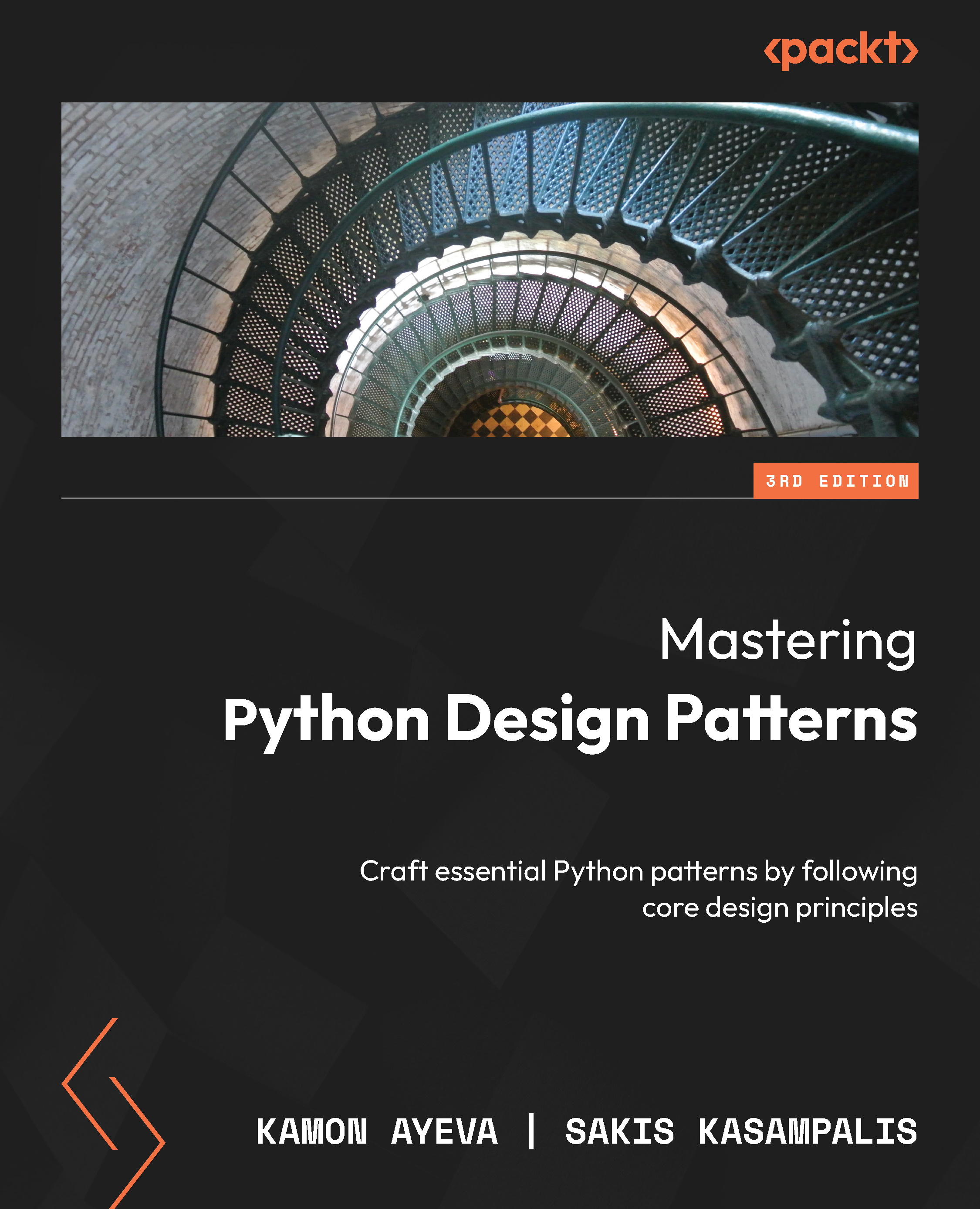
Mastering Python Design Patterns - Third Edition

By : Kamon Ayeva, Sakis Kasampalis
4.3 (8)
close
close
Mastering Python Design Patterns

Mastering Python Design Patterns

4.3 (8)
By: Kamon Ayeva, Sakis Kasampalis

Overview of this book

As software systems become increasingly complex, maintaining code quality, scalability, and efficiency can be a daunting challenge. Mastering Python Design Patterns is an essential resource that equips you with the tools you need to overcome these hurdles and create robust, scalable applications. The book delves into design principles and patterns in Python, covering both classic and modern patterns, and apply them to solve daily challenges as a Python developer or architect. Co-authored by two Python experts with a combined experience of three decades, this new edition covers creational, structural, behavioral, and architectural patterns, including concurrency, asynchronous, and performance patterns. You'll find out how these patterns are relevant to various domains, such as event handling, concurrency, distributed systems, and testing. Whether you're working on user interfaces (UIs), web apps, APIs, data pipelines, or AI models, this book equips you with the knowledge to build robust and maintainable software. The book also presents Python anti-patterns, helping you avoid common pitfalls and ensuring your code remains clean and efficient. By the end of this book, you'll be able to confidently apply classic and modern Python design patterns to build robust, scalable applications.
Table of Contents (17 chapters)
close
close
Lock Free Chapter
1
Part 1: Start with Principles
4
Part 2: From the Gang of Four
8
Part 3: Beyond the Gang of Four

Conventions used

There are a number of text conventions used and formatting specificities throughout this book.

Most of the code has been automatically formatted

The formatting has been done using the Black tool, as is commonly done by Python developers for productivity reasons. So it might not look exactly like the code you would write yourself. But it is valid; it is a PEP 8-compliant code. The goal is to improve the readability of the code snippets.

So, some code snippets in the code files as well as in the book’s pages may look like the following:

State = Enum(
    "State",
    "NEW RUNNING SLEEPING RESTART ZOMBIE",
)

Another example might be the following:

msg = (
    f"trying to create process '{name}' "
    f"for user '{user}'"
)
print(msg)

The code snippets in the book’s pages may be shortened

To improve readability, when there is a documentation string (docstring) for a function or class, and it is too long, we remove it from the code snippet in the book.

When some code (class or function) is too long to display on the chapter’s pages, we may shorten it, and refer the reader to the complete code in the file.

Note

In case of an issue with long commands, which are spread across several lines (with the ‘/’ character as separator), you can reformat the long command text, removing the ‘/’ character, to make sure that the command is correctly interpreted in the terminal.

Other conventions

Code in text: Indicates code words in text, database table names, folder names, filenames, file extensions, pathnames, dummy URLs, user input, and Twitter handles. Here is an example: “Define the Logger interface with a log method.”

A block of code is set as follows:

class MyInterface(ABC):
    @abstractmethod
    def do_something(self, param: str):
        pass

Any command-line input or output is written as follows:

python3.12 –m pip install -–user mypy

Bold: Indicates a new term, an important word, or words that you see onscreen. For instance, words in menus or dialog boxes appear in bold. Here is an example: “It is one of the core concepts in object-oriented programming OOP that enables a single interface to represent different types.”

Tips or important notes

Appear like this.

CONTINUE READING
83
Tech Concepts
36
Programming languages
73
Tech Tools
Icon Unlimited access to the largest independent learning library in tech of over 8,000 expert-authored tech books and videos.
Icon Innovative learning tools, including AI book assistants, code context explainers, and text-to-speech.
Icon 50+ new titles added per month and exclusive early access to books as they are being written.
Mastering Python Design Patterns
notes
bookmark Notes and Bookmarks search Search in title playlist Add to playlist download Download options font-size Font size

Change the font size

margin-width Margin width

Change margin width

day-mode Day/Sepia/Night Modes

Change background colour

Close icon Search
Country selected

Close icon Your notes and bookmarks

Confirmation

Modal Close icon
claim successful

Buy this book with your credits?

Modal Close icon
Are you sure you want to buy this book with one of your credits?
Close
YES, BUY

Submit Your Feedback

Modal Close icon
Modal Close icon
Modal Close icon