Sign In Start Free Trial
Account

Add to playlist

Create a Playlist

Modal Close icon
You need to login to use this feature.
  • Book Overview & Buying Jakarta EE Cookbook
  • Table Of Contents Toc
  • Feedback & Rating feedback
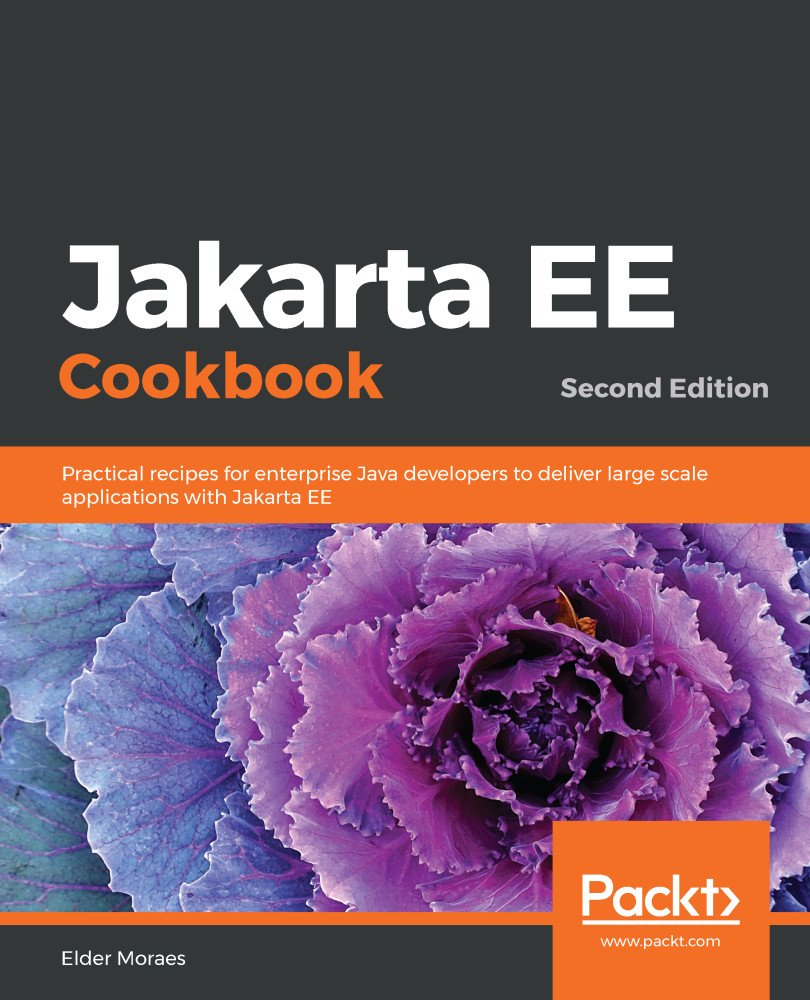
Jakarta EE Cookbook

Jakarta EE Cookbook - Second Edition

By : Moraes
5 (2)
close
close
Jakarta EE Cookbook

Jakarta EE Cookbook

5 (2)
By: Moraes

Overview of this book

Jakarta EE is widely used around the world for developing enterprise applications for a variety of domains. With this book, Java professionals will be able to enhance their skills to deliver powerful enterprise solutions using practical recipes. This second edition of the Jakarta EE Cookbook takes you through the improvements introduced in its latest version and helps you get hands-on with its significant APIs and features used for server-side development. You'll use Jakarta EE for creating RESTful web services and web applications with the JAX-RS, JSON-P, and JSON-B APIs and learn how you can improve the security of your enterprise solutions. Not only will you learn how to use the most important servers on the market, but you'll also learn to make the best of what they have to offer for your project. From an architectural point of view, this Jakarta book covers microservices, cloud computing, and containers. It allows you to explore all the tools for building reactive applications using Jakarta EE and core Java features such as lambdas. Finally, you'll discover how professionals can improve their projects by engaging with and contributing to the community. By the end of this book, you'll have become proficient in developing and deploying enterprise applications using Jakarta EE.

Table of Contents (14 chapters)
close
close

Running your first MVC 1.0 code

If you have been following Jakarta EE 8 history for a while, you may now be wondering: why is MVC 1.0 here if it was dropped from the Jakarta EE 8 umbrella?

Yes, it is true. MVC 1.0 doesn't belong to the Jakarta EE 8 release. But that doesn't reduce the importance of this great API and I'm sure it will change the way some other APIs work in future releases (for example, JSF).

So, why not cover it here? You will use it anyway.

This recipe will show you how to use a Controller (the C) to inject a Model (the M) into the View (the V). It also brings some Jakarta CDI and JAX-RS to the party.

Getting ready

Add the proper dependencies to your project:

<dependencies>
<dependency>
<groupId>jakarta.platform</groupId>
<artifactId>jakarta.jakartaee-api</artifactId>
<version>8.0.0</version>
<scope>provided</scope>
</dependency>
<dependency>
<groupId>javax.mvc</groupId>
<artifactId>javax.mvc-api</artifactId>
<version>1.0-pr</version>
</dependency>
</dependencies>

How to do it...

You need to perform the following steps to try this recipe:

  1. Start by creating a root for your JAX-RS endpoints:
@ApplicationPath("webresources")
public class AppConfig extends Application{
}
  1. Create a User class (this will be your Model):
public class User {

private String name;
private String email;

public User(String name, String email) {
this.name = name;
this.email = email;
}

//DON'T FORGET THE GETTERS AND SETTERS
//THIS RECIPE WON'T WORK WITHOUT THEM
}
  1. Now, create a session bean, which will be injected later in your Controller:
@Stateless
public class UserBean {

public User getUser(){
return new User("Elder", "[email protected]");
}
}
  1. Then, create the Controller:
@Controller
@Path("userController")
public class UserController {

@Inject
Models models;

@Inject
UserBean userBean;

@GET
public String user(){
models.put("user", userBean.getUser());
return "/user.jsp";
}
}
  1. And finally, create the web page (the View):
<head>
<meta http-equiv="Content-Type" content="text/html;
charset=UTF-8">
<title>User MVC</title>
</head>
<body>
<h1>${user.name}/${user.email}</h1>
</body>
  1. Run it on a Jakarta EE 8 server and access this URL:
http://localhost:8080/ch01-mvc/webresources/userController

How it works...

The main actor in this whole scenario is the Models class injected into the Controller, shown as follows:

@Inject
Models models;

It's a class from MVC 1.0 API that has the responsibility, in this recipe, of letting the User object to be available for the View layer. It's injected (using CDI) and uses another injected bean, userBean, to do it:

models.put("user", userBean.getUser());

So, the View can easily access the values from the User object using expression language as follows:

<h1>${user.name}/${user.email}</h1>

See also

Visually different images
CONTINUE READING
83
Tech Concepts
36
Programming languages
73
Tech Tools
Icon Unlimited access to the largest independent learning library in tech of over 8,000 expert-authored tech books and videos.
Icon Innovative learning tools, including AI book assistants, code context explainers, and text-to-speech.
Icon 50+ new titles added per month and exclusive early access to books as they are being written.
Jakarta EE Cookbook
notes
bookmark Notes and Bookmarks search Search in title playlist Add to playlist download Download options font-size Font size

Change the font size

margin-width Margin width

Change margin width

day-mode Day/Sepia/Night Modes

Change background colour

Close icon Search
Country selected

Close icon Your notes and bookmarks

Confirmation

Modal Close icon
claim successful

Buy this book with your credits?

Modal Close icon
Are you sure you want to buy this book with one of your credits?
Close
YES, BUY

Submit Your Feedback

Modal Close icon
Modal Close icon
Modal Close icon