Sign In Start Free Trial
Account

Add to playlist

Create a Playlist

Modal Close icon
You need to login to use this feature.
  • Book Overview & Buying Learning ArcGIS Pro
  • Table Of Contents Toc
  • Feedback & Rating feedback
Learning ArcGIS Pro

Learning ArcGIS Pro

By : Tripp Corbin, GISP
4.8 (4)
close
close
Learning ArcGIS Pro

Learning ArcGIS Pro

4.8 (4)
By: Tripp Corbin, GISP

Overview of this book

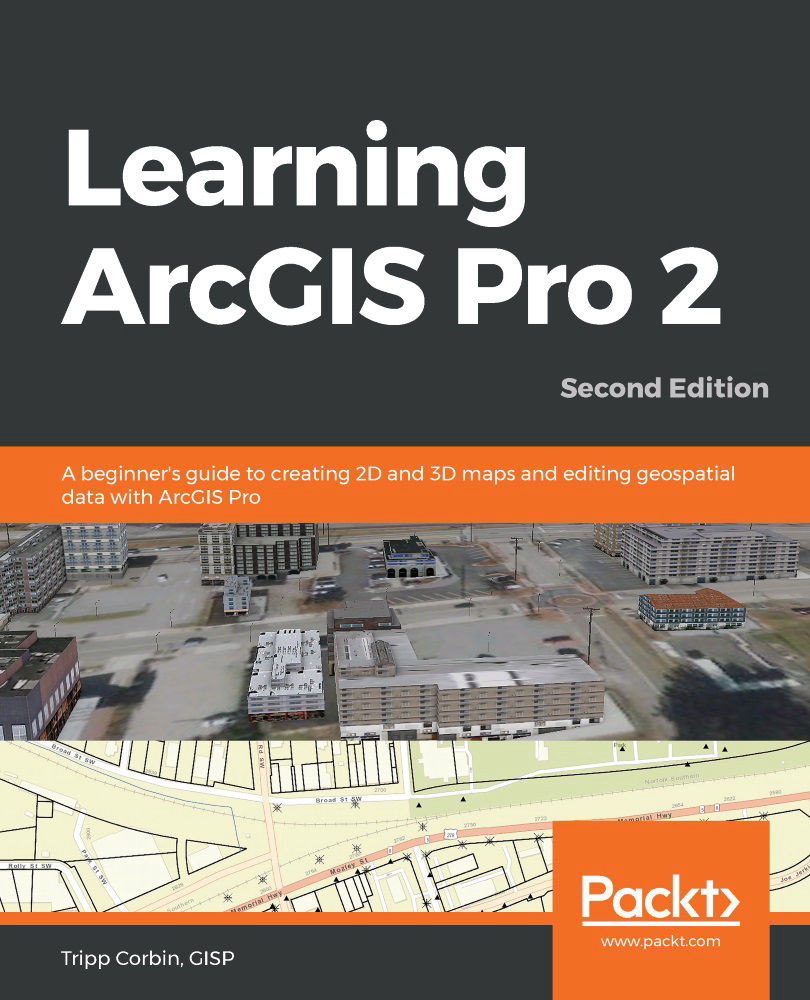
ArcGIS Pro is Esri’s newest desktop GIS application with powerful tools for visualizing, maintaining, and analyzing data. ArcGIS Pro makes use of the modern ribbon interface and 64-bit processing to increase the speed and efficiency of using GIS. It allows users to create amazing maps in both 2D and 3D quickly and easily. This book will take you from software installation to performing geospatial analysis. It is packed with how-to’s for a host of commonly-performed tasks. You will start by learning how to download and install the software including hardware limitations and recommendations. Then you are exposed to the new Ribbon interface and how its smart design can make finding tools easier. After you are exposed to the new interface, you are walked through the steps to create a new GIS Project to provide quick access to project resources. With a project created, you will learn how to construct 2D and 3D maps including how to add layers, adjust symbology, and control labeling. Next you will learn how to access and use analysis tools to help you answer real-world questions. Lastly, you will learn how processes can be automated and standardized in ArcGIS Pro using Tasks, Models, and Python Scripts. This book will provide an invaluable resource for all those seeking to use ArcGIS Pro as their primary GIS application or for those looking to migrate from ArcMap and ArcCatalog.
Table of Contents (20 chapters)
close
close
Lock Free Chapter
1
Section 1: Introducing and Navigating ArcGIS Pro
4
Section 2: Visualizing, Maintaining, and Analyzing Data
13
Section 3: Sharing Data and Automating processes
18
GIS glossary

Elevations

When you create a 3D map within ArcGIS Pro, there are several elevations you need to be concerned about. You need to define a ground elevation. The ground elevation provides a baseline for all of your 3D data. It is the canvas to which all other layers are applied within your map.

Once you have identified your ground elevation, then you need to determine the elevations of your 3D features. These may be directly related to the ground or at an absolute elevation.

Ground elevations

The ground elevation is used by ArcGIS Pro to represent the surface of the earth within the 3D scene you are creating. Each scene must have a ground surface specified. The ground surface cannot be deleted. It can be changed and does have various properties, which can be adjusted.

By default, ArcGIS Pro will use the Esri world elevation surface, which is published through ArcGIS Online. You can choose to use your own elevation surface if desired. Your own local surface is often much more accurate, so it will...

Visually different images
CONTINUE READING
83
Tech Concepts
36
Programming languages
73
Tech Tools
Icon Unlimited access to the largest independent learning library in tech of over 8,000 expert-authored tech books and videos.
Icon Innovative learning tools, including AI book assistants, code context explainers, and text-to-speech.
Icon 50+ new titles added per month and exclusive early access to books as they are being written.
Learning ArcGIS Pro
notes
bookmark Notes and Bookmarks search Search in title playlist Add to playlist font-size Font size

Change the font size

margin-width Margin width

Change margin width

day-mode Day/Sepia/Night Modes

Change background colour

Close icon Search
Country selected

Close icon Your notes and bookmarks

Confirmation

Modal Close icon
claim successful

Buy this book with your credits?

Modal Close icon
Are you sure you want to buy this book with one of your credits?
Close
YES, BUY

Submit Your Feedback

Modal Close icon
Modal Close icon
Modal Close icon