


-
Book Overview & Buying
-
Table Of Contents

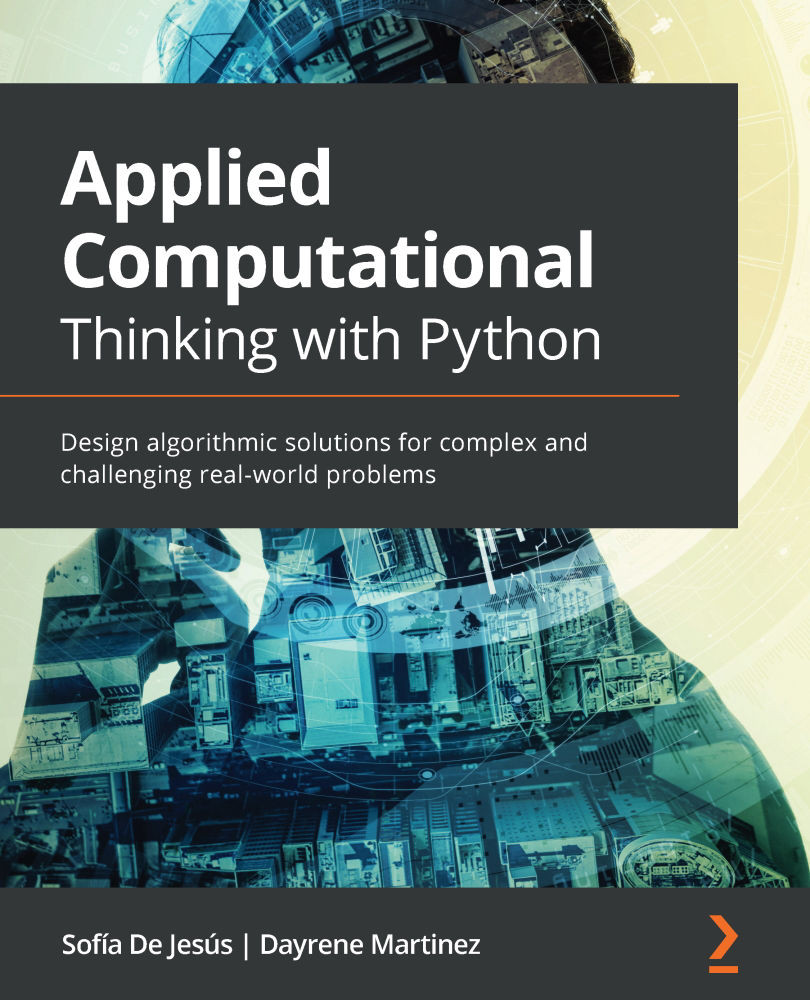
Applied Computational Thinking with Python
By :


Applied Computational Thinking with Python
By:
Overview of this book
Computational thinking helps you to develop logical processing and algorithmic thinking while solving real-world problems across a wide range of domains. It's an essential skill that you should possess to keep ahead of the curve in this modern era of information technology. Developers can apply their knowledge of computational thinking to solve problems in multiple areas, including economics, mathematics, and artificial intelligence.
This book begins by helping you get to grips with decomposition, pattern recognition, pattern generalization and abstraction, and algorithm design, along with teaching you how to apply these elements practically while designing solutions for challenging problems. You’ll then learn about various techniques involved in problem analysis, logical reasoning, algorithm design, clusters and classification, data analysis, and modeling, and understand how computational thinking elements can be used together with these aspects to design solutions. Toward the end, you will discover how to identify pitfalls in the solution design process and how to choose the right functionalities to create the best possible algorithmic solutions.
By the end of this algorithm book, you will have gained the confidence to successfully apply computational thinking techniques to software development.
Table of Contents (21 chapters)
Preface


Section 1: Introduction to Computational Thinking
 Free Chapter
Chapter 1: Fundamentals of Computer Science
Chapter 2: Elements of Computational Thinking
Chapter 3: Understanding Algorithms and Algorithmic Thinking
Chapter 4: Understanding Logical Reasoning
Chapter 5: Exploring Problem Analysis
Chapter 6: Designing Solutions and Solution Processes
Chapter 7: Identifying Challenges within Solutions
Section 2:Applying Python and Computational Thinking
Chapter 8: Introduction to Python
Chapter 9: Understanding Input and Output to Design a Solution Algorithm
Chapter 10: Control Flow

Chapter 11: Using Computational Thinking and Python in Simple Challenges
Section 3:Data Processing, Analysis, and Applications Using Computational Thinking and Python
Chapter 12: Using Python in Experimental and Data Analysis Problems
Chapter 13: Using Classification and Clusters
Chapter 14: Using Computational Thinking and Python in Statistical Analysis
Chapter 15: Applied Computational Thinking Problems
Chapter 16: Advanced Applied Computational Thinking Problems
Other Books You May Enjoy


