Sign In Start Free Trial
Account

Add to playlist

Create a Playlist

Modal Close icon
You need to login to use this feature.
  • Book Overview & Buying JavaFX 1.2 Application Development Cookbook
  • Table Of Contents Toc
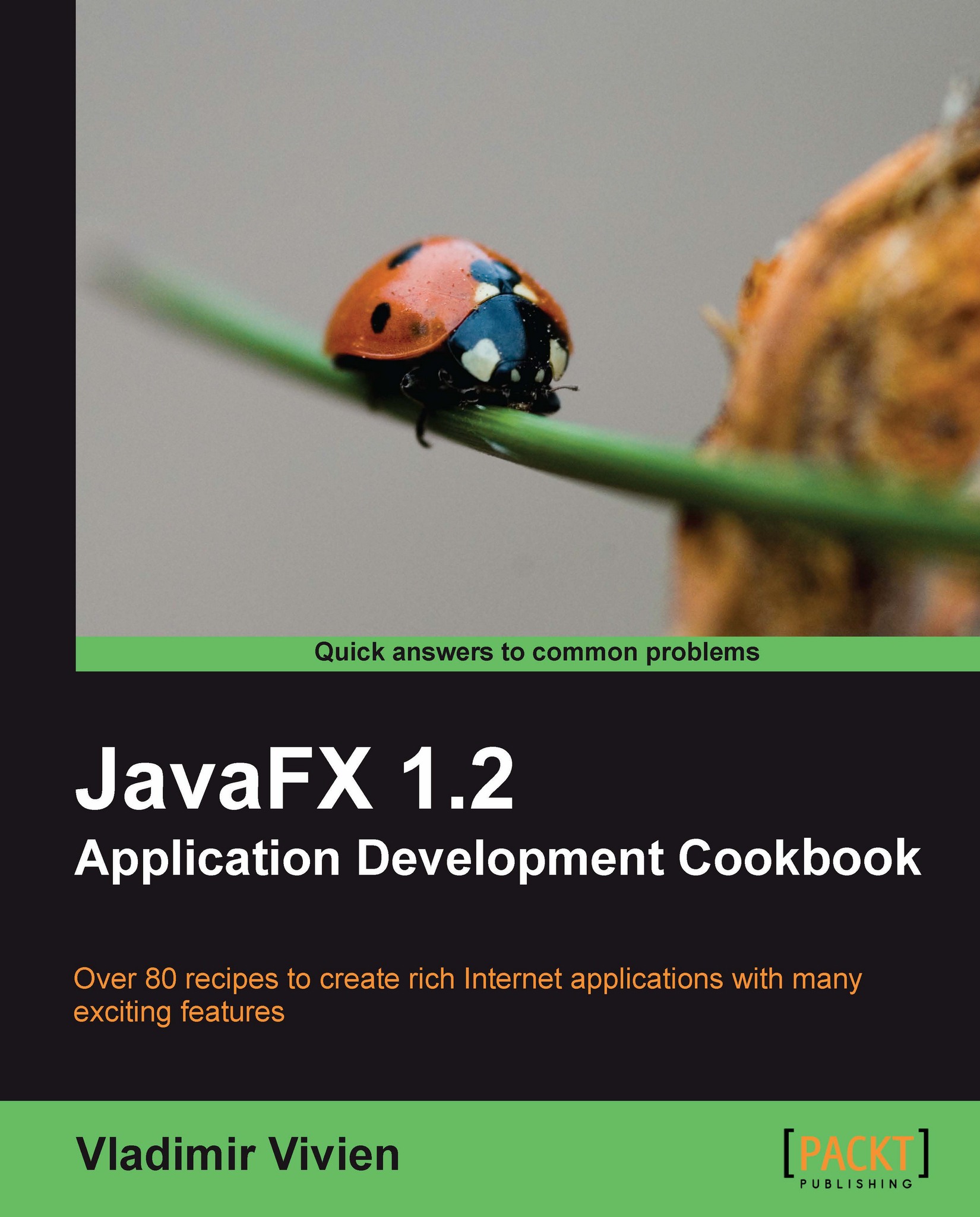
JavaFX 1.2 Application Development Cookbook

JavaFX 1.2 Application Development Cookbook

By : Vladimir Vivien
4 (1)
close
close
JavaFX 1.2 Application Development Cookbook

JavaFX 1.2 Application Development Cookbook

4 (1)
By: Vladimir Vivien

Overview of this book

JavaFX Script enables you to easily create rich Internet applications by embedding multimedia components. Although you can create stylish Internet applications by modifying these default components, even advanced users find it challenging to create impressive feature-rich Internet applications with JavaFX. Also, there are limited JavaFX components to work with and by default these components don't look visually appealing.This book explores limitless possibilities to style your application by coding JavaFX components to display your content in a more appealing fashion. The recipes in this book will help you to create customized JavaFX components with which you can make modern, feature-rich applications.First, you will be introduced to the JavaFX SDK and other development tools available to help you be productive during development. You will create an application in JavaFX by arranging complex graphical components (and non-graphical libraries) with simplified declarative constructs. You will then explore the fun side of JavaFX by using transformation techniques to manipulate the location and dimensions of objects. The next chapter is about the GUI components that are available in the framework, which provide a high level of interactivity. You will learn how to use the media component to play media content. Then we will access data and manipulate data locally or remotely. You will explore many deployment options and integration tips and tricks to take advantage of runtime contexts. Finally, you will interact with pure Java code to read and write files in JavaFX and to establish interactions with computing platforms.
Table of Contents (18 chapters)
close
close
JavaFX 1.2 Application Development Cookbook
Credits
About the Author
About the Reviewers
Preface
1
Mobile JavaFX
2
JavaFX Composer
3
JavaFX Products and Frameworks
4
Best Practices for Development
chevron up
5
Best Practices for Deployment

Appendix D. Best Practices for Development

Practitioners of JavaFX can easily abuse its ease of use to create applications that perform and scale poorly. This section provides a list of some practices that should help you avoid performance or usability penalties.

  • Declare your variables using the def keyword always use the def keyword to declare your variable, unless you know for certain that the variable will be updated later or is a bound variable.

  • Stay off the EDT JavaFX applications are inherently single-threaded running on one special thread called the Event Dispatch Thread (EDT). All GUI activities are handled on the EDT. If you execute long-running processes directly in your JavaFX code, they will degrade the responsiveness of the UI or make it outright unusable. JavaFX offers the Task API, which is designed to provide the mechanism to execute processes asynchronously.

  • You can do this in three steps:

  1. 1. Create a Java class that implements javafx.async.RunnableFuture and overrides the run() method, which contains the asynchronous code that you want to run:

    public class LongRunningRunnable implements RunnableFuture{
    private long limit = Long.MAX_VALUE;
    public LongRunningRunnable(long l){limit = l;} // constructor
    public void run() throws Exception {
    for(int i = 0; i < limit; i++){
    Thread.currentThread().sleep(200);
    }
    }
    }
    
  2. 2. Next, create a JavaFX class that extends javafx.aysync.JavaTaskBase and overrides function create():RunnableFuture, which returns an instance of the newly-defined Java class above to be executed in its own thread:

    public class LongRunningTask extends JavaTaskBase{
    public-init var limit = Long.MAX_VALUE;
    override protected function create () : RunnableFuture {
    new LongRunningRunnable(limit);
    }
    }
    
  3. 3. Lastly, use the JavaFX class (defined above) to start your long-running process on its own thread:

    var t = LongRunningTask{limit:Byte.MAX_VALUE}
    JavaFXJavaFXdevelopment practicest.start(); // start task on its own thread
    
    • Reuse image objects - if you have an image that appears in multiple places, load the image once using the Image object, then reuse the Image instance in any image number of ImageView instances. That way, you don’t have duplicated bytes wasting memory resources.

    • Scale media to size - avoid using images or videos at larger resolutions than needed. When possible, encode your media to the size and resolution that you will actually need. This will avoid unnecessary scaling transformation penalties when scaled in JavaFX.

    • Turn off smooth - when your scene graph contains a large number of shapes, you can gain performance by setting the smooth property to false in order to reduce the overhead required for anti-aliasing wherever possible.

    • Cache your visual nodes - when the scene graph engine paints its node on the screen, you can avoid repaint penalties by caching complex non-rotated object graphs. Caching causes the engine to reuse previously rendered images, rather then repainting the scene every time.

    • Remove instead of hide - to keep your node rendering time down, and increase performance, you should delete objects from the scene graph instead of setting property visible to false whenever possible.

    • Avoid Gratuitous Effects and Animations - effects (paint, transformation, scale, and so on) and animations incur processing overhead, especially with large numbers of nodes. Avoid applying effects and animations unless absolutely necessary.

    • Ungroup paint effects - when your nodes are encapsulated in a Group instance, apply your effects to individual nodes instead of the Group node. This provides granular control of where the effects are applied and helps avoid necessary rendition of effects.

    • Set timeline’s frame rate - when you are working with fairly complex animations, you can provide better directives for frames generated by specifying the framerate property. If not, the engine will attempt to determine the best frame rate value to achieve the animation, which can result in wasted frames being generated.

    • Use binding sparingly - data binding is a useful and a killer feature in JavaFX. Just like anything else though, its unnecessary overuse can be troublesome. Improper or careless binding can lead to cascading triggers that causes unwanted performance degradation that are hard to find. Use data binding only when you understand the event path and values that are updated during binding update. In most cases, updating a variable directly by setting its value works better.

CONTINUE READING
83
Tech Concepts
36
Programming languages
73
Tech Tools
Icon Unlimited access to the largest independent learning library in tech of over 8,000 expert-authored tech books and videos.
Icon Innovative learning tools, including AI book assistants, code context explainers, and text-to-speech.
Icon 50+ new titles added per month and exclusive early access to books as they are being written.
JavaFX 1.2 Application Development Cookbook
notes
bookmark Notes and Bookmarks search Search in title playlist Add to playlist font-size Font size

Change the font size

margin-width Margin width

Change margin width

day-mode Day/Sepia/Night Modes

Change background colour

Close icon Search
Country selected

Close icon Your notes and bookmarks

Confirmation

Modal Close icon
claim successful

Buy this book with your credits?

Modal Close icon
Are you sure you want to buy this book with one of your credits?
Close
YES, BUY

Submit Your Feedback

Modal Close icon
Modal Close icon
Modal Close icon