Sign In Start Free Trial
Account

Add to playlist

Create a Playlist

Modal Close icon
You need to login to use this feature.
  • Book Overview & Buying Effective Python Penetration Testing
  • Table Of Contents Toc
  • Feedback & Rating feedback
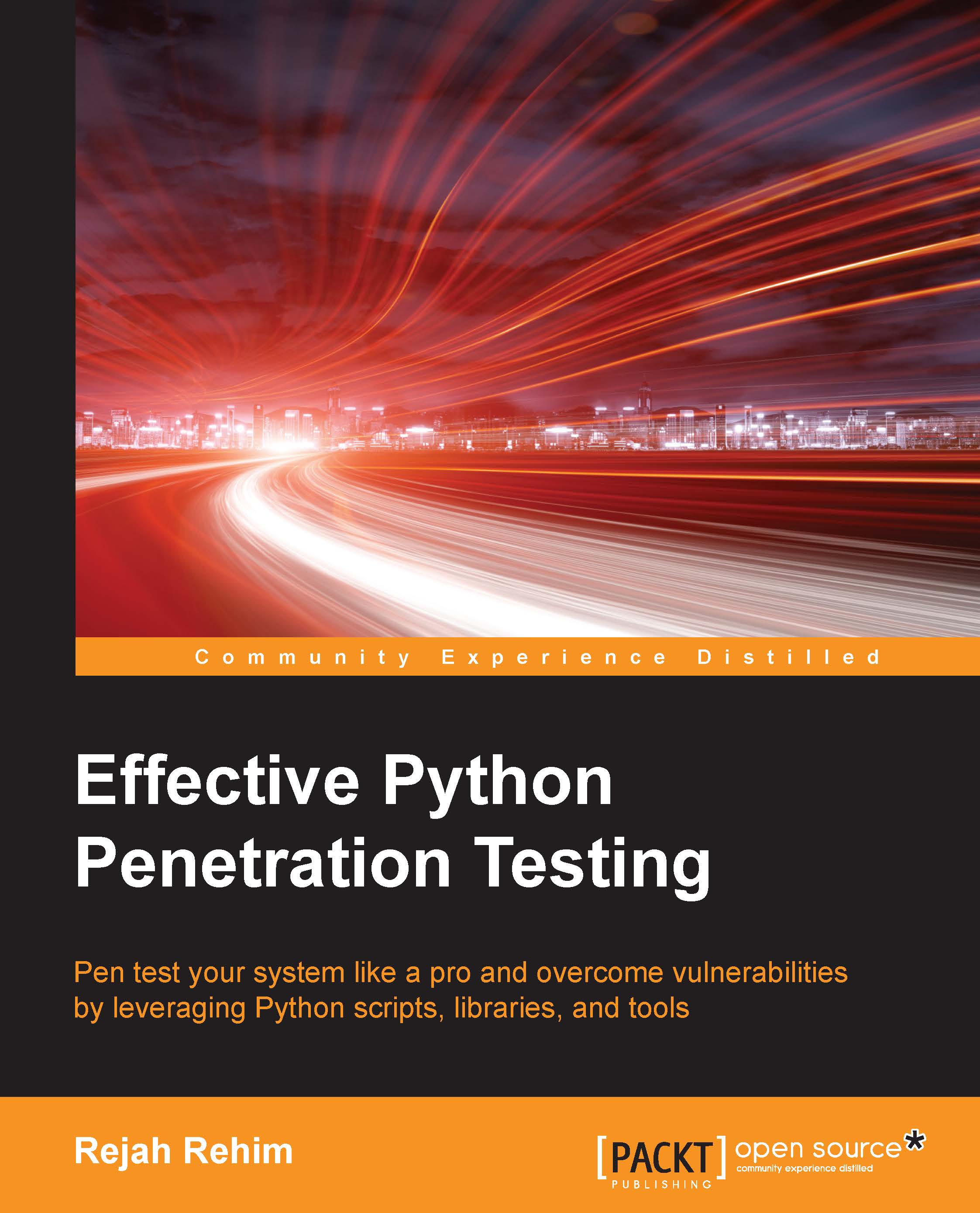
Effective Python Penetration Testing

Effective Python Penetration Testing

By : Rejah Rehim
4 (1)
close
close
Effective Python Penetration Testing

Effective Python Penetration Testing

4 (1)
By: Rejah Rehim

Overview of this book

Penetration testing is a practice of testing a computer system, network, or web application to find weaknesses in security that an attacker can exploit. Effective Python Penetration Testing will help you utilize your Python scripting skills to safeguard your networks from cyberattacks. We will begin by providing you with an overview of Python scripting and penetration testing. You will learn to analyze network traffic by writing Scapy scripts and will see how to fingerprint web applications with Python libraries such as ProxMon and Spynner. Moving on, you will find out how to write basic attack scripts, and will develop debugging and reverse engineering skills with Python libraries. Toward the end of the book, you will discover how to utilize cryptography toolkits in Python and how to automate Python tools and libraries.
Table of Contents (11 chapters)
close
close

Installing third-party libraries

We will be using many Python libraries throughout this book, and this section will help you to install and use third-party libraries.

Setuptools and pip

One of the most useful pieces of third-party Python software is Setuptools. With Setuptools, you can download and install any compliant Python libraries with a single command.

The best way to install Setuptools on any system is to download the ez_setup.py file from https://bootstrap.pypa.io/ez_setup.py and run this file with your Python installation.

In Linux, run this in the terminal with the correct path to ez_setup.py script:

$ sudo python path/to/ez_setup.py

For Windows 8, or old versions of Windows with PowerShell 3 installed, start the PowerShell with administrative privileges and run the following command in it:

> (Invoke-WebRequest https://bootstrap.pypa.io/ez_setup.py).Content | python -

For Windows systems without PowerShell 3 installed, download the ez_setup.py file from the preceding link using your web browser and run that file with your Python installation.

Pip is a package management system used to install and manage software packages written in Python. After successful installation of Setuptools, you can install pip by simply opening a command prompt and running the following:

$ easy_install pip

Alternatively, you could also install pip using your default distribution package managers:

  • On Debian, Ubuntu, and Kali Linux:
    $ sudo apt-get install python-pip
  • On Fedora:
    $ sudo yum install python-pip

Now you could run pip from command line. Try installing a package with pip:

$ pip install packagename

Working with virtual environments

Virtual environments help to separate dependencies required for different projects, by working inside a virtual environment it also helps to keep our global site-packages directory clean.

Using virtualenv and virtualwrapper

Virtualenv is a Python module which helps to create isolated Python environments for our scripting experiments, which creates a folder with all necessary executable files and modules for a basic Python project.

You can install virtualenv with the following command:

    $ sudo pip install virtualenv

To create a new virtual environment, create a folder and enter the folder from the command line:

$ cd your_new_folder 
$ virtualenv name-of-virtual-environment 

This will initiate a folder with the provided name in your current working directory with all Python executable files and pip library, which will then help to install other packages in your virtual environment.

You can select a Python interpreter of your choice by providing more parameters, such as the following command:

$ virtualenv -p /usr/bin/python2.7 name-of-virtual-environment 

This will create a virtual environment with Python 2.7. We have to activate it before starting to use this virtual environment:

$ source name-of-virtual-environment/bin/activate
Using virtualenv and virtualwrapper

Now, on the left side of the command prompt, the name of the active virtual environment will appear. Any package that you install inside this prompt using pip will belong to the active virtual environment, which will be isolated from all other virtual environments and global installation.

You can deactivate and exit from the current virtual environment using this command:

$ deactivate

Virtualenvwrapper provides a better way to use virtualenv. It also organizes all virtual environments in one place.

To install, we can use pip, but let's make sure we have installed virtualenv before installing virtualwrapper.

Linux and OS X users can install it with the following method:

$ pip install virtualenvwrapper

Also, add these three lines to your shell startup file, such as .bashrc or .profile:

export WORKON_HOME=$HOME/.virtualenvs 
export PROJECT_HOME=$HOME/Devel 
source /usr/local/bin/virtualenvwrapper.sh 

This will set Devel folder in your home directory as the location of your virtual environment projects.

For Windows users, we can use another package: virtualenvwrapper-win. This can also be installed with pip:

$ pip install virtualenvwrapper-win

To create a virtual environment with virtualwrapper:

$ mkvirtualenv your-project-name

This creates a folder with the provided name inside ~/Envs.

To activate this environment, we can use the workon command:

$ workon your-project-name

This two commands can be combined with the single one as follows:

$ mkproject your-project-name

We can deactivate the virtual environment with the same deactivate command in virtualenv. To delete a virtual environment, we can use the following command:

$ rmvirtualenv your-project-name
Visually different images
CONTINUE READING
83
Tech Concepts
36
Programming languages
73
Tech Tools
Icon Unlimited access to the largest independent learning library in tech of over 8,000 expert-authored tech books and videos.
Icon Innovative learning tools, including AI book assistants, code context explainers, and text-to-speech.
Icon 50+ new titles added per month and exclusive early access to books as they are being written.
Effective Python Penetration Testing
notes
bookmark Notes and Bookmarks search Search in title playlist Add to playlist download Download options font-size Font size

Change the font size

margin-width Margin width

Change margin width

day-mode Day/Sepia/Night Modes

Change background colour

Close icon Search
Country selected

Close icon Your notes and bookmarks

Confirmation

Modal Close icon
claim successful

Buy this book with your credits?

Modal Close icon
Are you sure you want to buy this book with one of your credits?
Close
YES, BUY

Submit Your Feedback

Modal Close icon
Modal Close icon
Modal Close icon