Sign In Start Free Trial
Account

Add to playlist

Create a Playlist

Modal Close icon
You need to login to use this feature.
  • Book Overview & Buying Effective Python Penetration Testing
  • Table Of Contents Toc
  • Feedback & Rating feedback
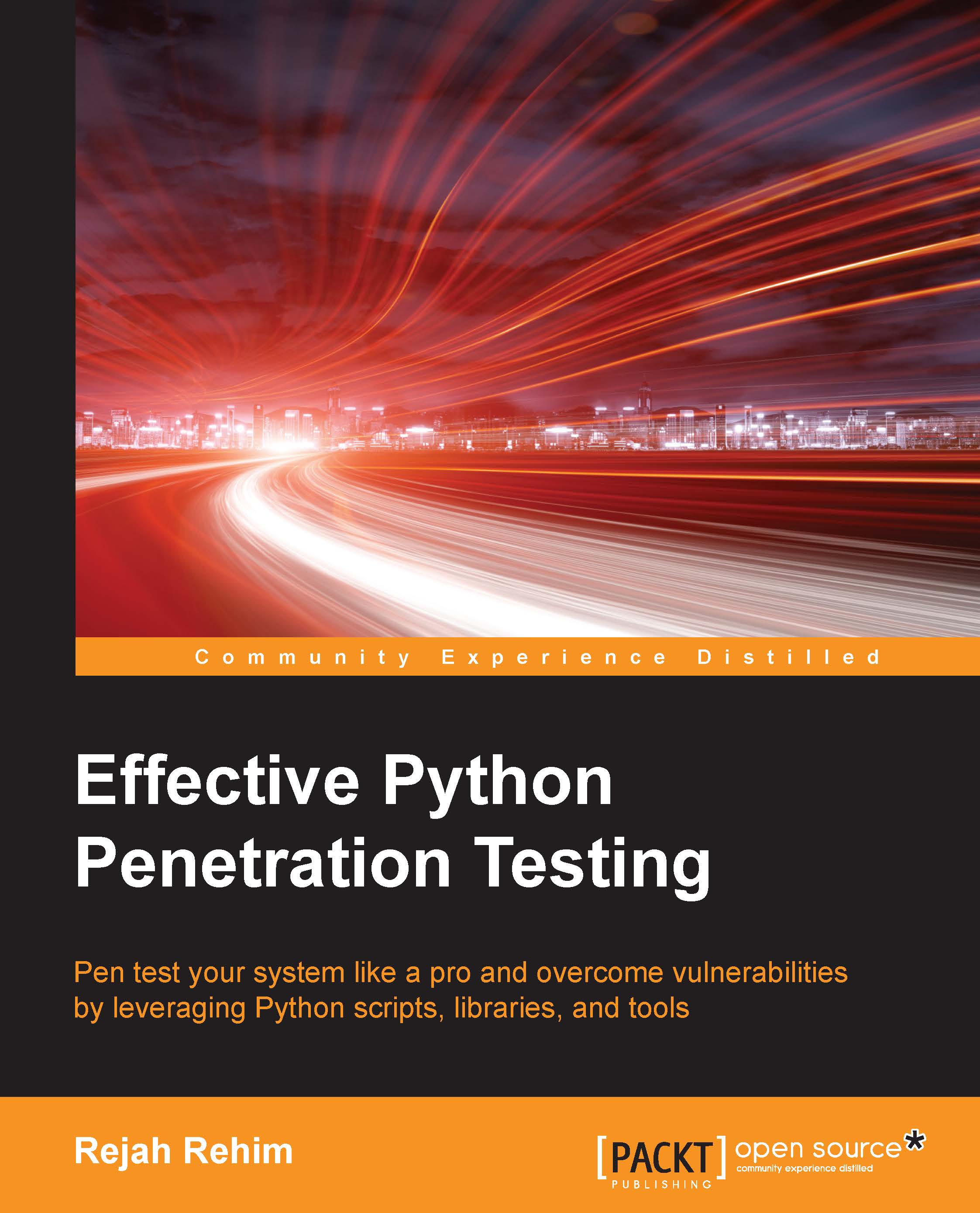
Effective Python Penetration Testing

Effective Python Penetration Testing

By : Rejah Rehim
4 (1)
close
close
Effective Python Penetration Testing

Effective Python Penetration Testing

4 (1)
By: Rejah Rehim

Overview of this book

Penetration testing is a practice of testing a computer system, network, or web application to find weaknesses in security that an attacker can exploit. Effective Python Penetration Testing will help you utilize your Python scripting skills to safeguard your networks from cyberattacks. We will begin by providing you with an overview of Python scripting and penetration testing. You will learn to analyze network traffic by writing Scapy scripts and will see how to fingerprint web applications with Python libraries such as ProxMon and Spynner. Moving on, you will find out how to write basic attack scripts, and will develop debugging and reverse engineering skills with Python libraries. Toward the end of the book, you will discover how to utilize cryptography toolkits in Python and how to automate Python tools and libraries.
Table of Contents (11 chapters)
close
close

Get the EXIF data of an image

We can find a lot of information from an image posted online. For every photo we took with our smartphone or camera, it records the date, time, shutter speed, aperture setting, ISO setting, whether the flash was used, the focal length, and lots more. This is stored with the photo, and is referred to as EXIF data. When we copy an image, the EXIF data is copied as well, as a part of the image. It can pose a privacy issue. For instance, a photo taken with a GPS-enabled phone, it can reveal the location and time it was taken, as well as the unique ID number of the device:

import os,sys 
 
from PIL import Image 
 
from PIL.ExifTags import TAGS 


for (i,j) in Image.open('image.jpg')._getexif().iteritems(): 
 
        print '%s = %s' % (TAGS.get(i), j) 

First we imported the modules PIL image and PIL TAGS. PIL is an image processing module in Python. It supports many file formats and has a powerful image-processing capability. Then we...

Visually different images
CONTINUE READING
83
Tech Concepts
36
Programming languages
73
Tech Tools
Icon Unlimited access to the largest independent learning library in tech of over 8,000 expert-authored tech books and videos.
Icon Innovative learning tools, including AI book assistants, code context explainers, and text-to-speech.
Icon 50+ new titles added per month and exclusive early access to books as they are being written.
Effective Python Penetration Testing
notes
bookmark Notes and Bookmarks search Search in title playlist Add to playlist download Download options font-size Font size

Change the font size

margin-width Margin width

Change margin width

day-mode Day/Sepia/Night Modes

Change background colour

Close icon Search
Country selected

Close icon Your notes and bookmarks

Confirmation

Modal Close icon
claim successful

Buy this book with your credits?

Modal Close icon
Are you sure you want to buy this book with one of your credits?
Close
YES, BUY

Submit Your Feedback

Modal Close icon
Modal Close icon
Modal Close icon