


-
Book Overview & Buying
-
Table Of Contents

Azure Security Cookbook
By :


Azure Security Cookbook
By:
Overview of this book
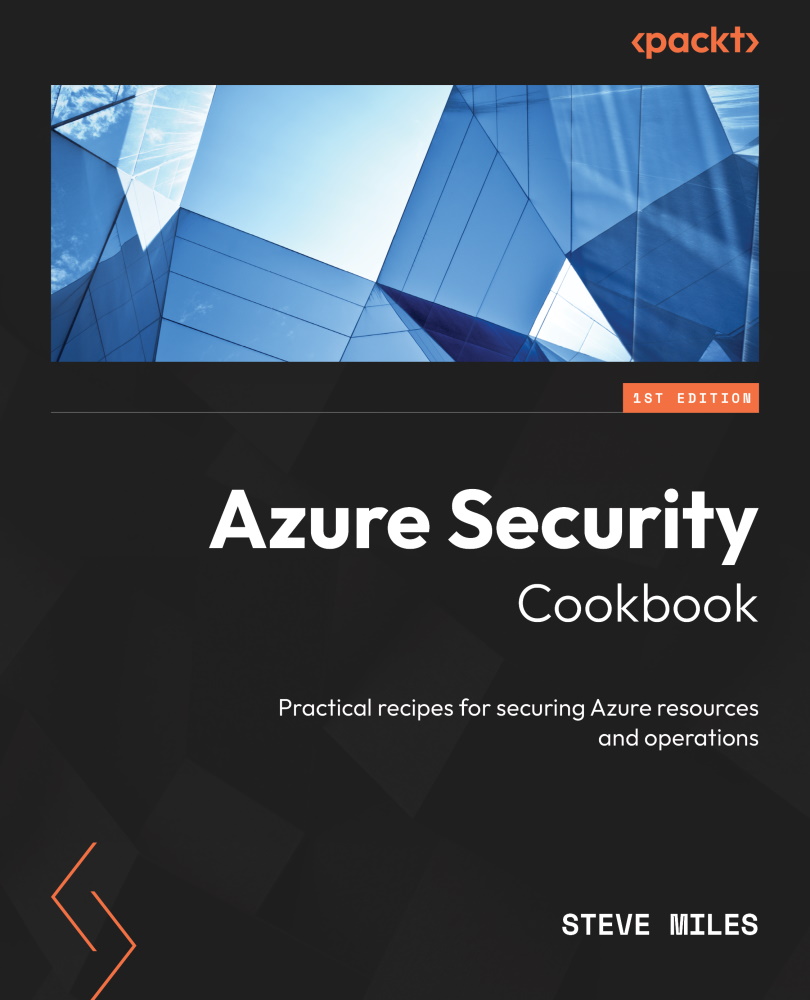
With evolving threats, securing your cloud workloads and resources is of utmost importance. Azure Security Cookbook is your comprehensive guide to understanding specific problems related to Azure security and finding the solutions to these problems.
This book starts by introducing you to recipes on securing and protecting Azure Active Directory (AD) identities. After learning how to secure and protect Azure networks, you’ll explore ways of securing Azure remote access and securing Azure virtual machines, Azure databases, and Azure storage. As you advance, you’ll also discover how to secure and protect Azure environments using the Azure Advisor recommendations engine and utilize the Microsoft Defender for Cloud and Microsoft Sentinel tools. Finally, you’ll be able to implement traffic analytics; visualize traffic; and identify cyber threats as well as suspicious and malicious activity.
By the end of this Azure security book, you will have an arsenal of solutions that will help you secure your Azure workload and resources.
Table of Contents (15 chapters)
Preface


Part 1: Azure Security Features
 Free Chapter
Chapter 1: Securing Azure AD Identities

Chapter 2: Securing Azure Networks
Chapter 3: Securing Remote Access
Chapter 4: Securing Virtual Machines
Chapter 5: Securing Azure SQL Databases
Chapter 6: Securing Azure Storage
Part 2: Azure Security Tools
Chapter 7: Using Advisor
Chapter 8: Using Microsoft Defender for Cloud
Chapter 9: Using Microsoft Sentinel
Chapter 10: Using Traffic Analytics
Index


