


-
Book Overview & Buying
-
Table Of Contents

Burp Suite Cookbook - Second Edition
By :


Burp Suite Cookbook
By:
Overview of this book
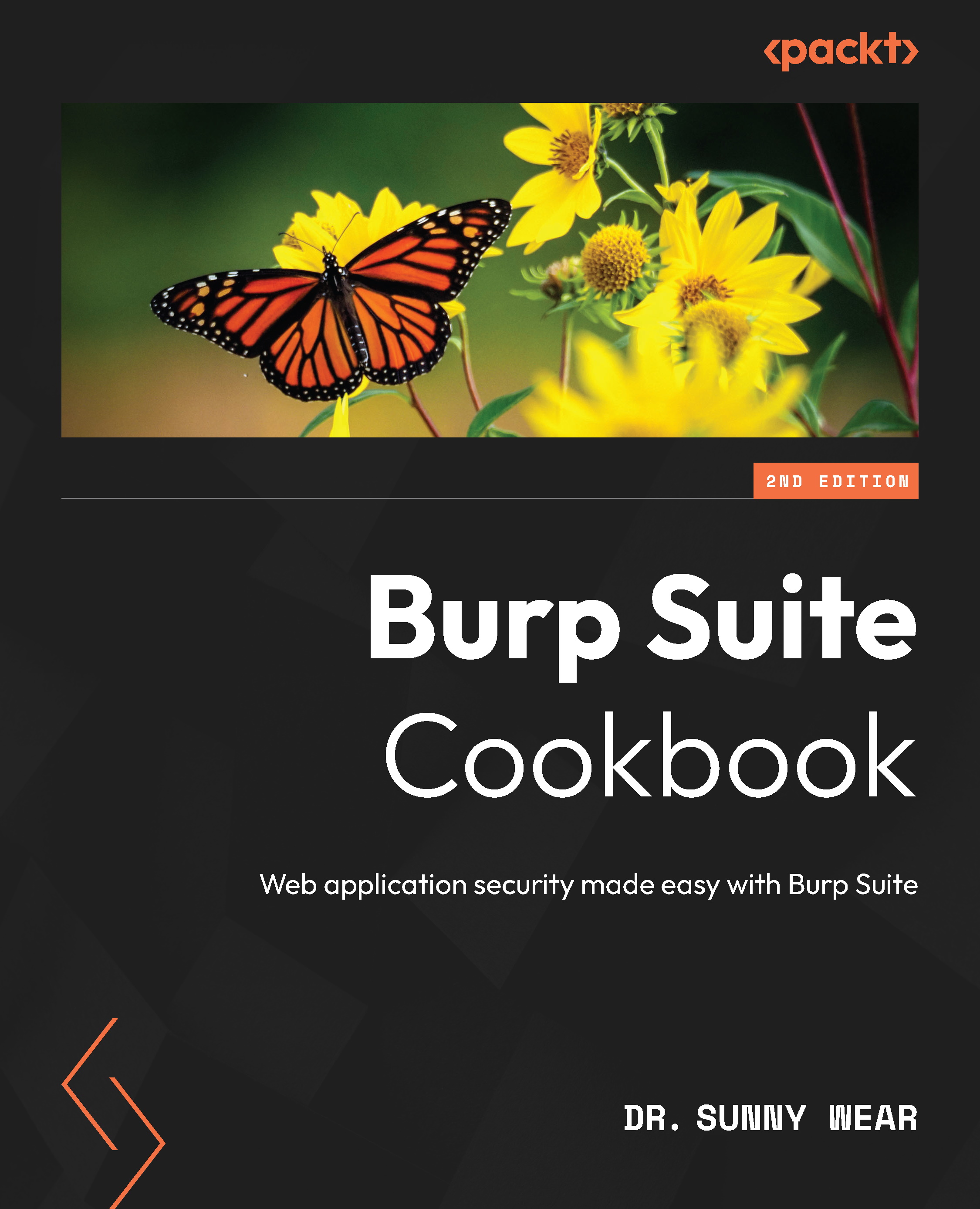
With its many features, easy-to-use interface, and flexibility, Burp Suite is the top choice for professionals looking to strengthen web application and API security.
This book offers solutions to challenges related to identifying, testing, and exploiting vulnerabilities in web applications and APIs. It provides guidance on identifying security weaknesses in diverse environments by using different test cases. Once you’ve learned how to configure Burp Suite, the book will demonstrate the effective utilization of its tools, such as Live tasks, Scanner, Intruder, Repeater, and Decoder, enabling you to evaluate the security vulnerability of target applications. Additionally, you’ll explore various Burp extensions and the latest features of Burp Suite, including DOM Invader.
By the end of this book, you’ll have acquired the skills needed to confidently use Burp Suite to conduct comprehensive security assessments of web applications and APIs.
Table of Contents (14 chapters)
Preface


 Free Chapter
Chapter 1: Getting Started with Burp Suite
Chapter 2: Getting to Know the Burp Suite of Tools
Chapter 3: Configuring, Crawling, Auditing, and Reporting with Burp
Chapter 4: Assessing Authentication Schemes
Chapter 5: Assessing Authorization Checks
Chapter 6: Assessing Session Management Mechanisms
Chapter 7: Assessing Business Logic
Chapter 8: Evaluating Input Validation Checks
Chapter 9: Attacking the Client
Chapter 10: Working with Burp Suite Macros and Extensions

Chapter 11: Implementing Advanced Topic Attacks
Index


