Sign In Start Free Trial
Account

Add to playlist

Create a Playlist

Modal Close icon
You need to login to use this feature.
  • Book Overview & Buying Moodle 3 Administration, Third Edition
  • Table Of Contents Toc
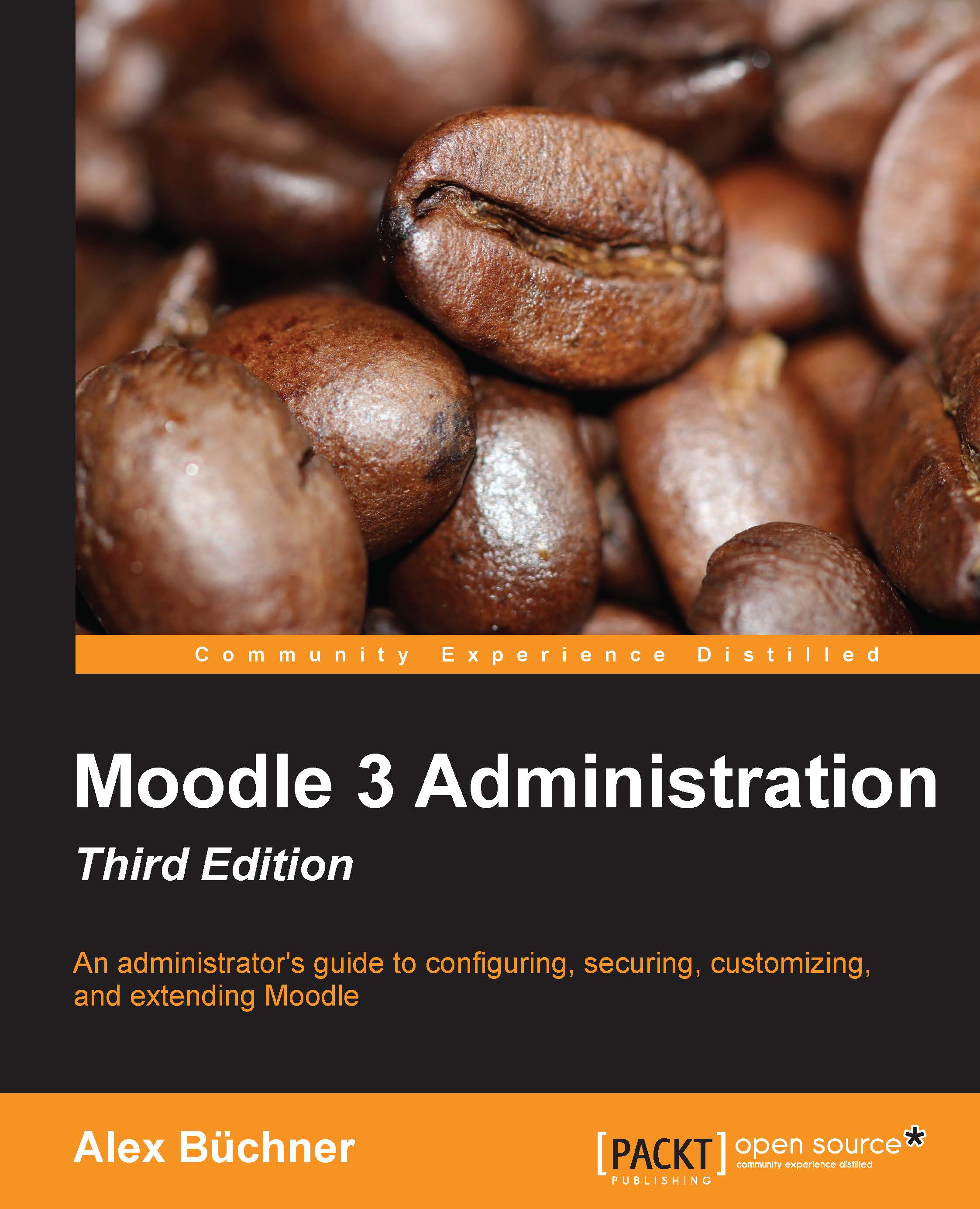
Moodle 3 Administration, Third Edition

Moodle 3 Administration, Third Edition - Third Edition

By : Alex Büchner
3.9 (9)
close
close
Moodle 3 Administration, Third Edition

Moodle 3 Administration, Third Edition

3.9 (9)
By: Alex Büchner

Overview of this book

Moodle is the de facto standard for open source learning platforms. However, setting up and managing a learning environment can be a complex task since it covers a wide range of technical, organizational, and pedagogical topics. This ranges from basic user and course management, to configuring plugins and design elements, all the way to system settings, performance optimization, events frameworks, and so on. This book concentrates on basic tasks such as how to set up and configure Moodle and how to perform day-to-day administration activities, and progresses on to more advanced topics that show you how to customize and extend Moodle, manage courses, cohorts, and users, and how to work with roles and capabilities. You’ll learn to configure Moodle plugins and ensure your VLE conforms to pedagogical and technical requirements in your organization. You’ll then learn how to integrate the VLE via web services and network it with other sites, including Mahara, and extend your system via plugins and LTI. By the end of this book, you will be able to set up an efficient, fully fledged, and secure Moodle system.
Table of Contents (19 chapters)
close
close
18
Index

Summary


After providing a general overview of the elements involved in the look and feel of Moodle, this chapter covered the front page and theme customizations of Moodle as well as editor configuration and accessibility. We also dealt with supporting mobile devices. Read more about all of these in Chapter 16, Moodle Networking, when we cover web services, which allow the usage of your site with the help of dedicated mobile apps.

As mentioned earlier, the front page in Moodle is a course. This has advantages (you can do everything that you can do in a course and a little bit more), but it also has drawbacks (you can only do the same things that you do in a course and might feel limited by this). However, some organizations are now using Moodle's front page as their main home page. Again, this might or might not work for you.

Now that your Moodle looks (hopefully) the way you want it to, it is time to enable all the functionalities that you wish to offer your users. Plugins and configuration...

CONTINUE READING
83
Tech Concepts
36
Programming languages
73
Tech Tools
Icon Unlimited access to the largest independent learning library in tech of over 8,000 expert-authored tech books and videos.
Icon Innovative learning tools, including AI book assistants, code context explainers, and text-to-speech.
Icon 50+ new titles added per month and exclusive early access to books as they are being written.
Moodle 3 Administration, Third Edition
notes
bookmark Notes and Bookmarks search Search in title playlist Add to playlist font-size Font size

Change the font size

margin-width Margin width

Change margin width

day-mode Day/Sepia/Night Modes

Change background colour

Close icon Search
Country selected

Close icon Your notes and bookmarks

Confirmation

Modal Close icon
claim successful

Buy this book with your credits?

Modal Close icon
Are you sure you want to buy this book with one of your credits?
Close
YES, BUY

Submit Your Feedback

Modal Close icon
Modal Close icon
Modal Close icon