Sign In Start Free Trial
Account

Add to playlist

Create a Playlist

Modal Close icon
You need to login to use this feature.
  • Book Overview & Buying Mastering Articulate Storyline
  • Table Of Contents Toc
  • Feedback & Rating feedback
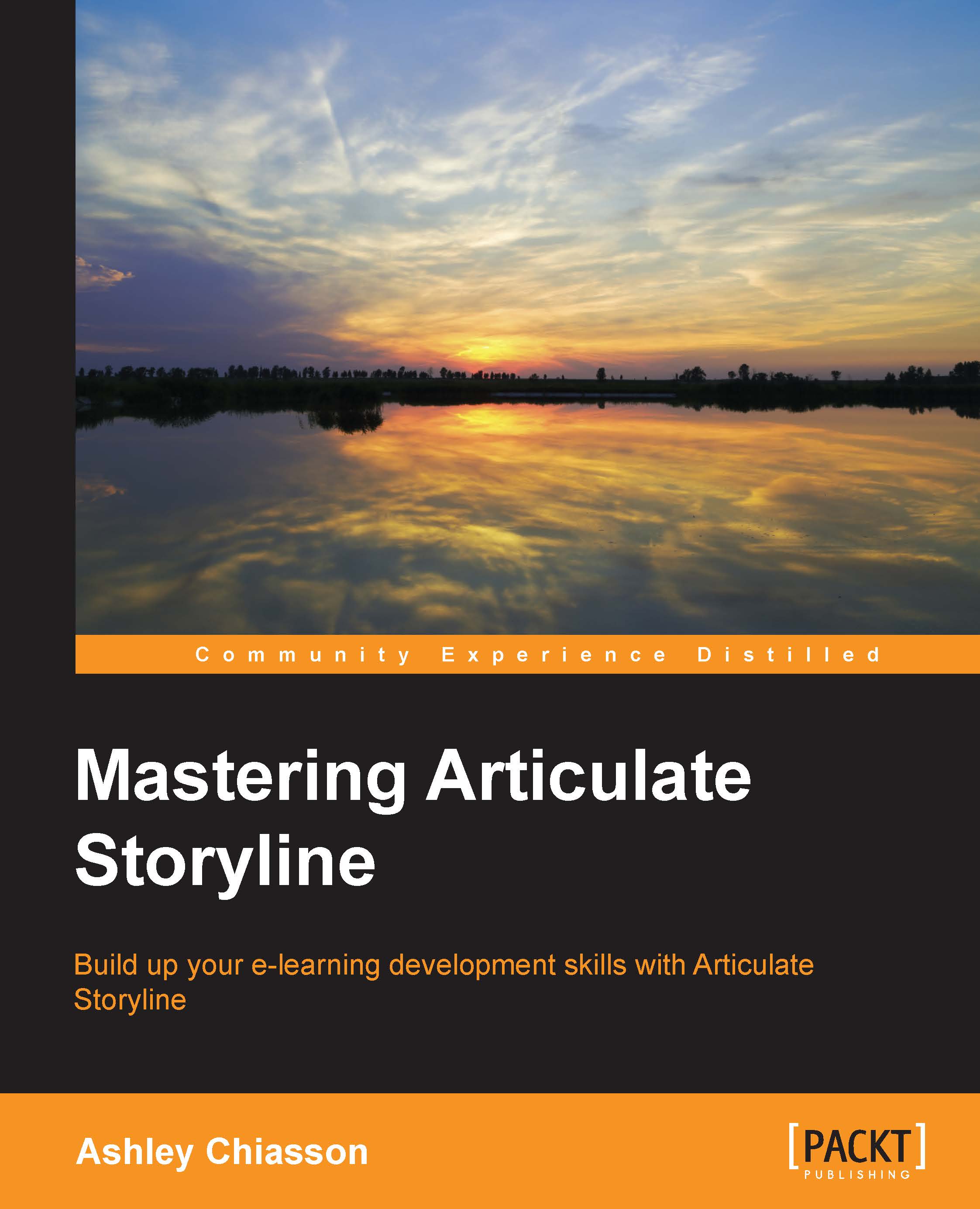
Mastering Articulate Storyline

Mastering Articulate Storyline

By : Chiasson
3.2 (5)
close
close
Mastering Articulate Storyline

Mastering Articulate Storyline

3.2 (5)
By: Chiasson

Overview of this book

Storyline is a powerful e-learning authoring tool that allows you to take your creativity to the next level. However, more often than not, projects don't require such complex interactions, leaving Storyline's full capabilities untapped. This book will provide you with the information you need to take your Storyline development up a notch by leveraging the full suite of possibilities Storyline has to offer. You will be provided with a refresher of the key concepts before we take you deep into the exciting world of enhanced interactivity, variables, and even some JavaScript—oh my! With downloadable activities, you can either follow along and compare your output, use the activities as they are, modify the activities to suit your own needs, or reverse-engineer the activities to better understand how they were developed.
Table of Contents (10 chapters)
close
close

Fun uses for JavaScript in Storyline


The following sections will teach you about the fun uses of JavaScript in Storyline.

Generating a random number

Generating a random number may not be the most practical use for JavaScript in Storyline for educational purposes, but it has the potential to be useful and it's pretty easy to pull off.

For ease of use, download JavaScript7.txt and copy/paste the script into the Storyline JavaScript field.

To achieve this effect, you will first want to design your slide. Here, we have a text prompt for the learner and a button, which will execute the JavaScript:

Next, access the Manage Project Variables panel and add a new variable with the following parameters:

  • Name: randnum

  • Type: Number

  • Value: 0

Now that we have our variable created, we need to add a reference to the variable. This has been added next to the button:

Finally, we will add a trigger to the button that will execute the JavaScript needed to generate the random number. Add a new trigger to the...

Visually different images
CONTINUE READING
83
Tech Concepts
36
Programming languages
73
Tech Tools
Icon Unlimited access to the largest independent learning library in tech of over 8,000 expert-authored tech books and videos.
Icon Innovative learning tools, including AI book assistants, code context explainers, and text-to-speech.
Icon 50+ new titles added per month and exclusive early access to books as they are being written.
Mastering Articulate Storyline
notes
bookmark Notes and Bookmarks search Search in title playlist Add to playlist download Download options font-size Font size

Change the font size

margin-width Margin width

Change margin width

day-mode Day/Sepia/Night Modes

Change background colour

Close icon Search
Country selected

Close icon Your notes and bookmarks

Confirmation

Modal Close icon
claim successful

Buy this book with your credits?

Modal Close icon
Are you sure you want to buy this book with one of your credits?
Close
YES, BUY

Submit Your Feedback

Modal Close icon
Modal Close icon
Modal Close icon