Sign In Start Free Trial
Account

Add to playlist

Create a Playlist

Modal Close icon
You need to login to use this feature.
  • Book Overview & Buying React.js Essentials
  • Table Of Contents Toc
  • Feedback & Rating feedback
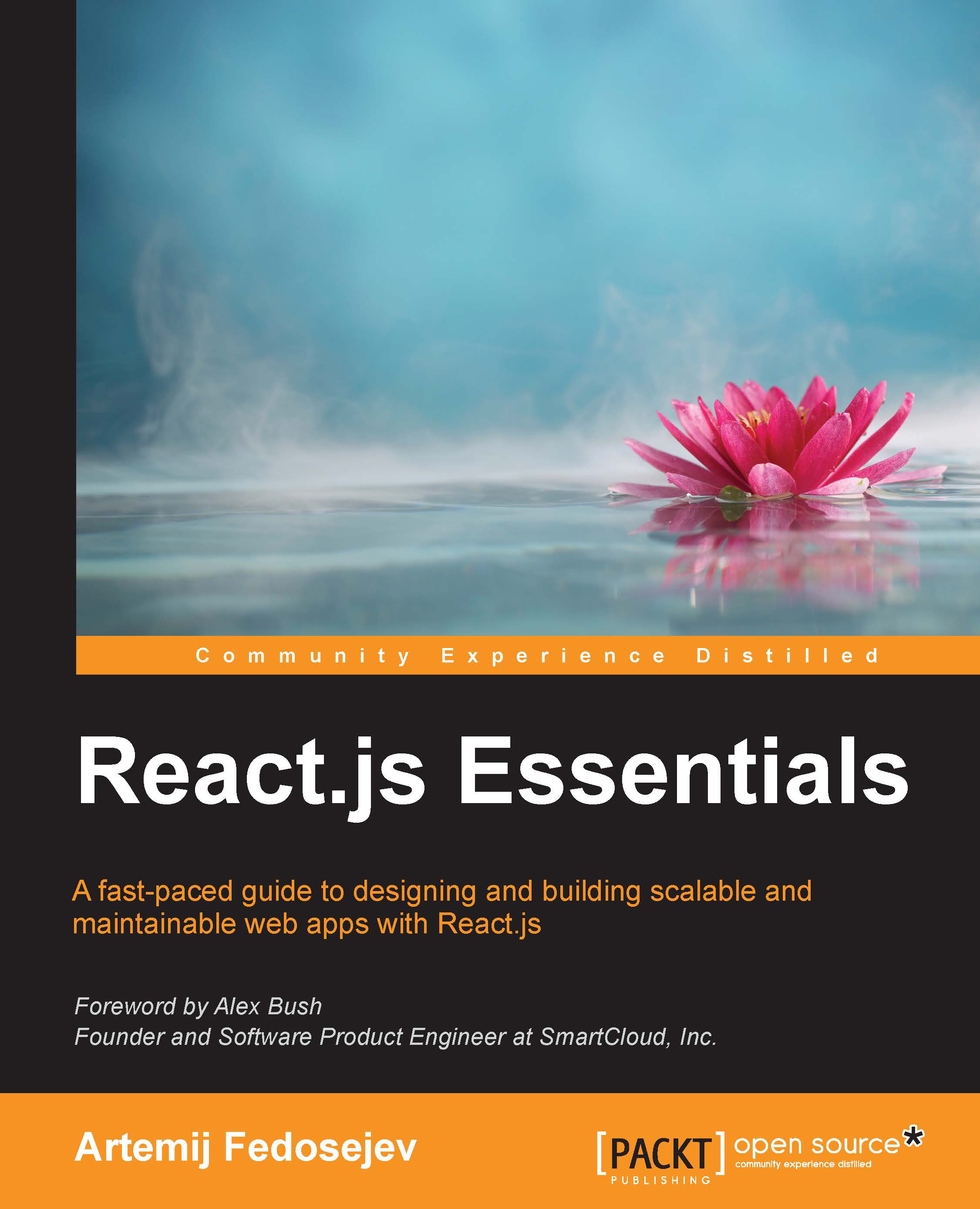
React.js Essentials

React.js Essentials

By : Artemij Fedosejev
4 (32)
close
close
React.js Essentials

React.js Essentials

4 (32)
By: Artemij Fedosejev

Overview of this book

Building web applications with maintainable and performant user interfaces is a challenge that many have faced for more than a decade, but no one has risen to this challenge quite like React.js. Today React.js is used by Facebook, Instagram, Khan Academy, and Imperial College London, to name a few. Many new users recognize the benefits of React.js and adopt it in their own projects, forming a fast-growing community. The speed at which React.js has evolved promises a bright future for those who invest in learning it today. React.js Essentials will take you on a fast-paced journey through building your own maintainable React.js application. Begin by exploring how you can create single and multiple user interface elements. Create stateless and stateful components and make them reactive, learn to interact between your components and lifecycle methods and gauge how to effectively integrate your user interface components with other JavaScript libraries. Delve deep into the core elements of the Flux architecture and learn how to manage your application using stores. Finish by going that extra mile with the Jest test framework, running multiple tests on your application and find solutions to scale it further without complexity.
Table of Contents (12 chapters)
close
close
11
Index

Reusing Node.js modules

As I mentioned earlier, there will be a step in our development process called building. During this step, our build script will take our source files and all our Node.js dependency packages, and transform them into a single file that web browsers can successfully execute. The most important part of this building process is called packaging. But what do we need to package and why? Let's think about it. I briefly mentioned earlier that we're not creating a Node.js application, but yet we're talking about reusing Node.js modules. Does this mean that we'll be reusing Node.js modules in a non-Node.js application? Is that even possible? Turns out, there is a way of doing that.

Browserify is a tool used for bundling all your dependency files together in such a way that you can reuse Node.js modules in client-side JavaScript applications. You can learn more about Browserify at http://browserify.org. To install Browserify, run the following command from inside the ~/snapterest/ directory:

npm install --save-dev browserify

Notice the --save-dev flag. It tells npm to add Browserify to our package.json as a development dependency. Adding a module name to our package.json file as a dependency allows us to record what dependencies we're using, and we can easily install them later with the npm install command, if needed. There is a distinction between dependencies that are required to run your application and the ones that are required to develop your application. Browserify is used at build time, and not at runtime, so it's a development dependency. Hence the use of the --save-dev flag. If you check the content of your package.json file now, you'll see this:

"devDependencies": {
  "browserify": "^11.0.1"
}

Notice that npm created a new folder in your ~/snapterest/ directory called node_modules. This is the place where it puts all your local dependency modules.

Congrats on installing your first Node.js module! Browserify will allow us to use Node.js modules in our client-side JavaScript applications. It will be a part of our build process. Speaking of which, I think it's a good time to introduce you to our build tools.

Visually different images
CONTINUE READING
83
Tech Concepts
36
Programming languages
73
Tech Tools
Icon Unlimited access to the largest independent learning library in tech of over 8,000 expert-authored tech books and videos.
Icon Innovative learning tools, including AI book assistants, code context explainers, and text-to-speech.
Icon 50+ new titles added per month and exclusive early access to books as they are being written.
React.js Essentials
notes
bookmark Notes and Bookmarks search Search in title playlist Add to playlist download Download options font-size Font size

Change the font size

margin-width Margin width

Change margin width

day-mode Day/Sepia/Night Modes

Change background colour

Close icon Search
Country selected

Close icon Your notes and bookmarks

Confirmation

Modal Close icon
claim successful

Buy this book with your credits?

Modal Close icon
Are you sure you want to buy this book with one of your credits?
Close
YES, BUY

Submit Your Feedback

Modal Close icon
Modal Close icon
Modal Close icon