Sign In Start Free Trial
Account

Add to playlist

Create a Playlist

Modal Close icon
You need to login to use this feature.
  • Book Overview & Buying Responsive Web Design with HTML5 and CSS3 Essentials
  • Table Of Contents Toc
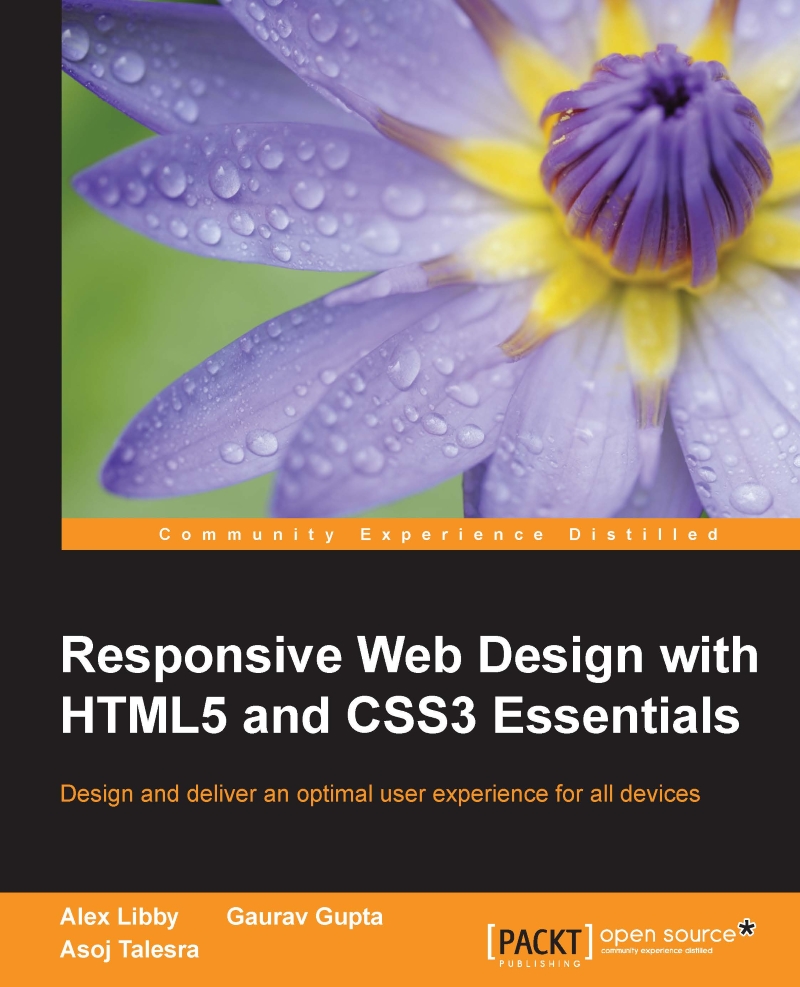
Responsive Web Design with HTML5 and CSS3 Essentials

Responsive Web Design with HTML5 and CSS3 Essentials

By : Alex Libby, Gaurav Gupta, Asoj Talesra
2 (1)
close
close
Responsive Web Design with HTML5 and CSS3 Essentials

Responsive Web Design with HTML5 and CSS3 Essentials

2 (1)
By: Alex Libby, Gaurav Gupta, Asoj Talesra

Overview of this book

Responsive web design (RWD) is a web design approach aimed at crafting sites to provide an optimal viewing and interaction experience—providing easy reading and navigation with minimum resizing, panning, and scrolling—and all of this across a wide range of devices from desktop computer monitors to mobile phones. Responsive web design is becoming more important as the amount of mobile traffic now accounts for more than half of the Internet’s total traffic. This book will give you in depth knowledge about the basics of responsive web design. You will embark on a journey of building effective responsive web pages that work across a range of devices, from mobile phones to smart TVs, with nothing more than standard markup and styling techniques. You'll begin by getting an understanding of what RWD is and its significance to the modern web. Building on the basics, you'll learn about layouts and media queries. Following this, we’ll dive into creating layouts using grid based templates. We’ll also cover the important topic of performance management, and discover how to tackle cross-browser challenges.
Table of Contents (6 chapters)
close
close

Optimizing the performance


So far, we've explored some of the reasons why our site might be slow, and the consequences we face if we do not address performance issues. Although some of the issues we could face may not be easy to solve, we can still effect changes that help improve performance of our sites.

Starting with Google

Analysis shows that if a page takes longer than 4–5 seconds to load, then customers will frequently vote with their feet (that is, walk away). Any delay of more than a second can equally lead to a poor user experience.

A great source that can help us understand where some of our issues are is that behemoth, Google. We may knock it for being omnipotent, but it clearly knows some useful tricks!

Google states that our page doesn't have to entirely load within 4–5 seconds, but should be usable within this time; any content that is of a lower priority can be put below the fold or loaded in the background.

At a basic level, Google recommends that our server response time should...

CONTINUE READING
83
Tech Concepts
36
Programming languages
73
Tech Tools
Icon Unlimited access to the largest independent learning library in tech of over 8,000 expert-authored tech books and videos.
Icon Innovative learning tools, including AI book assistants, code context explainers, and text-to-speech.
Icon 50+ new titles added per month and exclusive early access to books as they are being written.
Responsive Web Design with HTML5 and CSS3 Essentials
notes
bookmark Notes and Bookmarks search Search in title playlist Add to playlist download Download options font-size Font size

Change the font size

margin-width Margin width

Change margin width

day-mode Day/Sepia/Night Modes

Change background colour

Close icon Search
Country selected

Close icon Your notes and bookmarks

Confirmation

Modal Close icon
claim successful

Buy this book with your credits?

Modal Close icon
Are you sure you want to buy this book with one of your credits?
Close
YES, BUY

Submit Your Feedback

Modal Close icon
Modal Close icon
Modal Close icon