Sign In Start Free Trial
Account

Add to playlist

Create a Playlist

Modal Close icon
You need to login to use this feature.
  • Book Overview & Buying Test Driven Python Development
  • Table Of Contents Toc
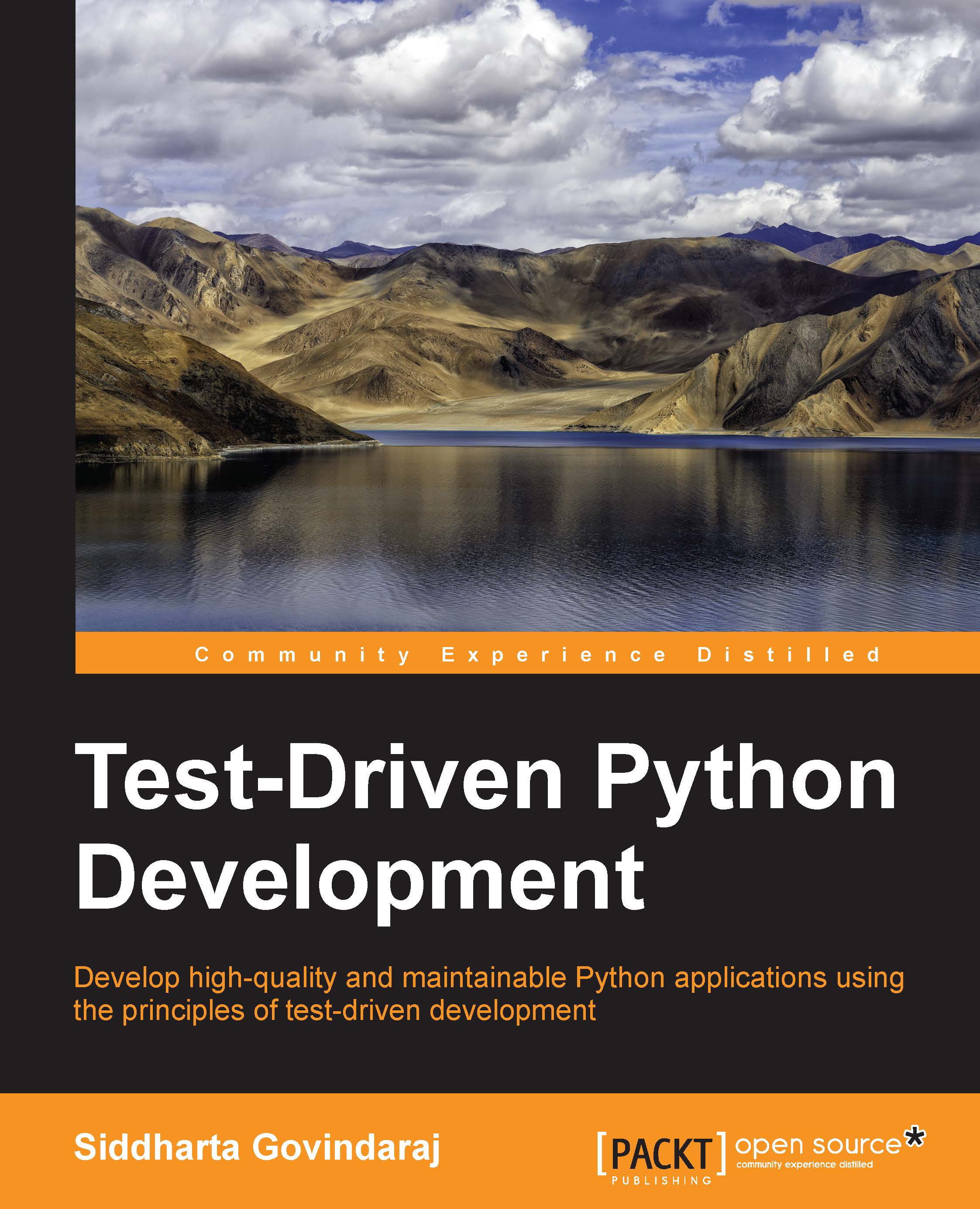
Test Driven Python Development

Test Driven Python Development

By : Siddharta Govindaraj
4.4 (5)
close
close
Test Driven Python Development

Test Driven Python Development

4.4 (5)
By: Siddharta Govindaraj

Overview of this book

This book starts with a look at the test-driven development process, and how it is different from the traditional way of writing code. All the concepts are presented in the context of a real application that is developed in a step-by-step manner over the course of the book. While exploring the common types of smelly code, we will go back into our example project and clean up the smells that we find. Additionally, we will use mocking to implement the parts of our example project that depend on other systems. Towards the end of the book, we'll take a look at the most common patterns and anti-patterns associated with test-driven development, including integration of test results into the development process.
Table of Contents (14 chapters)
close
close
13
Index

Hand writing a simple mock


To start with, let us look at the code for the Event class so that we can understand what the tests need to do. The following code is in the file event.py in the source directory:

class Event:
    """A generic class that provides signal/slot functionality"""

    def __init__(self):
        self.listeners = []

    def connect(self, listener):
        self.listeners.append(listener)

    def fire(self, *args, **kwargs):
        for listener in self.listeners:
            listener(*args, **kwargs)

The way this code works is fairly simple. Classes that want to get notified of the event should call the connect method and pass a function. This will register the function for the event. Then, when the event is fired using the fire method, all the registered functions will be notified of the event. The following is a walk-through of how this class is used:

>>> def handle_event(num):
...   print("I got number {0}".format(num))
...
>>> event = Event()
&gt...
CONTINUE READING
83
Tech Concepts
36
Programming languages
73
Tech Tools
Icon Unlimited access to the largest independent learning library in tech of over 8,000 expert-authored tech books and videos.
Icon Innovative learning tools, including AI book assistants, code context explainers, and text-to-speech.
Icon 50+ new titles added per month and exclusive early access to books as they are being written.
Test Driven Python Development
notes
bookmark Notes and Bookmarks search Search in title playlist Add to playlist font-size Font size

Change the font size

margin-width Margin width

Change margin width

day-mode Day/Sepia/Night Modes

Change background colour

Close icon Search
Country selected

Close icon Your notes and bookmarks

Confirmation

Modal Close icon
claim successful

Buy this book with your credits?

Modal Close icon
Are you sure you want to buy this book with one of your credits?
Close
YES, BUY

Submit Your Feedback

Modal Close icon
Modal Close icon
Modal Close icon