Sign In Start Free Trial
Account

Add to playlist

Create a Playlist

Modal Close icon
You need to login to use this feature.
  • Book Overview & Buying NW.js Essentials
  • Table Of Contents Toc
  • Feedback & Rating feedback
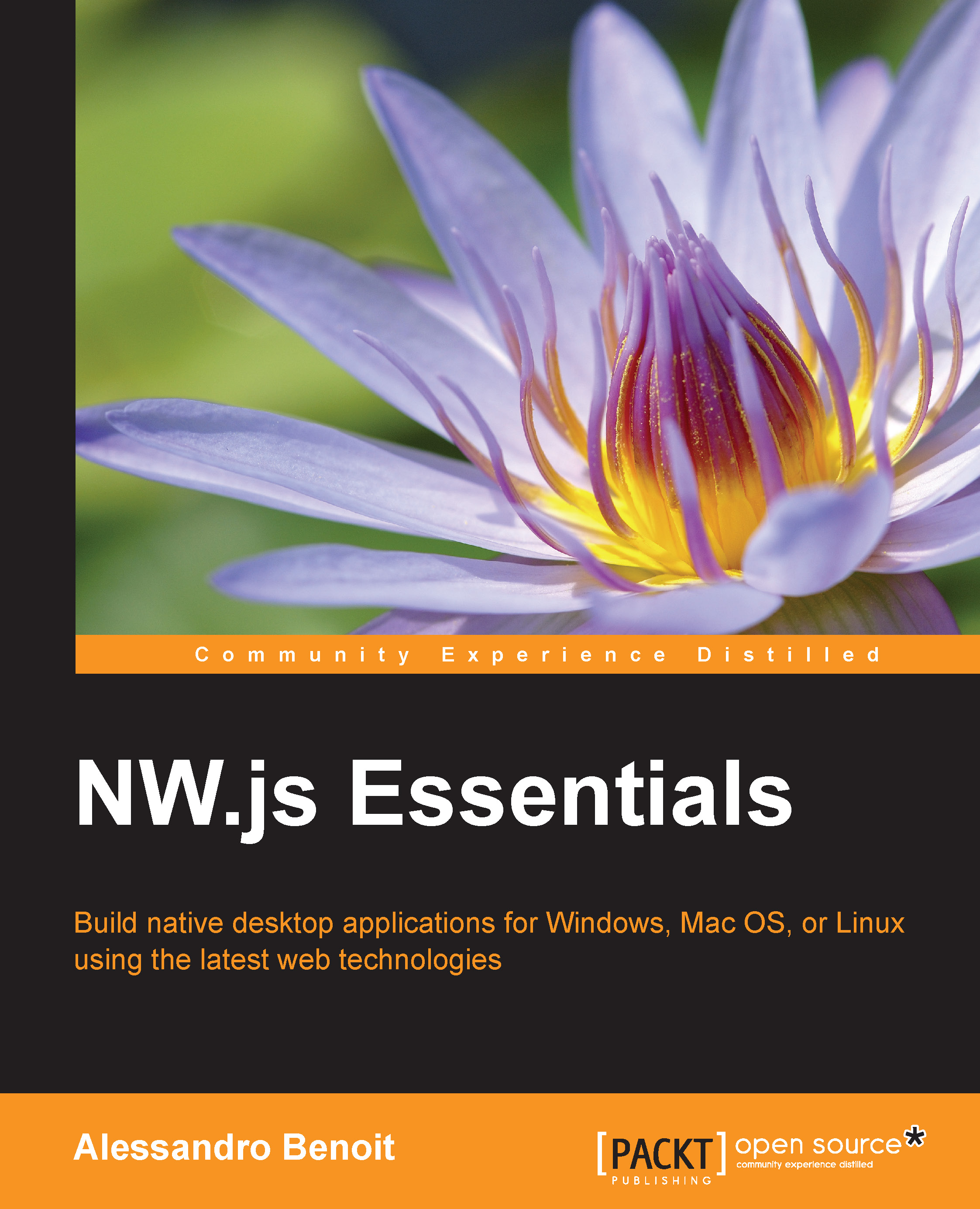
NW.js Essentials

NW.js Essentials

By : Benoit
4.8 (5)
close
close
NW.js Essentials

NW.js Essentials

4.8 (5)
By: Benoit

Overview of this book

If you are an experienced Node.js developer who wants to create amazing desktop applications using NW.js, this is the book for you. Prior knowledge of HTML5, jQuery, and CSS is assumed.
Table of Contents (11 chapters)
close
close
10
Index

The Menu API – handling window and context menus


In NW.js, menus can be used in three different contexts:

  • Contextual menus: This is displayed when right-clicking an element inside the application.

  • Window menus: On Microsoft Windows and Linux, you can have one per window; however, in Mac OS X, you can have one, which will be shown on the System taskbar, per application.

  • Tray icon menus: This is displayed when clicking on a tray icon usually on the right side of the OS taskbar.

In this chapter, we're going to deal with the first two contexts. For tray icon menus, the same basic rules apply, but refer to the Tray API section to learn more about it.

The contextual menu

In order to instance a new menu on NW.js, we should proceed as follows:

var gui = require('nw.gui');
var menu = new gui.Menu();

Once the menu has been created, we have to append one or more MenuItem objects to it:

menu.append(new gui.MenuItem({
  label: 'Menu Item'
}));

We have three different types of menu items: normal (default value...

Visually different images
CONTINUE READING
83
Tech Concepts
36
Programming languages
73
Tech Tools
Icon Unlimited access to the largest independent learning library in tech of over 8,000 expert-authored tech books and videos.
Icon Innovative learning tools, including AI book assistants, code context explainers, and text-to-speech.
Icon 50+ new titles added per month and exclusive early access to books as they are being written.
NW.js Essentials
notes
bookmark Notes and Bookmarks search Search in title playlist Add to playlist font-size Font size

Change the font size

margin-width Margin width

Change margin width

day-mode Day/Sepia/Night Modes

Change background colour

Close icon Search
Country selected

Close icon Your notes and bookmarks

Confirmation

Modal Close icon
claim successful

Buy this book with your credits?

Modal Close icon
Are you sure you want to buy this book with one of your credits?
Close
YES, BUY

Submit Your Feedback

Modal Close icon
Modal Close icon
Modal Close icon