Sign In Start Free Trial
Account

Add to playlist

Create a Playlist

Modal Close icon
You need to login to use this feature.
  • Book Overview & Buying Python Microservices Development
  • Table Of Contents Toc
  • Feedback & Rating feedback
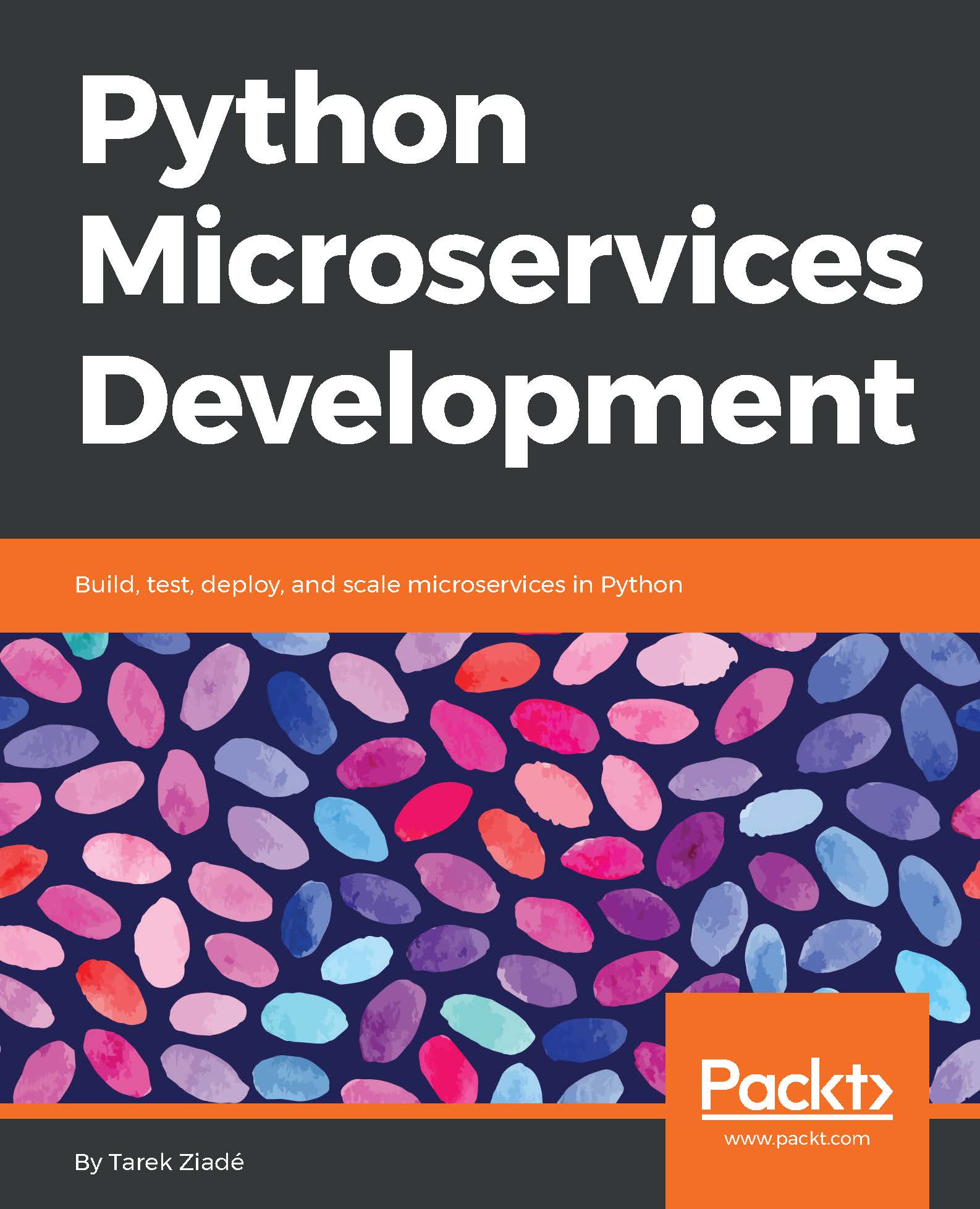
Python Microservices Development

Python Microservices Development

By : Tarek Ziadé
4 (5)
close
close
Python Microservices Development

Python Microservices Development

4 (5)
By: Tarek Ziadé

Overview of this book

We often deploy our web applications into the cloud, and our code needs to interact with many third-party services. An efficient way to build applications to do this is through microservices architecture. But, in practice, it's hard to get this right due to the complexity of all the pieces interacting with each other. This book will teach you how to overcome these issues and craft applications that are built as small standard units, using all the proven best practices and avoiding the usual traps. It's a practical book: you’ll build everything using Python 3 and its amazing tooling ecosystem. You will understand the principles of TDD and apply them. You will use Flask, Tox, and other tools to build your services using best practices. You will learn how to secure connections between services, and how to script Nginx using Lua to build web application firewall features such as rate limiting. You will also familiarize yourself with Docker’s role in microservices, and use Docker containers, CoreOS, and Amazon Web Services to deploy your services. This book will take you on a journey, ending with the creation of a complete Python application based on microservices. By the end of the book, you will be well versed with the fundamentals of building, designing, testing, and deploying your Python microservices.
Table of Contents (13 chapters)
close
close

Route53


Route53 can be used to create an alias with your domain name. If you visit the service console at https://console.aws.amazon.com/route53, and click on the hosted zones menu, you can add a new hosted zone for your domain name, which is an alias to the ELB previously set.

Assuming that you already own the domain name from a registrar, you can simply redirect the domain to AWS's DNS. Click on Create Hosted Zone, and add your domain.

Once it is created, you can go to Create a Record Set, and select a type A record. The record has to be an Alias, and in the target input, a dropdown appears with the list of available targets:

The ELB load balancer that was previously created by the wizard should appear in that list, and selecting it links your domain name to that ELB:

This step is all it takes to link a domain name to your deployed ECS cluster; and you can add more entries with a subdomain, for instance, for each one of your deployed microservice.

Route53 has DNS servers all over the world...

Visually different images
CONTINUE READING
83
Tech Concepts
36
Programming languages
73
Tech Tools
Icon Unlimited access to the largest independent learning library in tech of over 8,000 expert-authored tech books and videos.
Icon Innovative learning tools, including AI book assistants, code context explainers, and text-to-speech.
Icon 50+ new titles added per month and exclusive early access to books as they are being written.
Python Microservices Development
notes
bookmark Notes and Bookmarks search Search in title playlist Add to playlist download Download options font-size Font size

Change the font size

margin-width Margin width

Change margin width

day-mode Day/Sepia/Night Modes

Change background colour

Close icon Search
Country selected

Close icon Your notes and bookmarks

Confirmation

Modal Close icon
claim successful

Buy this book with your credits?

Modal Close icon
Are you sure you want to buy this book with one of your credits?
Close
YES, BUY

Submit Your Feedback

Modal Close icon
Modal Close icon
Modal Close icon