Sign In Start Free Trial
Account

Add to playlist

Create a Playlist

Modal Close icon
You need to login to use this feature.
  • Book Overview & Buying Python Microservices Development
  • Table Of Contents Toc
  • Feedback & Rating feedback
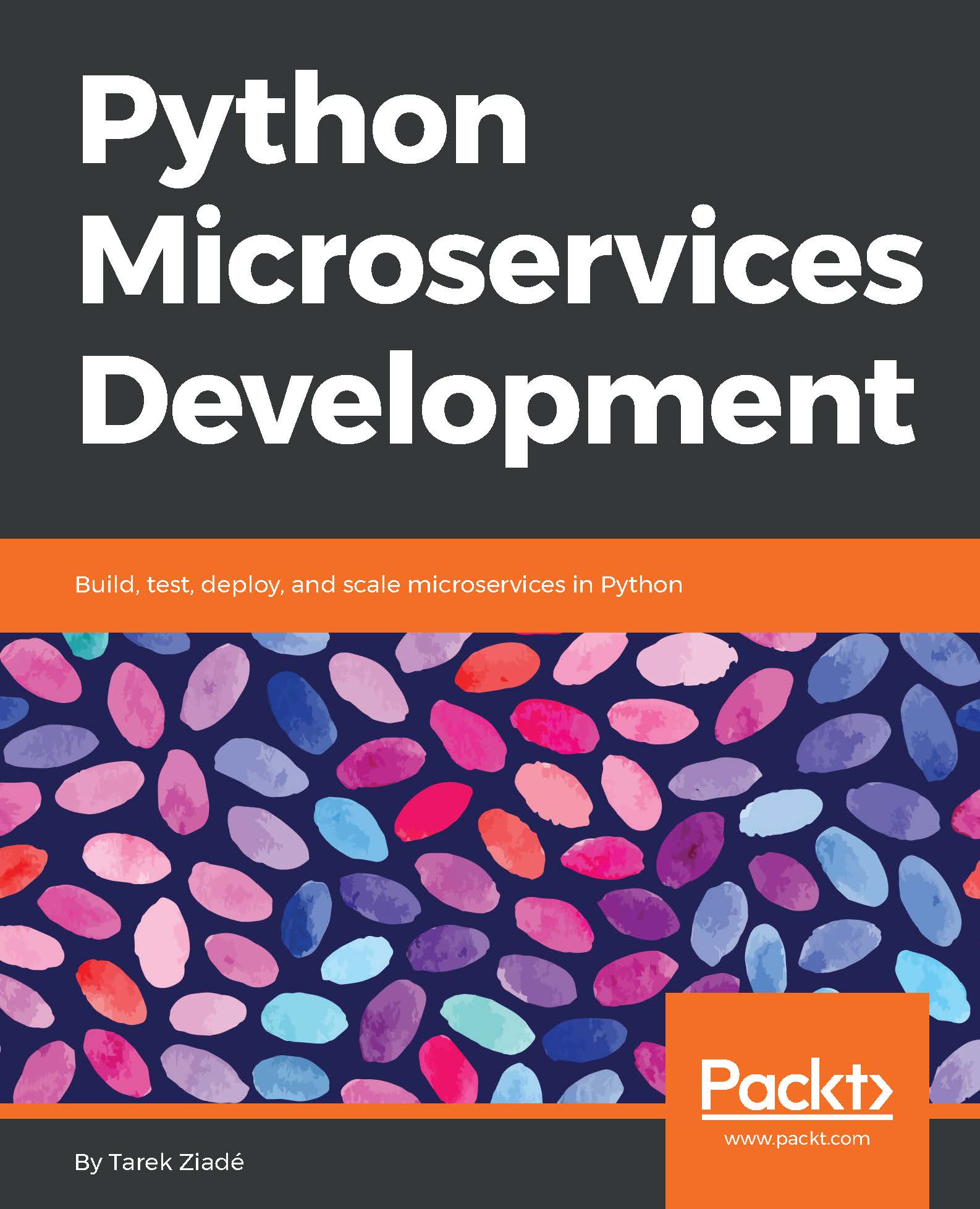
Python Microservices Development

Python Microservices Development

By : Tarek Ziadé
4 (5)
close
close
Python Microservices Development

Python Microservices Development

4 (5)
By: Tarek Ziadé

Overview of this book

We often deploy our web applications into the cloud, and our code needs to interact with many third-party services. An efficient way to build applications to do this is through microservices architecture. But, in practice, it's hard to get this right due to the complexity of all the pieces interacting with each other. This book will teach you how to overcome these issues and craft applications that are built as small standard units, using all the proven best practices and avoiding the usual traps. It's a practical book: you’ll build everything using Python 3 and its amazing tooling ecosystem. You will understand the principles of TDD and apply them. You will use Flask, Tox, and other tools to build your services using best practices. You will learn how to secure connections between services, and how to script Nginx using Lua to build web application firewall features such as rate limiting. You will also familiarize yourself with Docker’s role in microservices, and use Docker containers, CoreOS, and Amazon Web Services to deploy your services. This book will take you on a journey, ending with the creation of a complete Python application based on microservices. By the end of the book, you will be well versed with the fundamentals of building, designing, testing, and deploying your Python microservices.
Table of Contents (13 chapters)
close
close

Authentication and authorization


The React dashboard needs to be able to authenticate its users, and perform authorized calls on some microservices. It also needs to let the user grant access to Strava.

We make the assumption that the dashboard only works when you are authenticated, and that there are two kinds of users: first-time user and returning user.

Following is the user story for first-time users:

As a first-time user, when I visit the dashboard, there's a "login" link. When I click on it, the dashboard redirects me to Strava to grant access to my resources. Strava then redirects me back to the dashboard, and I am connected. The dashboard then starts to fill with my data.

As described, our Flask app performs an OAuth2 dance with Strava to authenticate users. Connecting to Strava also means we need to store the access token into the Runnerly user profile so we can use it to fetch runs later on.

Before going further, we need to make a design decision: do we want the dashboard merged with...

Visually different images
CONTINUE READING
83
Tech Concepts
36
Programming languages
73
Tech Tools
Icon Unlimited access to the largest independent learning library in tech of over 8,000 expert-authored tech books and videos.
Icon Innovative learning tools, including AI book assistants, code context explainers, and text-to-speech.
Icon 50+ new titles added per month and exclusive early access to books as they are being written.
Python Microservices Development
notes
bookmark Notes and Bookmarks search Search in title playlist Add to playlist download Download options font-size Font size

Change the font size

margin-width Margin width

Change margin width

day-mode Day/Sepia/Night Modes

Change background colour

Close icon Search
Country selected

Close icon Your notes and bookmarks

Confirmation

Modal Close icon
claim successful

Buy this book with your credits?

Modal Close icon
Are you sure you want to buy this book with one of your credits?
Close
YES, BUY

Submit Your Feedback

Modal Close icon
Modal Close icon
Modal Close icon