


-
Book Overview & Buying
-
Table Of Contents

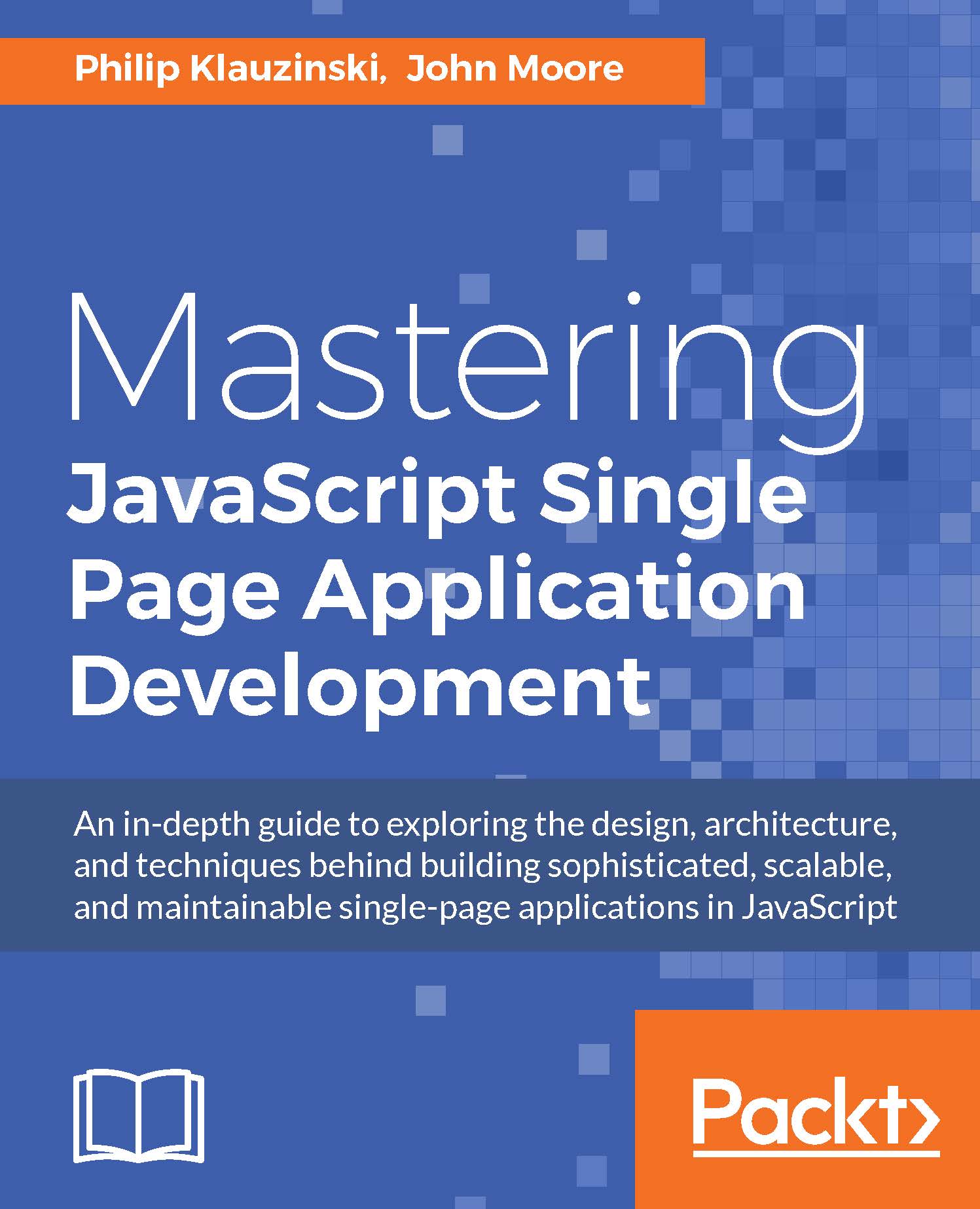
Mastering JavaScript Single Page Application Development
By :


Mastering JavaScript Single Page Application Development
By:
Overview of this book
Single-page web applications—or SPAs, as they are commonly referred to—are quickly becoming the de facto standard for web app development. The fact that a major part of the app runs inside a single web page makes it very interesting and appealing. Also, the accelerated growth of browser capabilities is pushing us closer to the day when all apps will run entirely in the browser.
This book will take your JavaScript development skills to the next level by teaching you to create a single-page application within a full-stack JavaScript environment. Using only JavaScript, you can go from being a front-end developer to a full-stack application developer with relative ease.
You will learn to cross the boundary from front-end development to server-side development through the use of JavaScript on both ends. Use your existing knowledge of JavaScript by learning to manage a JSON document data store with MongoDB, writing a JavaScript powered REST API with Node.js and Express, and designing a front-end powered by AngularJS.
This book will teach you to leverage the MEAN stack to do everything from document database design, routing REST web API requests, data-binding within views, and adding authentication and security to building a full-fledged, complex, single-page web application.
In addition to building a full-stack JavaScript app, you will learn to test it with JavaScript-powered testing tools such as Mocha, Karma, and Jasmine. Finally, you will learn about deployment and scaling so that you can launch your own apps into the real world.
Table of Contents (15 chapters)
Preface


 Free Chapter
1. Getting Organized with NPM, Bower, and Grunt
2. Model-View-Whatever
3. SPA Essentials – Creating the Ideal Application Environment
4. REST is Best – Interacting with the Server Side of Your App
5. Its All About the View
6. Data Binding, and Why You Should Embrace It
7. Leveraging the MEAN Stack
8. Managing Data Using MongoDB
9. Handling Web Requests with Express
10. Displaying Views
11. Adding Security and Authentication
12. Connecting the App to Social Media
13. Testing with Mocha, Karma, and More

14. Deploying and Scaling the SPA


