Sign In Start Free Trial
Account

Add to playlist

Create a Playlist

Modal Close icon
You need to login to use this feature.
  • Book Overview & Buying Web Development with Django Cookbook
  • Table Of Contents Toc
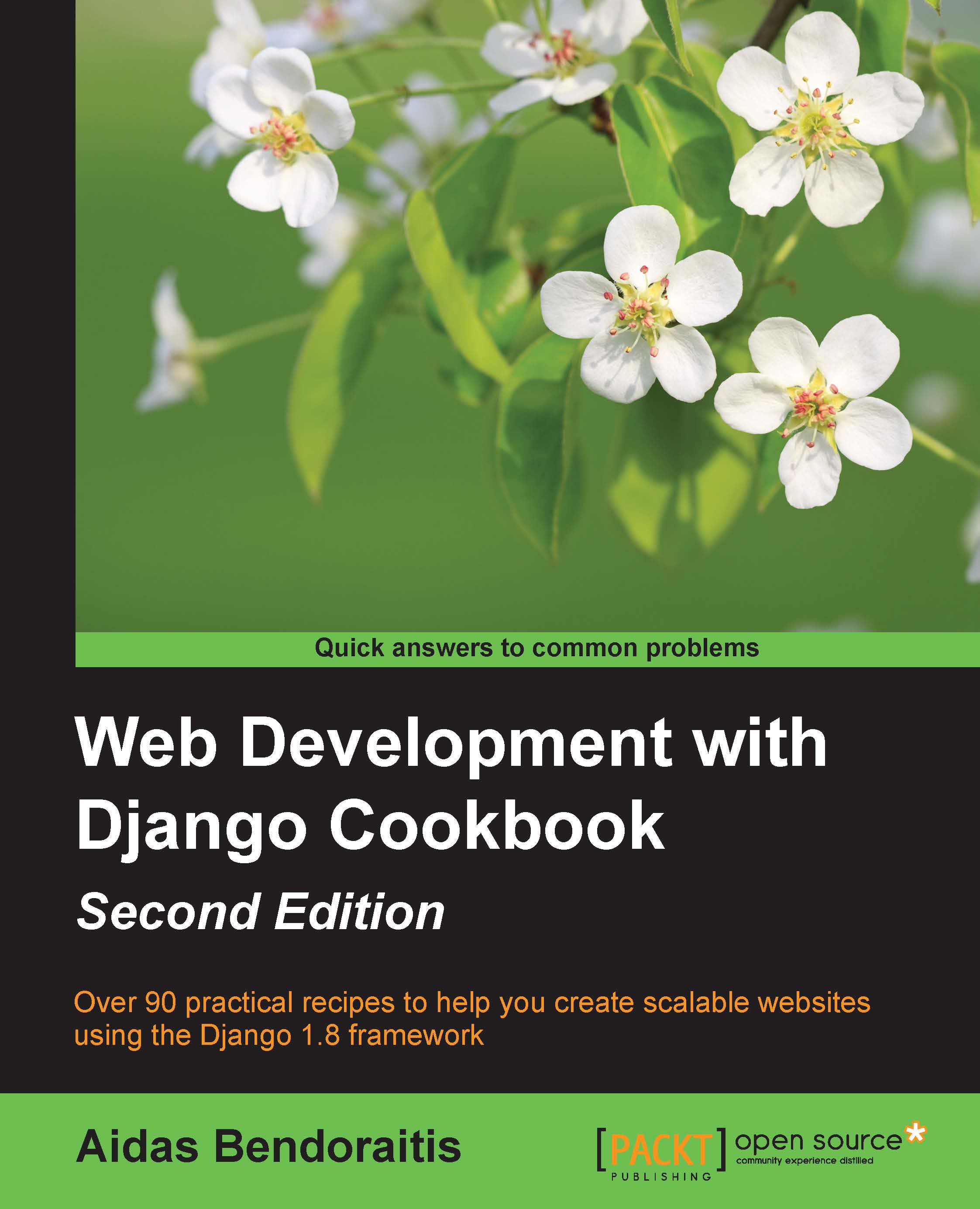
Web Development with Django Cookbook

Web Development with Django Cookbook - Second Edition

By : Aidas Bendoraitis
4 (8)
close
close
Web Development with Django Cookbook

Web Development with Django Cookbook

4 (8)
By: Aidas Bendoraitis

Overview of this book

Django is a web framework that was designed to strike a balance between rapid web development and high performance. It has the capacity to handle applications with high levels of user traffic and interaction, and can integrate with massive databases on the backend, constantly collecting and processing data in real time. Through this book, you'll discover that collecting data from different sources and providing it to others in different formats isn't as difficult as you thought. It follows a task-based approach to guide you through all the web development processes using the Django framework. We’ll start by setting up the virtual environment for a Django project and configuring it. Then you’ll learn to write reusable pieces of code for your models and find out how to manage database schema changes using South migrations. After that, we’ll take you through working with forms and views to enter and list data. With practical examples on using templates and JavaScript together, you will discover how to create the best user experience. In the final chapters, you'll be introduced to some programming and debugging tricks and finally, you will be shown how to test and deploy the project to a remote dedicated server. By the end of this book, you will have a good understanding of the new features added to Django 1.8 and be an expert at web development processes.
Table of Contents (13 chapters)
close
close
12
Index

Downloading authorized files


Sometimes, you might need to allow only specific people to download intellectual property from your website. For example, music, videos, literature, or other artistic works should be accessible only to the paid members. In this recipe, you will learn how to restrict image downloads only to the authenticated users using the contributed Django auth app.

Getting ready

To start, create the quotes app as in the Uploading images recipe.

How to do it…

Execute these steps one by one:

  1. Create the view that will require authentication to download a file, as follows:

    # quotes/views.py
    # -*- coding: UTF-8 -*-
    from __future__ import unicode_literals
    import os
    from django.shortcuts import get_object_or_404
    from django.http import FileResponse
    from django.utils.text import slugify
    from django.contrib.auth.decorators import login_required
    from .models import InspirationalQuote
    
    @login_required(login_url="my_login_page")
    def download_quote_picture(request, quote_id):
        quote = get_object_or_404...
CONTINUE READING
83
Tech Concepts
36
Programming languages
73
Tech Tools
Icon Unlimited access to the largest independent learning library in tech of over 8,000 expert-authored tech books and videos.
Icon Innovative learning tools, including AI book assistants, code context explainers, and text-to-speech.
Icon 50+ new titles added per month and exclusive early access to books as they are being written.
Web Development with Django Cookbook
notes
bookmark Notes and Bookmarks search Search in title playlist Add to playlist font-size Font size

Change the font size

margin-width Margin width

Change margin width

day-mode Day/Sepia/Night Modes

Change background colour

Close icon Search
Country selected

Close icon Your notes and bookmarks

Confirmation

Modal Close icon
claim successful

Buy this book with your credits?

Modal Close icon
Are you sure you want to buy this book with one of your credits?
Close
YES, BUY

Submit Your Feedback

Modal Close icon
Modal Close icon
Modal Close icon