Sign In Start Free Trial
Account

Add to playlist

Create a Playlist

Modal Close icon
You need to login to use this feature.
  • Book Overview & Buying RESTful  Web API Design with Node.js
  • Table Of Contents Toc
RESTful  Web API Design with Node.js

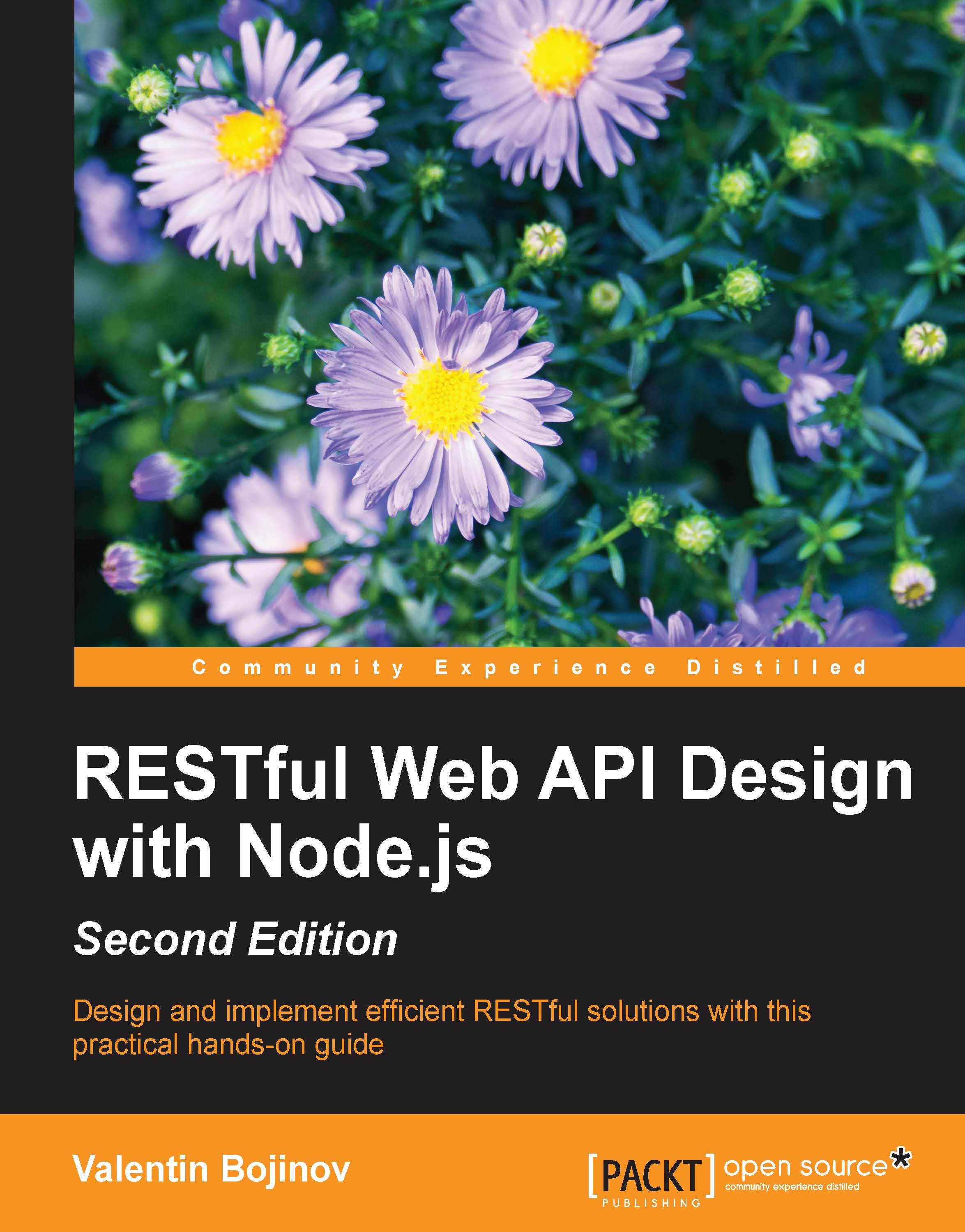
RESTful Web API Design with Node.js - Second Edition

By : Bojinov
4.1 (13)
close
close
RESTful  Web API Design with Node.js

RESTful Web API Design with Node.js

4.1 (13)
By: Bojinov

Overview of this book

In this era of cloud computing, every data provisioning solution is built in a scalable and fail-safe way. Thus, when building RESTful services, the right choice for the underlying platform is vital. Node.js, with its asynchronous, event-driven architecture, is exactly the right choice to build RESTful APIs. This book will help you enrich your development skills to create scalable, server-side, RESTful applications based on the Node.js platform. Starting with the fundamentals of REST, you will understand why RESTful web services are better data provisioning solution than other technologies. You will start setting up a development environment by installing Node.js, Express.js, and other modules. Next, you will write a simple HTTP request handler and create and test Node.js modules using automated tests and mock objects. You will then have to choose the most appropriate data storage type, having options between a key/value or document data store, and also you will implement automated tests for it. This module will evolve chapter by chapter until it turns into a full-fledged and secure Restful service.
Table of Contents (7 chapters)
close
close

Installing Node.js


The current version of the latest Node.js release is five. This is a stable short-term support release, which should serve as a bridge between the latest Long Term Support and the following one.

Let's start our journey through Node.js with a Node.js installation. Installers are available both for Windows and Mac operating systems at http://www.nodejs.org/download/. Linux users can either build Node.js from the available Linux binaries or can make use of their package manager, as Node.js is available with most of the popular package repositories for different Linux distributions. Currently, there are two versions available in the repositories — €”the LTS Version 4.x and the stable 5.x. By default, the package manager points to the LTS release, so we should explicitly tell the manager to install the 5.x Version via the following command:

curl -sL https://deb.nodesource.com/setup_5.x | sudo -E bash -
apt-get install nodejs

For now, let's install Node.js from its installer...

CONTINUE READING
83
Tech Concepts
36
Programming languages
73
Tech Tools
Icon Unlimited access to the largest independent learning library in tech of over 8,000 expert-authored tech books and videos.
Icon Innovative learning tools, including AI book assistants, code context explainers, and text-to-speech.
Icon 50+ new titles added per month and exclusive early access to books as they are being written.
RESTful  Web API Design with Node.js
notes
bookmark Notes and Bookmarks search Search in title playlist Add to playlist download Download options font-size Font size

Change the font size

margin-width Margin width

Change margin width

day-mode Day/Sepia/Night Modes

Change background colour

Close icon Search
Country selected

Close icon Your notes and bookmarks

Confirmation

Modal Close icon
claim successful

Buy this book with your credits?

Modal Close icon
Are you sure you want to buy this book with one of your credits?
Close
YES, BUY

Submit Your Feedback

Modal Close icon
Modal Close icon
Modal Close icon