Sign In Start Free Trial
Account

Add to playlist

Create a Playlist

Modal Close icon
You need to login to use this feature.
  • Book Overview & Buying Learning Vue.js 2
  • Table Of Contents Toc
  • Feedback & Rating feedback
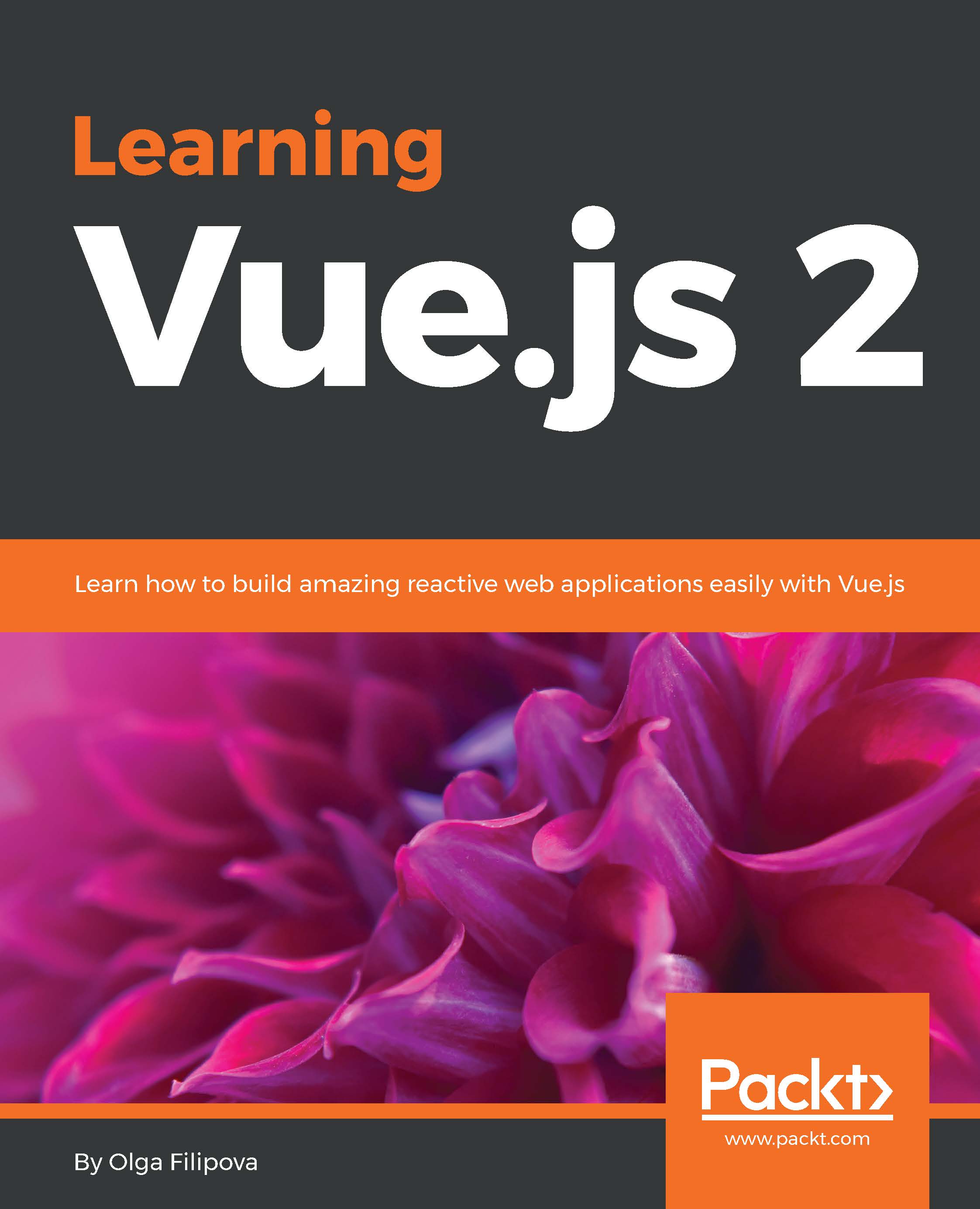
Learning Vue.js 2

Learning Vue.js 2

By : Olga Filipova
4.4 (10)
close
close
Learning Vue.js 2

Learning Vue.js 2

4.4 (10)
By: Olga Filipova

Overview of this book

Vue.js is one of the latest new frameworks to have piqued the interest of web developers due to its reactivity, reusable components, and ease of use. This book shows developers how to leverage its features to build high-performing, reactive web interfaces with Vue.js. From the initial structuring to full deployment, this book provides step-by-step guidance to developing an interactive web interface from scratch with Vue.js. You will start by building a simple application in Vue.js which will let you observe its features in action. Delving into more complex concepts, you will learn about reactive data binding, reusable components, plugins, filters, and state management with Vuex. This book will also teach you how to bring reactivity to an existing static application using Vue.js. By the time you finish this book you will have built, tested, and deployed a complete reactive application in Vue.js from scratch.
Table of Contents (11 chapters)
close
close

DefineProperty, getters, and setters


So, what happens with the data once passed to the Vue instance? What are these transformations that Vue applies to it so that it becomes so automatically bound to the View layer?

Let's analyze what would we do if we had, let's say, a string, and every time it changes we would like to apply some transformations to some DOM element. How would we apply the string-changing listener function? To what would we attach it? There is no such thing as var stringVar='hello';stringVar.onChange(doSomething) .

So we would probably wrap the string's value setting and getting in some sort of function that would do something, for example, updating the DOM each time the string was updated. How would you implement it? While you're thinking about it, I'll prepare a quick demo of something interesting.

Open the developer tools on your shopping list application. Let's code a little bit. Create an obj variable and another text variable:

var obj = {}; 
var text = ''; 

Let...

Visually different images
CONTINUE READING
83
Tech Concepts
36
Programming languages
73
Tech Tools
Icon Unlimited access to the largest independent learning library in tech of over 8,000 expert-authored tech books and videos.
Icon Innovative learning tools, including AI book assistants, code context explainers, and text-to-speech.
Icon 50+ new titles added per month and exclusive early access to books as they are being written.
Learning Vue.js 2
notes
bookmark Notes and Bookmarks search Search in title playlist Add to playlist download Download options font-size Font size

Change the font size

margin-width Margin width

Change margin width

day-mode Day/Sepia/Night Modes

Change background colour

Close icon Search
Country selected

Close icon Your notes and bookmarks

Confirmation

Modal Close icon
claim successful

Buy this book with your credits?

Modal Close icon
Are you sure you want to buy this book with one of your credits?
Close
YES, BUY

Submit Your Feedback

Modal Close icon
Modal Close icon
Modal Close icon