Sign In Start Free Trial
Account

Add to playlist

Create a Playlist

Modal Close icon
You need to login to use this feature.
  • Book Overview & Buying Learning Vue.js 2
  • Table Of Contents Toc
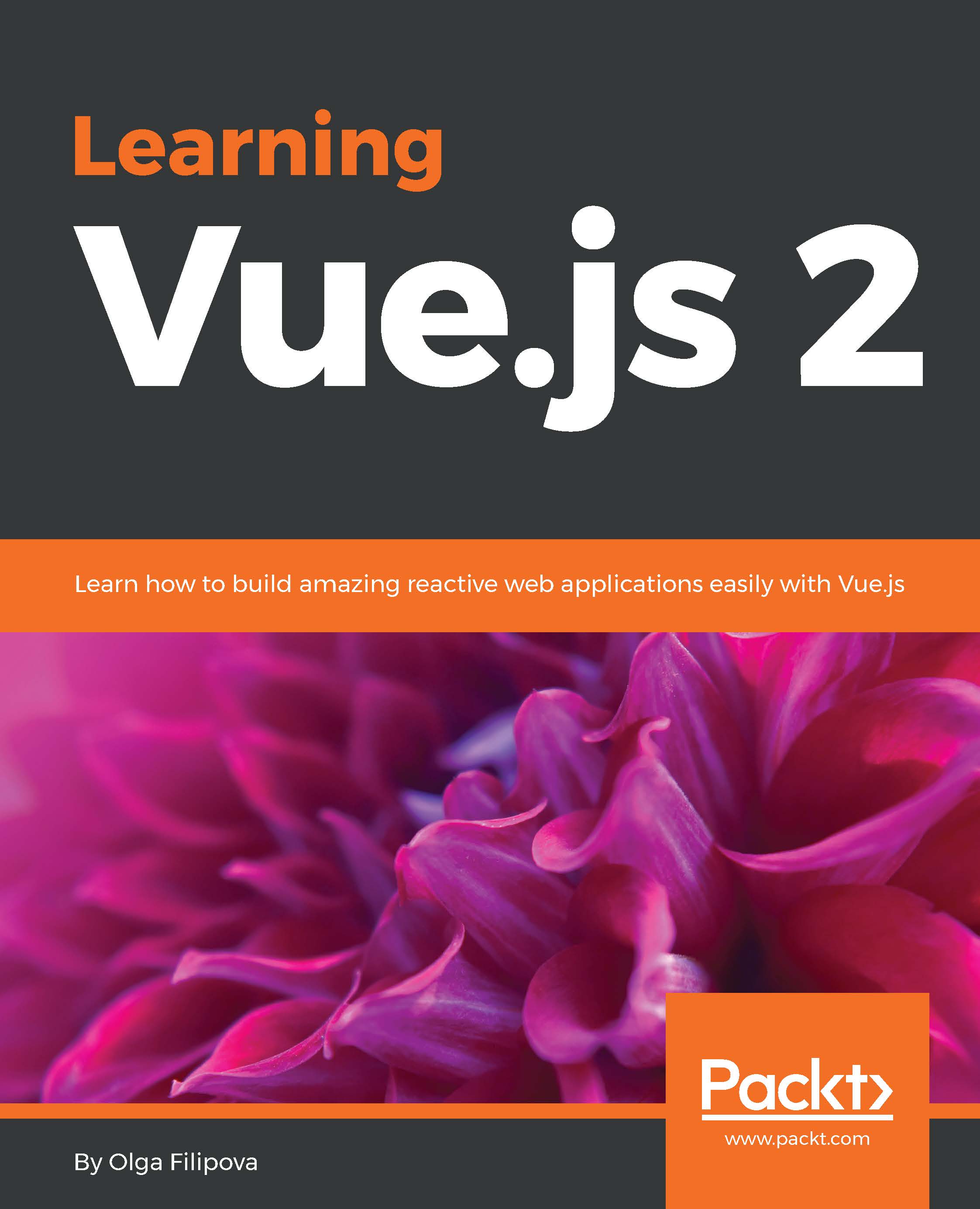
Learning Vue.js 2

Learning Vue.js 2

By : Olga Filipova
4.4 (10)
close
close
Learning Vue.js 2

Learning Vue.js 2

4.4 (10)
By: Olga Filipova

Overview of this book

Vue.js is one of the latest new frameworks to have piqued the interest of web developers due to its reactivity, reusable components, and ease of use. This book shows developers how to leverage its features to build high-performing, reactive web interfaces with Vue.js. From the initial structuring to full deployment, this book provides step-by-step guidance to developing an interactive web interface from scratch with Vue.js. You will start by building a simple application in Vue.js which will let you observe its features in action. Delving into more complex concepts, you will learn about reactive data binding, reusable components, plugins, filters, and state management with Vuex. This book will also teach you how to bring reactivity to an existing static application using Vue.js. By the time you finish this book you will have built, tested, and deployed a complete reactive application in Vue.js from scratch.
Table of Contents (11 chapters)
close
close

Revisiting components


As you surely remember from the previous chapters, components are special parts of the Vue application that have their own scope of data and methods. Components can be used and reused throughout the application. In the previous chapter, you learned that a component is created by using the Vue.extend({...}) method and registered using the Vue.component() syntax. So, in order to create and use a component, we would write the following JavaScript code:

//creating component 
var HelloComponent = Vue.extend({ 
  template: '<h1>Hello</h1>' 
}); 
//registering component 
Vue.component('hello-component', HelloComponent); 
 
//initializing the Vue application 
new Vue({ 
  el: '#app' 
}); 

Then, we will use hello-component inside the HTML:

<div id='app'> 
  <hello-component></hello-component> 
</div> 

Tip

Both initialization and registration can be written as a single Vue...

CONTINUE READING
83
Tech Concepts
36
Programming languages
73
Tech Tools
Icon Unlimited access to the largest independent learning library in tech of over 8,000 expert-authored tech books and videos.
Icon Innovative learning tools, including AI book assistants, code context explainers, and text-to-speech.
Icon 50+ new titles added per month and exclusive early access to books as they are being written.
Learning Vue.js 2
notes
bookmark Notes and Bookmarks search Search in title playlist Add to playlist download Download options font-size Font size

Change the font size

margin-width Margin width

Change margin width

day-mode Day/Sepia/Night Modes

Change background colour

Close icon Search
Country selected

Close icon Your notes and bookmarks

Confirmation

Modal Close icon
claim successful

Buy this book with your credits?

Modal Close icon
Are you sure you want to buy this book with one of your credits?
Close
YES, BUY

Submit Your Feedback

Modal Close icon
Modal Close icon
Modal Close icon