
Sign In Start Free Trial
Account

Add to playlist

Create a Playlist

Modal Close icon
You need to login to use this feature.
  • Book Overview & Buying Vue.js 2 Web Development Projects
  • Table Of Contents Toc
  • Feedback & Rating feedback
Vue.js 2 Web Development Projects

Vue.js 2 Web Development Projects

By : GUILLAUME
4.5 (2)
close
close
Vue.js 2 Web Development Projects

Vue.js 2 Web Development Projects

4.5 (2)
By: GUILLAUME

Overview of this book

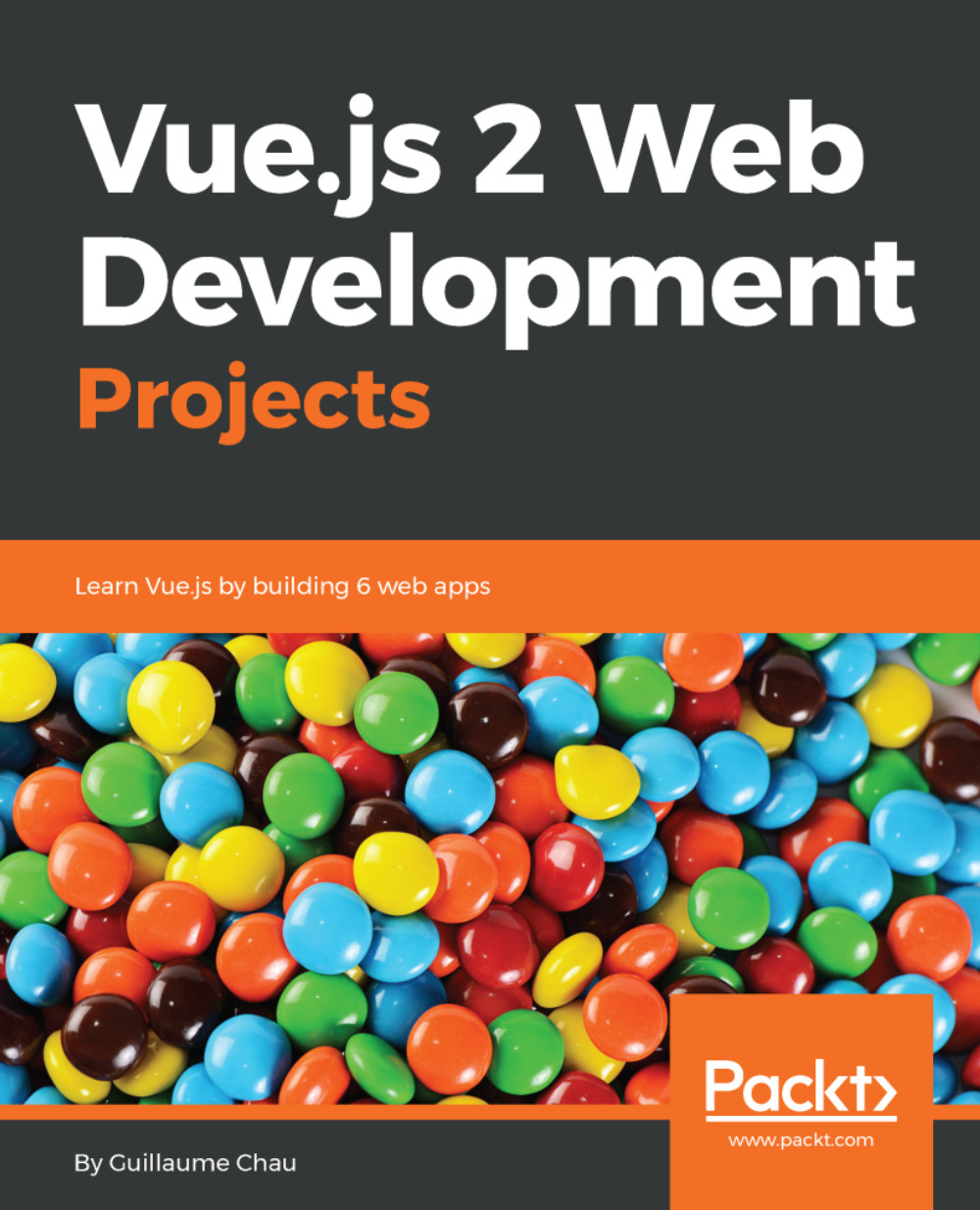
Do you want to make your web application amazingly responsive? Are you unhappy with your app's performance and looking forward to trying out ways to make your app more powerful? Then Vue.js, a framework for building user interfaces, is a great choice, and this book is the ideal way to put it through its paces. This book's project-based approach will get you to build six stunning applications from scratch and gain valuable insights in Vue.js 2.5. You'll start by learning the basics of Vue.js and create your first web app using directives along with rich and attractive user experiences. You will learn about animations and interactivity by creating a browser-based game. Using the available tools and preprocessor, you will learn how to create multi-page apps with plugins. You will create highly efficient and performant functional components for your app. Next, you will create your own online store and optimize it. Finally, you will integrate Vue.js with the real-time Meteor library and create a dashboard showing real-time data. By the end of this book you will have enough skills and will have worked through enough examples of real Vue.js projects to create interactive professional web applications with Vue.js 2.5.
Table of Contents (9 chapters)
close
close

Project 1 - Markdown Notebook

The first app we will create is a markdown notebook, using several Vue features in a step-by-step manner. We will reuse what we saw in Chapter 1, Getting Started with Vue, and add more elements on top of it, such as useful directives, events for user interaction, more instance options, and filters to process values.

Before we start writing the code, let's talk about the app and review our objectives:

  • The notebook app will allow the user to write notes in markdown
  • The markdown will be previewed in real time
  • The users will be able to add as many notes as they want
  • The notes will be restored the next time the user visits the app

To do that, we will divide the user interface into three sections:

  • A main section in the middle with the note editor
  • A right pane, which previews the markdown of the current node
  • A left pane, with the list of notes and...

Visually different images
CONTINUE READING
83
Tech Concepts
36
Programming languages
73
Tech Tools
Icon Unlimited access to the largest independent learning library in tech of over 8,000 expert-authored tech books and videos.
Icon Innovative learning tools, including AI book assistants, code context explainers, and text-to-speech.
Icon 50+ new titles added per month and exclusive early access to books as they are being written.
Vue.js 2 Web Development Projects
notes
bookmark Notes and Bookmarks search Search in title playlist Add to playlist download Download options font-size Font size

Change the font size

margin-width Margin width

Change margin width

day-mode Day/Sepia/Night Modes

Change background colour

Close icon Search
Country selected

Close icon Your notes and bookmarks

Confirmation

Modal Close icon
claim successful

Buy this book with your credits?

Modal Close icon
Are you sure you want to buy this book with one of your credits?
Close
YES, BUY

Submit Your Feedback

Modal Close icon
Modal Close icon
Modal Close icon