
Sign In Start Free Trial
Account

Add to playlist

Create a Playlist

Modal Close icon
You need to login to use this feature.
  • Book Overview & Buying Responsive Web Design by Example
  • Table Of Contents Toc
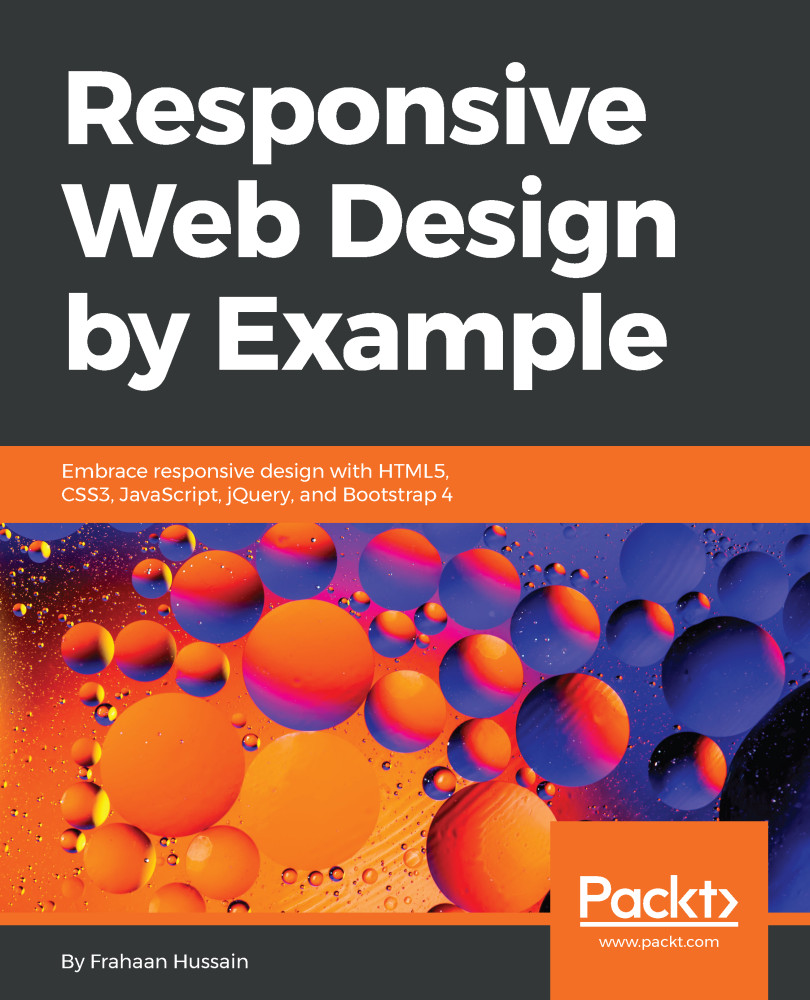
Responsive Web Design by Example

Responsive Web Design by Example

By : Frahaan Hussain
2.6 (5)
close
close
Responsive Web Design by Example

Responsive Web Design by Example

2.6 (5)
By: Frahaan Hussain

Overview of this book

Desktop-only websites just aren't good enough anymore. As you enter a future of increasingly diverse browsing methods, you need to know how to build websites that are presentable and will work perfectly with the huge volume of different device sizes and resolutions that are now commercially available. Responsive web design is an answer to the problem of modern web development. By following the detailed step-by-step instructions, previews, and examples mentioned in this book, you will learn how to build engaging responsive websites and upgrade your skills as a web designer. With coverage of Responsive Grid System and Bootstrap, you will learn about the most powerful frameworks in responsive web design. In this book, you will learn how to create a crisp blog page, a beautiful portfolio site, a cool social networking page, and a fun photo gallery. Through each of these projects, you'll learn how to build various elements of a modern responsive website, and also find out which framework works best for your project specifications. By the end of the book, you will have gained practical skills you need to build real-world websites that are professional, creative and truly responsive.
Table of Contents (15 chapters)
close
close

Why use Bootstrap?

You probably have a reasonable idea of why you would use Bootstrap for developing websites after reading its history, but there is more to it. Simply put, it provides the following:

  • A responsive grid, using the design philosophies mentioned in the first chapter.
  • Cross browser compatibility, using Normalize.css to ensure elements render consistently across all browsers, (not a very easy task, I might add, speaking from experience). You might be wondering why it's difficult. Simply put, there are several different browsers, each with a plethora of versions, which all render content differently. I've seen some browsers put a border around an image by default, whereas some browsers don't. This type of inconsistency will prove to be very bad for user experience.
  • A plethora of UI components, by providing polished UI components as developers, we are...
CONTINUE READING
83
Tech Concepts
36
Programming languages
73
Tech Tools
Icon Unlimited access to the largest independent learning library in tech of over 8,000 expert-authored tech books and videos.
Icon Innovative learning tools, including AI book assistants, code context explainers, and text-to-speech.
Icon 50+ new titles added per month and exclusive early access to books as they are being written.
Responsive Web Design by Example
notes
bookmark Notes and Bookmarks search Search in title playlist Add to playlist download Download options font-size Font size

Change the font size

margin-width Margin width

Change margin width

day-mode Day/Sepia/Night Modes

Change background colour

Close icon Search
Country selected

Close icon Your notes and bookmarks

Confirmation

Modal Close icon
claim successful

Buy this book with your credits?

Modal Close icon
Are you sure you want to buy this book with one of your credits?
Close
YES, BUY

Submit Your Feedback

Modal Close icon
Modal Close icon
Modal Close icon