Sign In Start Free Trial
Account

Add to playlist

Create a Playlist

Modal Close icon
You need to login to use this feature.
  • Book Overview & Buying WordPress Plugin Development Cookbook
  • Table Of Contents Toc
  • Feedback & Rating feedback
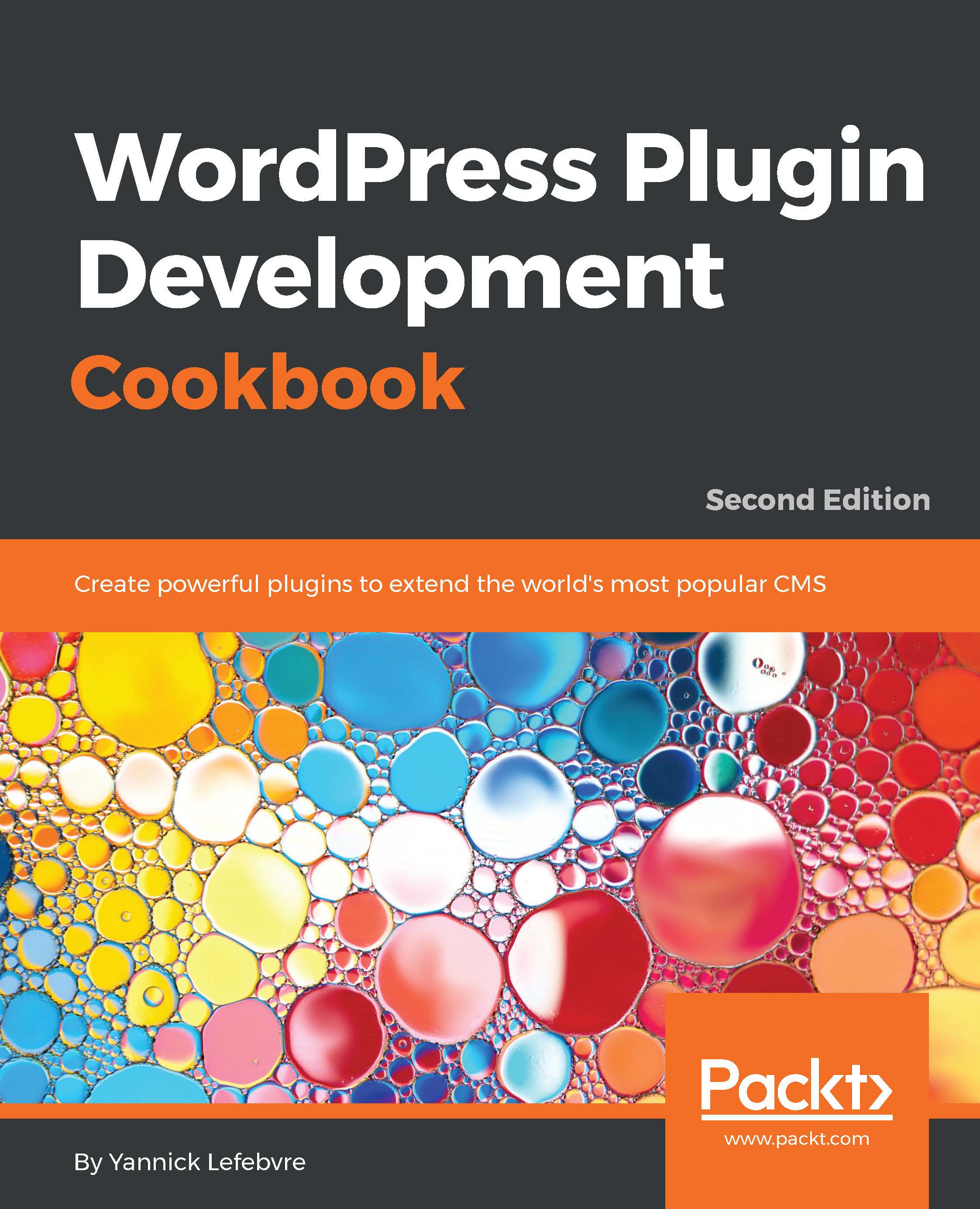
WordPress Plugin Development Cookbook

WordPress Plugin Development Cookbook - Second Edition

By : Yannick Lefebvre
4.4 (12)
close
close
WordPress Plugin Development Cookbook

WordPress Plugin Development Cookbook

4.4 (12)
By: Yannick Lefebvre

Overview of this book

WordPress is a popular, powerful, and open Content Management System. Learning how to extend its capabilities allows you to unleash its full potential, whether you're an administrator trying to find the right extension, a developer with a great idea to enhance the platform for the community, or a website developer working to fulfill a client's needs. This book shows readers how to navigate WordPress' vast set of API functions to create high-quality plugins with easy-to-configure administration interfaces. With new recipes and materials updated for the latest versions of WordPress 4.x, this second edition teaches you how to create plugins of varying complexity ranging from a few lines of code to complex extensions that provide intricate new capabilities. You'll start by using the basic mechanisms provided in WordPress to create plugins and execute custom user code. You will then see how to design administration panels, enhance the post editor with custom fields, store custom data, and modify site behavior based on the value of custom fields. You'll safely incorporate dynamic elements on web pages using scripting languages, and build new widgets that users will be able to add to WordPress sidebars and widget areas. By the end of this book, you will be able to create WordPress plugins to perform any task you can imagine.

Table of Contents (13 chapters)
close
close

Writing plugins using object-oriented PHP

So far, all the plugin examples that have been covered in this chapter have been written using the procedural PHP programming style. In this style, all functions are declared directly in the main body of the plugin and the hook registration functions have direct access to these functions.

WordPress plugins can also be written using an object-oriented PHP approach. This recipe shows how the code from the previous recipe can be restructured to be written in object-oriented PHP.

Getting ready

You should have already followed the Loading a style sheet to format plugin output recipe to have a starting point for this recipe. Alternatively, you can download the resulting code (ch2/ch2-private-item-text/ch2-private-item-text-v2.php) for that recipe from the book's GitHub page.

How to do it...

Follow these steps to transform an existing plugin's code into object-oriented PHP:

  1. Log in to the administration page of your WordPress installation.
  2. Click on Plugins in the left-hand navigation menu.
  3. Check whether the Chapter 2 - Private Item Text plugin is currently active and Deactivate it if it is.
  4. Copy the entire contents of the ch2-private-item-text directory and rename the copy ch2-oo-private-item-text.
  5. Navigate to the newly renamed folder and rename the main PHP code file ch2-oo-private-item-text.php.
  6. Open the newly renamed plugin file in a code editor.
  7. Update the plugin header to change the name of the plugin to Chapter 2 - Object-Oriented - Private Item Text.
  8. Right after the plugin header, add the following text to declare a new class for the plugin and specify a constructor method for this class:
    class CH2_OO_Private_Item_Text {
        function __construct() {
        }
    }
    $my_ch2_oo_private_item_text = 
        new CH2_OO_Private_Item_Text();
  9. Move the calls to the add_shortcode and add_action functions to be placed inside of the class constructor method (__construct).
  10. Modify the second argument of the add_shortcode and add_action functions as follows:
    add_shortcode( 'private', array( $this,
        'ch2pit_private_shortcode' ) );
    add_action( 'wp_enqueue_scripts', array( $this,
        'ch2pit_queue_stylesheet' ) );
  11. Move the complete ch2pit_private_shortcode and ch2pit_queue_stylesheet functions inside of the class body (after the __construct method and before the class closing bracket).
  12. Save and close the modified file.
  13. Log in to the administration page of your development WordPress installation.
  14. Click on Plugins in the left-hand navigation menu.
  15. Activate the new plugin.
  16. Visit your site to see that the private item content functionality is still in place and works as it did before.

How it works...

The code changes that we applied to the plugin first declare a class for all of our plugin's functionality and also contain a constructor method for that class. The __construct method is called once, as soon as the class is instantiated by the last line in the plugin's code, and can be used to associate custom functions with all action hooks, filter hooks, and shortcodes.

The main benefit of using an object-oriented approach is that you don't have to be as careful when naming your hook callbacks and all other functions, since these names are local to the class and can be the same as function names declared in any other classes or in procedural PHP code.

There's more…

If you enjoy object-oriented plugin development and create a lot of plugins, you might benefit from using a boilerplate generator.

WordPress plugin boilerplate generator

By visiting the WordPress plugin boilerplate generator (https://wppb.me/), you can easily create code that needs to be written each time you create a plugin. After entering basic data about your plugin, you will receive a download with the core structure for your new plugin. This template contains a number of object-oriented concepts that are best suited to developers who are well versed in object-oriented programming.

See also

  • The Creating a new enclosing shortcode recipe
Visually different images
CONTINUE READING
83
Tech Concepts
36
Programming languages
73
Tech Tools
Icon Unlimited access to the largest independent learning library in tech of over 8,000 expert-authored tech books and videos.
Icon Innovative learning tools, including AI book assistants, code context explainers, and text-to-speech.
Icon 50+ new titles added per month and exclusive early access to books as they are being written.
WordPress Plugin Development Cookbook
notes
bookmark Notes and Bookmarks search Search in title playlist Add to playlist download Download options font-size Font size

Change the font size

margin-width Margin width

Change margin width

day-mode Day/Sepia/Night Modes

Change background colour

Close icon Search
Country selected

Close icon Your notes and bookmarks

Confirmation

Modal Close icon
claim successful

Buy this book with your credits?

Modal Close icon
Are you sure you want to buy this book with one of your credits?
Close
YES, BUY

Submit Your Feedback

Modal Close icon
Modal Close icon
Modal Close icon