Sign In Start Free Trial
Account

Add to playlist

Create a Playlist

Modal Close icon
You need to login to use this feature.
  • Book Overview & Buying Selenium Framework Design in Data-Driven Testing
  • Table Of Contents Toc
Selenium Framework Design in Data-Driven Testing

Selenium Framework Design in Data-Driven Testing

By : Cocchiaro
4.4 (13)
close
close
Selenium Framework Design in Data-Driven Testing

Selenium Framework Design in Data-Driven Testing

4.4 (13)
By: Cocchiaro

Overview of this book

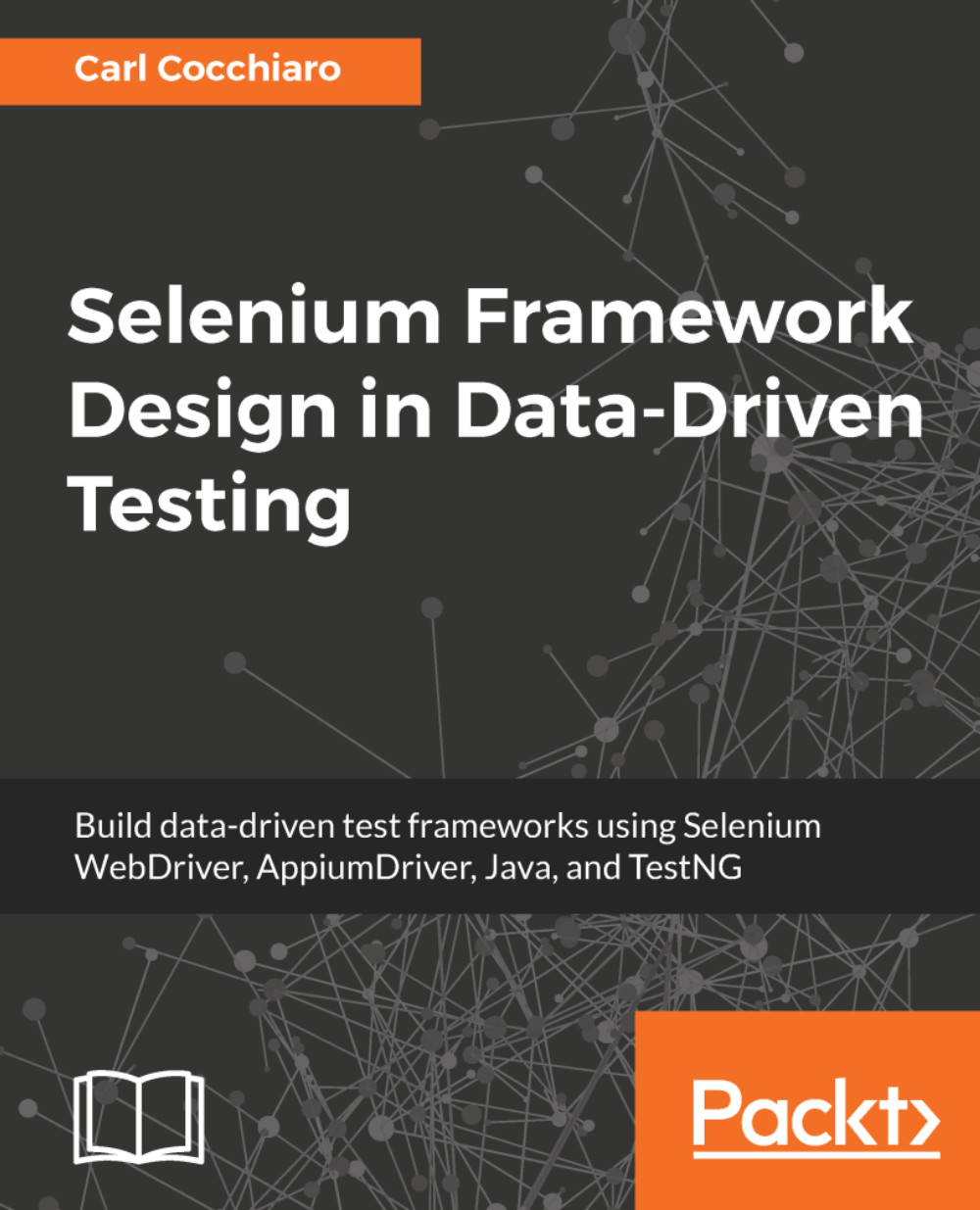
The Selenium WebDriver 3.x Technology is an open source API available to test both Browser and Mobile applications. It is completely platform independent in that tests built for one browser or mobile device, will also work on all other browsers and mobile devices. Selenium supports all major development languages which allow it to be tied directly into the technology used to develop the applications. This guide will provide a step-by-step approach to designing and building a data-driven test framework using Selenium WebDriver, Java, and TestNG. The book starts off by introducing users to the Selenium Page Object Design Patterns and D.R.Y Approaches to Software Development. In doing so, it covers designing and building a Selenium WebDriver framework that supports both Browser and Mobile Devices. It will lead the user through a journey of architecting their own framework with a scalable driver class, Java utility classes, JSON Data Provider, Data-Driven Test Classes, and support for third party tools and plugins. Users will learn how to design and build a Selenium Grid from scratch to allow the framework to scale and support different browsers, mobile devices, versions, and platforms, and how they can leverage third party grids in the Cloud like SauceLabs. Other topics covered include designing abstract base and sub-classes, inheritance, dual-driver support, parallel testing, testing multi-branded applications, best practices for using locators, and data encapsulation. Finally, you will be presented with a sample fully-functional framework to get them up and running with the Selenium WebDriver for browser testing. By the end of the book, you will be able to design your own automation testing framework and perform data-driven testing with Selenium WebDriver.

Table of Contents (11 chapters)
close
close

The JavascriptExecutor class

The Selenium JavascriptExecutor class allows users to inject JavaScript commands directly into the context of the active browser frame or window. The use of this method is required in cases where the standard WebDriver class's methods fail to find or act upon an element on the browser page. JavaScript commands can be executed synchronously or asynchronously on the page. The class is an interface, and has been implemented for all the current driver classes. When designing a class to utilize this interface, users can pass commands directly to a WebElement by using the static locator, or one of the common locator methods available to WebDriver. Some of the more common methods will be outlined here:

Visually different images
CONTINUE READING
83
Tech Concepts
36
Programming languages
73
Tech Tools
Icon Unlimited access to the largest independent learning library in tech of over 8,000 expert-authored tech books and videos.
Icon Innovative learning tools, including AI book assistants, code context explainers, and text-to-speech.
Icon 50+ new titles added per month and exclusive early access to books as they are being written.
Selenium Framework Design in Data-Driven Testing
notes
bookmark Notes and Bookmarks search Search in title playlist Add to playlist download Download options font-size Font size

Change the font size

margin-width Margin width

Change margin width

day-mode Day/Sepia/Night Modes

Change background colour

Close icon Search
Country selected

Close icon Your notes and bookmarks

Confirmation

Modal Close icon
claim successful

Buy this book with your credits?

Modal Close icon
Are you sure you want to buy this book with one of your credits?
Close
YES, BUY

Submit Your Feedback

Modal Close icon
Modal Close icon
Modal Close icon