


-
Book Overview & Buying
-
Table Of Contents

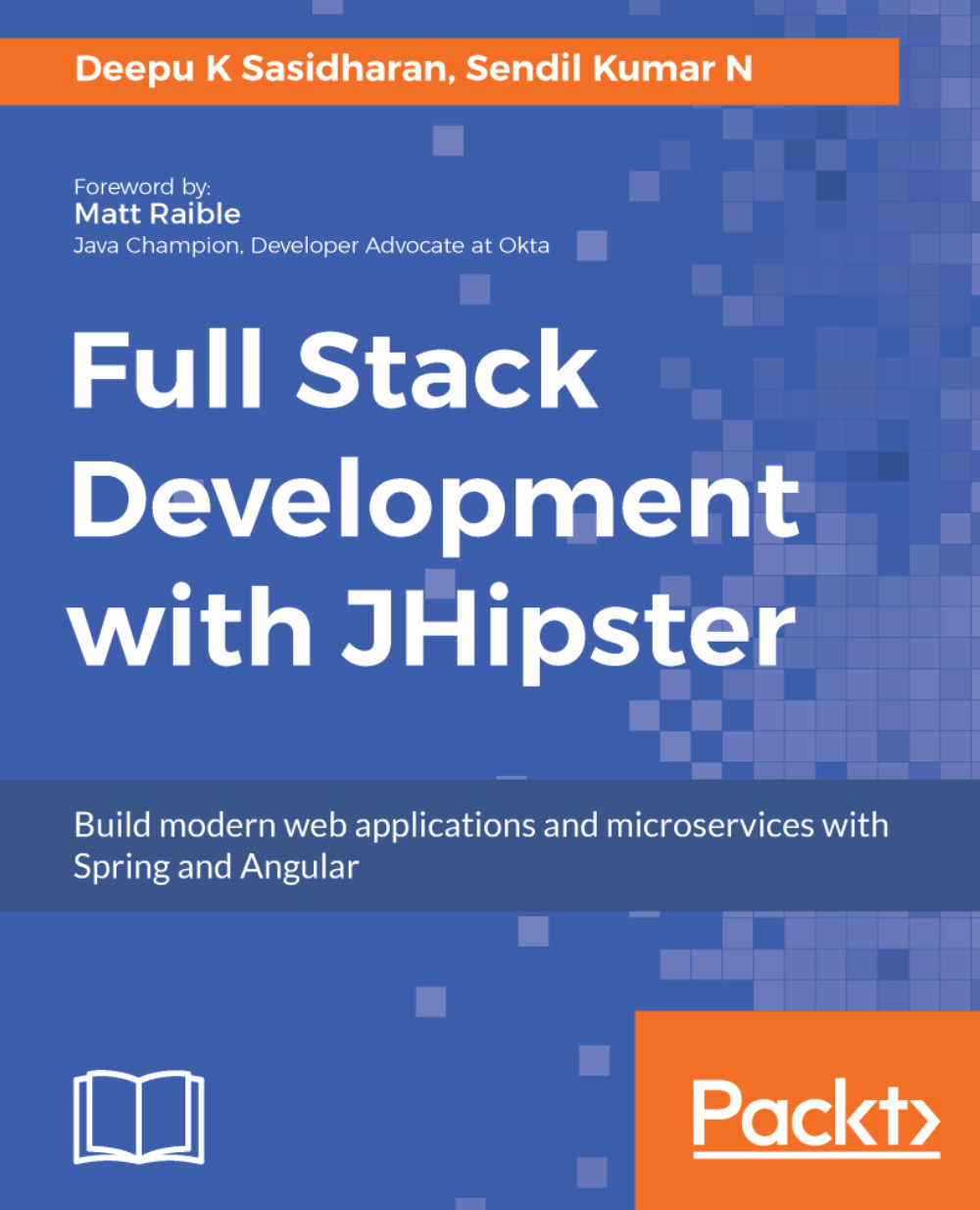
Full Stack Development with JHipster
By :


Full Stack Development with JHipster
By:
Overview of this book
JHipster is a development platform to generate, develop, and deploy Spring Boot and Angular/React applications and Spring microservices. It provides you with a variety of tools that will help you quickly build modern web applications. This book will be your guide to building full stack applications with Spring and Angular using the JHipster tool set.
You will begin by understanding what JHipster is and the various tools and technologies associated with it. You will learn the essentials of a full stack developer before getting hands-on and building a monolithic web application with JHipster. From here you will learn the JHipster Domain Language with entity modeling and entity creation using JDL and JDL studio. Moving on, you will be introduced to client side technologies such as Angular and Bootstrap and will delve into technologies such as Spring Security, Spring MVC, and Spring Data. You will learn to build and package apps for production with various deployment options such as Heroku and more. During the course of the book, you will be introduced to microservice server-side technologies and how to break your monolithic application with a database of your choice. Next, the book takes you through cloud deployment with microservices on Docker and Kubernetes. Going forward, you will learn to build your client side with React and master JHipster best practices.
By the end of the book, you will be able to leverage the power of the best tools available to build modern web applications.
Table of Contents (16 chapters)
Preface


 Free Chapter
Introduction to Modern Web Application Development
Getting Started with JHipster
Building Monolithic Web Applications with JHipster
Entity Modeling with JHipster Domain Language
Customization and Further Development
Testing and Continuous Integration

Going into Production
Introduction to Microservice Server-Side Technologies
Building Microservices with JHipster
Working with Microservices
Deploying with Docker Compose
Deploying to the Cloud with Kubernetes
Using React for the Client-Side
Best Practices with JHipster
Other Books You May Enjoy


