


-
Book Overview & Buying
-
Table Of Contents

-
Feedback & Rating

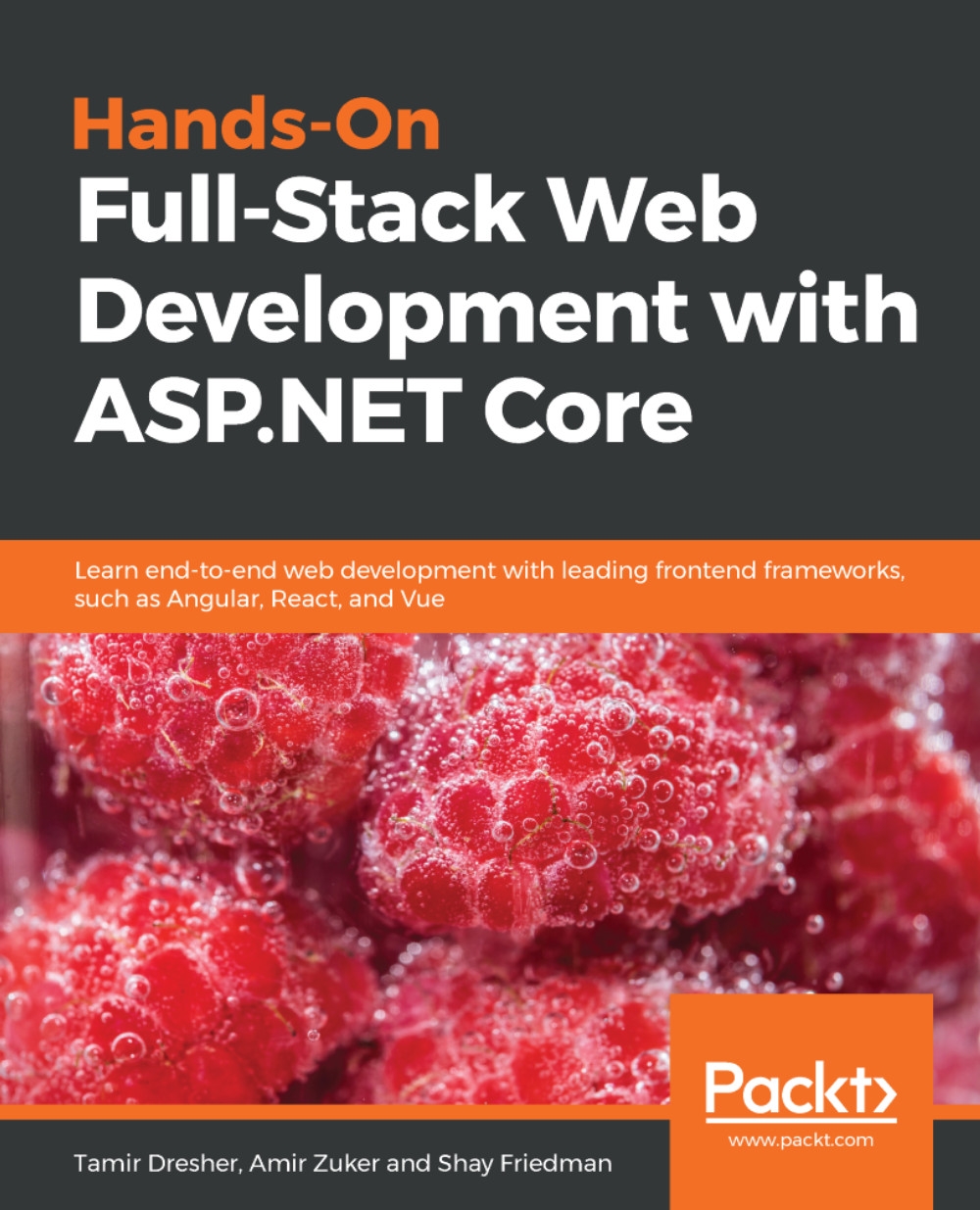
Hands-On Full-Stack Web Development with ASP.NET Core
By :


Hands-On Full-Stack Web Development with ASP.NET Core
By:
Overview of this book
Today, full-stack development is the name of the game. Developers who can build complete solutions, including both backend and frontend products, are in great demand in the industry, hence being able to do so a desirable skill. However, embarking on the path to becoming a modern full-stack developer can be overwhelmingly difficult, so the key purpose of this book is to simplify and ease the process.
This comprehensive guide will take you through the journey of becoming a full-stack developer in the realm of the web and .NET. It begins by implementing data-oriented RESTful APIs, leveraging ASP.NET Core and Entity Framework. Afterward, it describes the web development field, including its history and future horizons. Then, you’ll build webbased Single-Page Applications (SPAs) by learning about numerous popular technologies, namely TypeScript, Angular, React, and Vue. After that, you’ll learn about additional related concerns involving deployment, hosting, and monitoring by leveraging the cloud; specifically, Azure.
By the end of this book, you’ll be able to build, deploy, and monitor cloud-based, data-oriented, RESTful APIs, as well as modern web apps, using the most popular frameworks and technologies.
Table of Contents (18 chapters)
Preface


 Free Chapter
Becoming a Full-Stack .NET Developer
Setting Up Your Development Environment
Creating a Web Application with ASP.NET Core
Building REST APIs with ASP.NET Core Web API
Persisting Data with Entity Framework
Securing the Backend Server
Troubleshooting and Debugging
Getting Started with Frontend Web Development
Getting Started with TypeScript
App Development with Angular
Implementing Routing and Forms
App Development with React
App Development with Vue

Moving Your Solution to the Cloud
Deploying to Microsoft Azure
Taking Advantage of Cloud Services
Other Books You May Enjoy
Customer Reviews



