
Sign In Start Free Trial
Account

Add to playlist

Create a Playlist

Modal Close icon
You need to login to use this feature.
  • Book Overview & Buying Hands-On Full-Stack Web Development with ASP.NET Core
  • Table Of Contents Toc
  • Feedback & Rating feedback
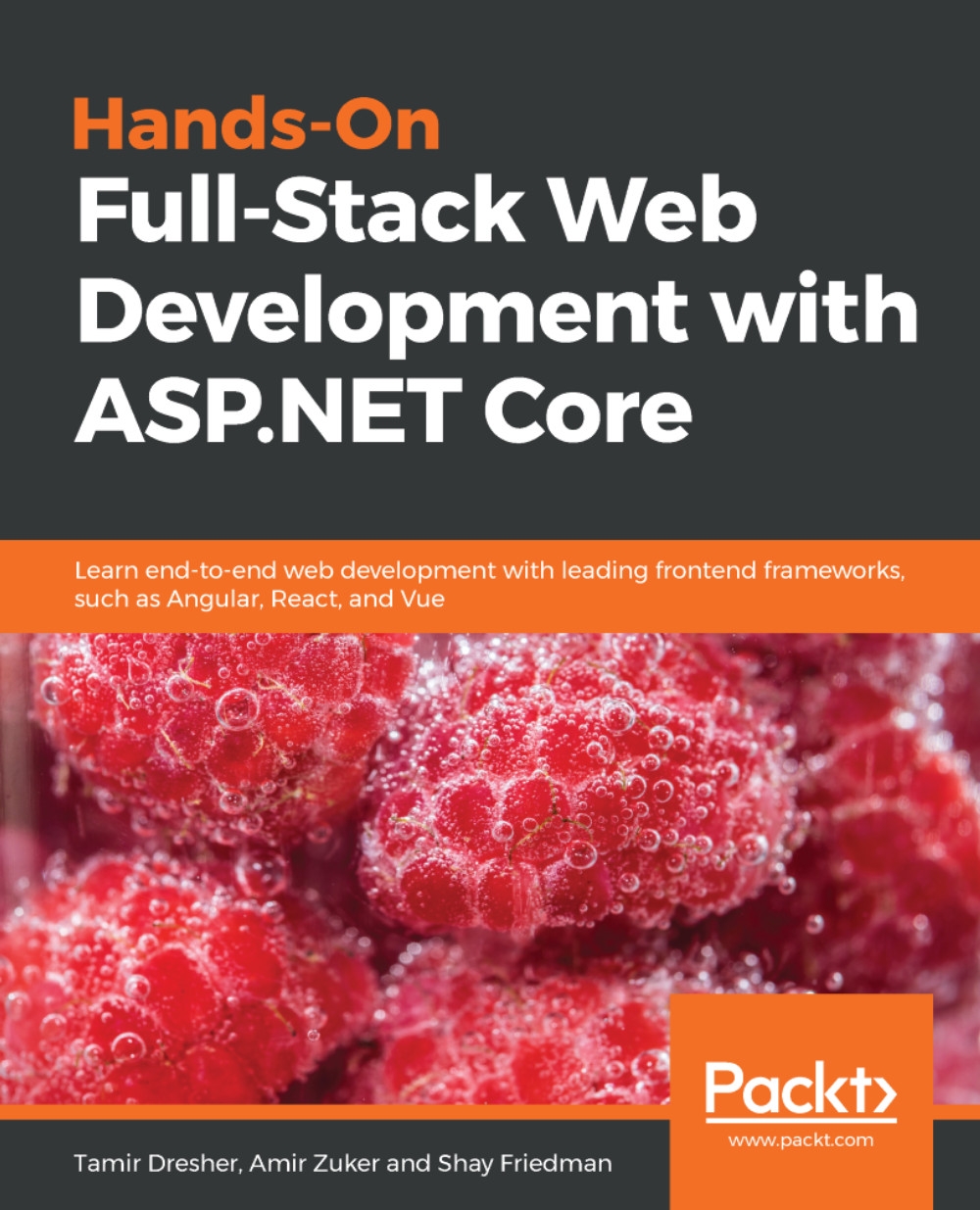
Hands-On Full-Stack Web Development with ASP.NET Core

Hands-On Full-Stack Web Development with ASP.NET Core

By : Dresher, Zuker, Friedman
2.4 (5)
close
close
Hands-On Full-Stack Web Development with ASP.NET Core

Hands-On Full-Stack Web Development with ASP.NET Core

2.4 (5)
By: Dresher, Zuker, Friedman

Overview of this book

Today, full-stack development is the name of the game. Developers who can build complete solutions, including both backend and frontend products, are in great demand in the industry, hence being able to do so a desirable skill. However, embarking on the path to becoming a modern full-stack developer can be overwhelmingly difficult, so the key purpose of this book is to simplify and ease the process. This comprehensive guide will take you through the journey of becoming a full-stack developer in the realm of the web and .NET. It begins by implementing data-oriented RESTful APIs, leveraging ASP.NET Core and Entity Framework. Afterward, it describes the web development field, including its history and future horizons. Then, you’ll build webbased Single-Page Applications (SPAs) by learning about numerous popular technologies, namely TypeScript, Angular, React, and Vue. After that, you’ll learn about additional related concerns involving deployment, hosting, and monitoring by leveraging the cloud; specifically, Azure. By the end of this book, you’ll be able to build, deploy, and monitor cloud-based, data-oriented, RESTful APIs, as well as modern web apps, using the most popular frameworks and technologies.
Table of Contents (18 chapters)
close
close

Enabling Cross-Origin Resource Sharing

The Enabling Cross-Origin Resource Sharing (CORS) standard allows a web server to relax the same-origin policy that prevents a browser from sending API requests to domains other than that of the web application. Browsers enforce the same-origin policy to protect their users from many kinds of attacks that attempt to send data to other sites. 

In ASP.NET Core, it's very easy to configure the domains that are allowed to use your API, and the type of HTTP methods they can use. 

First, add the CORS middleware by adding these lines to the ConfigureServices method in your Startup class:

public void ConfigureServices(IServiceCollection services) 
{
service.AddCors()
}

Than, configure the CORS policy in your Startup.Configure method. For example, the following code shows how you can configure your web application to allow requests...

Visually different images
CONTINUE READING
83
Tech Concepts
36
Programming languages
73
Tech Tools
Icon Unlimited access to the largest independent learning library in tech of over 8,000 expert-authored tech books and videos.
Icon Innovative learning tools, including AI book assistants, code context explainers, and text-to-speech.
Icon 50+ new titles added per month and exclusive early access to books as they are being written.
Hands-On Full-Stack Web Development with ASP.NET Core
notes
bookmark Notes and Bookmarks search Search in title playlist Add to playlist download Download options font-size Font size

Change the font size

margin-width Margin width

Change margin width

day-mode Day/Sepia/Night Modes

Change background colour

Close icon Search
Country selected

Close icon Your notes and bookmarks

Confirmation

Modal Close icon
claim successful

Buy this book with your credits?

Modal Close icon
Are you sure you want to buy this book with one of your credits?
Close
YES, BUY

Submit Your Feedback

Modal Close icon
Modal Close icon
Modal Close icon