
Sign In Start Free Trial
Account

Add to playlist

Create a Playlist

Modal Close icon
You need to login to use this feature.
  • Book Overview & Buying Vue.js 2 Design Patterns and Best Practices
  • Table Of Contents Toc
Vue.js 2 Design Patterns and Best Practices

Vue.js 2 Design Patterns and Best Practices

By : Halliday
3.5 (6)
close
close
Vue.js 2 Design Patterns and Best Practices

Vue.js 2 Design Patterns and Best Practices

3.5 (6)
By: Halliday

Overview of this book

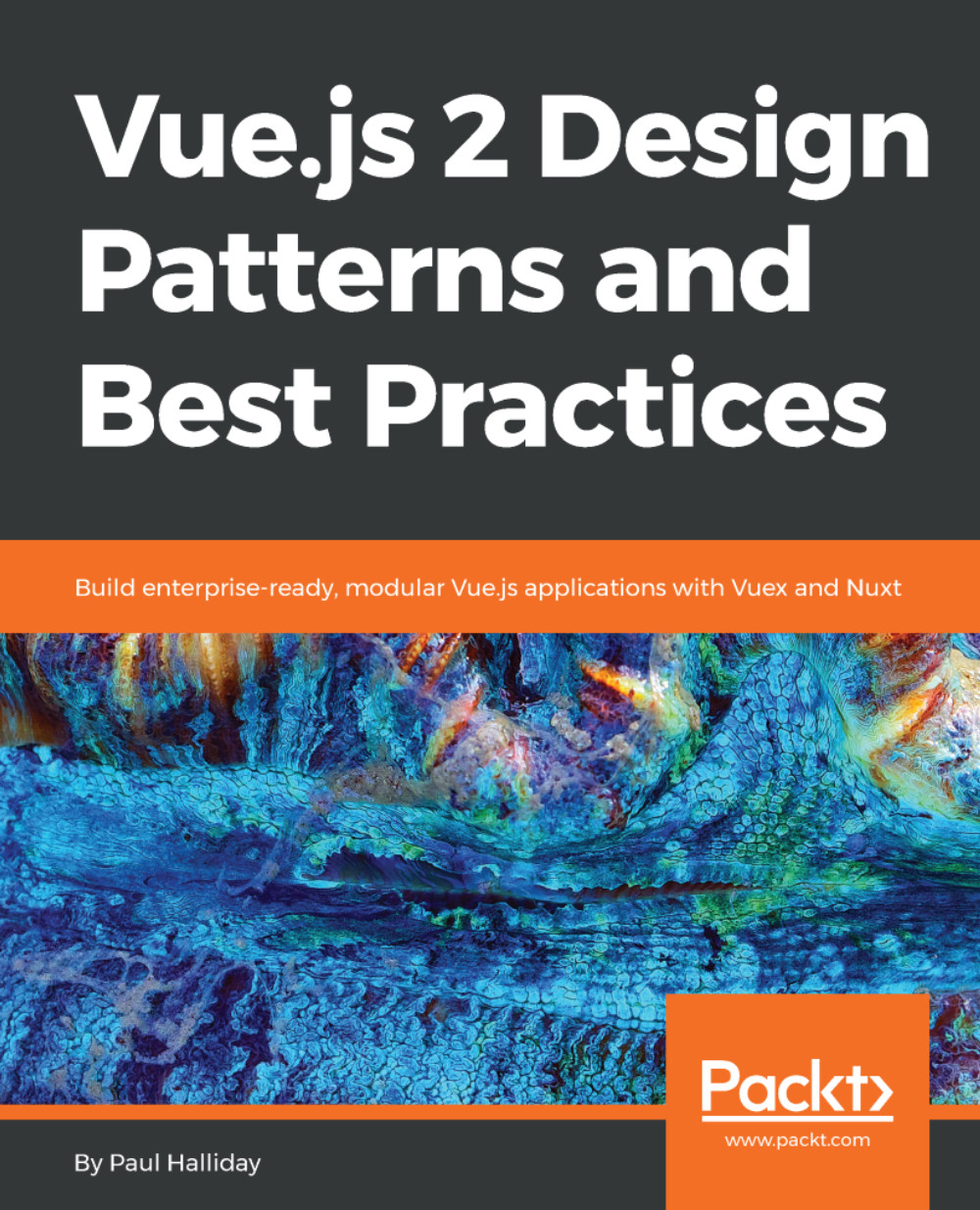
Vue.js 2 Design Patterns and Best Practices starts by comparing Vue.js with other frameworks and setting up the development environment for your application, and gradually moves on to writing and styling clean, maintainable, and reusable Vue.js components that can be used across your application. Further on, you'll look at common UI patterns, Vue form submission, and various modifiers such as lazy binding, number typecasting, and string trimming to create better UIs. You will also explore best practices for integrating HTTP into Vue.js applications to create an application with dynamic data. Routing is a vitally important part of any SPA, so you will focus on the vue-router and explore routing a user between multiple pages. Next, you'll also explore state management with Vuex, write testable code for your application, and create performant, server-side rendered applications with Nuxt. Toward the end, we'll look at common antipatterns to avoid, saving you from a lot of trial and error and development headaches. By the end of this book, you'll be on your way to becoming an expert Vue developer who can leverage design patterns to efficiently architect the design of your application and write clean and maintainable code.
Table of Contents (14 chapters)
close
close
Lock Free Chapter
1
Vue.js Principles and Comparisons
12
Server-Side Rendering with Nuxt

VueJS devtools

Being able to accurately debug our application is an important part of our development workflow. In the previous chapter, we installed the VueJS devtools, and we'll be looking at using it in more detail within this section. Let's make a playground project:

# New project
vue init webpack-simple vue-devtools

# Change directory
cd vue-devtools

# Install dependencies
npm install

# Run application
npm run dev

We can then open up our developer console and navigate to the Vue tab. When we select App from within the components list, we can see the data object(s) and other information for this component. By default, we have the msg variable that we're then binding to within our template, and we can see this within our developer tools:

Inspecting a Vue instance

This goes both ways though - we could access the objects inside of this Vue instance with $vm0.$data, scoping...

Visually different images
CONTINUE READING
83
Tech Concepts
36
Programming languages
73
Tech Tools
Icon Unlimited access to the largest independent learning library in tech of over 8,000 expert-authored tech books and videos.
Icon Innovative learning tools, including AI book assistants, code context explainers, and text-to-speech.
Icon 50+ new titles added per month and exclusive early access to books as they are being written.
Vue.js 2 Design Patterns and Best Practices
notes
bookmark Notes and Bookmarks search Search in title playlist Add to playlist download Download options font-size Font size

Change the font size

margin-width Margin width

Change margin width

day-mode Day/Sepia/Night Modes

Change background colour

Close icon Search
Country selected

Close icon Your notes and bookmarks

Confirmation

Modal Close icon
claim successful

Buy this book with your credits?

Modal Close icon
Are you sure you want to buy this book with one of your credits?
Close
YES, BUY

Submit Your Feedback

Modal Close icon
Modal Close icon
Modal Close icon