
Sign In Start Free Trial
Account

Add to playlist

Create a Playlist

Modal Close icon
You need to login to use this feature.
  • Book Overview & Buying Learning Bootstrap 4 by Building Projects
  • Table Of Contents Toc
  • Feedback & Rating feedback
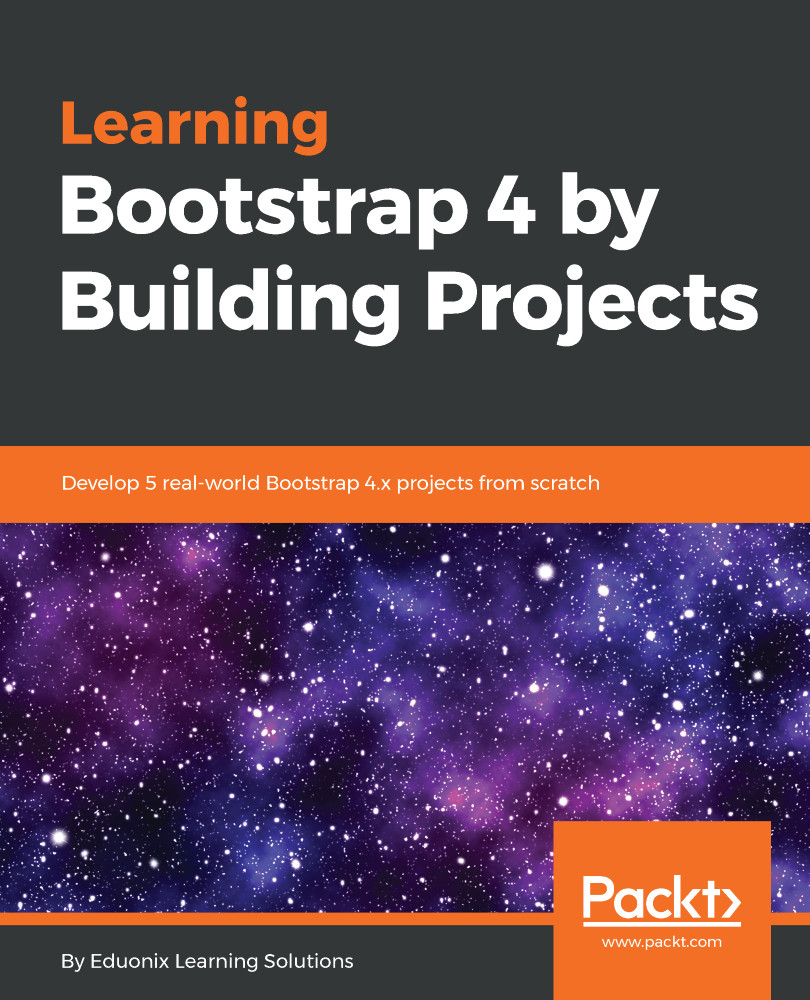
Learning Bootstrap 4 by Building Projects

Learning Bootstrap 4 by Building Projects

By : Eduonix Learning Solutions
2 (1)
close
close
Learning Bootstrap 4 by Building Projects

Learning Bootstrap 4 by Building Projects

2 (1)
By: Eduonix Learning Solutions

Overview of this book

Bootstrap, the world’s most popular frontend framework, is an open source toolkit for building web applications with HTML, CSS, and JavaScript. Learning Bootstrap 4 by Building Projects covers the essentials of Bootstrap 4 along with best practices. The book begins by introducing you to the latest features of Bootstrap 4. You will learn different elements and components of Bootstrap, such as the strict grid system, Sass, which replaced Less, flexbox, Font Awesome, and cards. As you make your way through the chapters, you will use a template that will help you to build different kinds of real-world websites, such as a social media website, a company landing page, a media hosting website, and a profile page, with ease. By the end of this book, you will have built websites that are visually appealing, responsive, and robust.
Table of Contents (9 chapters)
close
close
Lock Free Chapter
1
Introduction
chevron up

Introduction

This book is a practical guide that will help you create modern-day apps with the use of Bootstrap 4, a powerful JavaScript library. It starts off with an introduction to Bootstrap, where we learn about some of the differences coming into Bootstrap 4 that didn't exist in Bootstrap 3. We will also be covering the new features that Bootstrap 4 offers. So, let's start with the sites that we have: we've got a photo-sharing site; this is going to use a lightbox and it's also our first introduction to using Bootstrap 4. Now, Bootstrap has a strict grid column setup where you have 12 columns, but you can divide them up in any way you like. We're also going to look at how you can even go outside the 12, which is a limit for Bootstrap. For example, you have added two columns of span 5 and 10 respectively; basically, when you sum up they're going out of the 12, but things still kind of work out mostly in the same way. So, depending on the complexity of your website, you miss and you go over the 12, we're still going to see things work out pretty much fine.

Next, we have our resume site, which gets a little more complex because of the layout. We're going to use multiple rows, and we're going to have our columns deal with the different kinds of icons. Later on, we will check out Font Awesome, which is really going to come into play when we start getting into some of the more complex websites, because we're not actually using icon images, we're using Font Awesome instead, which acts as a font but really gives us icons. We'll look at a social networking website, where we're going to learn what cards are all about. We're going to look at how to create bubble-style comments, and some other different kinds of more complex layout features to get a particular kind of look to your page. Next is the agency website—a very clean, very nice-looking website. It's going to make heavy use of Font Awesome and some of the different icons that are available to us. Then we'll look at another photo site that we're going to integrate with a different lightbox that doesn't require JavaScript.

There is a lot going on. We're going to go through a great introduction and get some hands-on practice with Bootstrap 4, so let's jump into it.

Visually different images
CONTINUE READING
83
Tech Concepts
36
Programming languages
73
Tech Tools
Icon Unlimited access to the largest independent learning library in tech of over 8,000 expert-authored tech books and videos.
Icon Innovative learning tools, including AI book assistants, code context explainers, and text-to-speech.
Icon 50+ new titles added per month and exclusive early access to books as they are being written.
Learning Bootstrap 4 by Building Projects
notes
bookmark Notes and Bookmarks search Search in title playlist Add to playlist download Download options font-size Font size

Change the font size

margin-width Margin width

Change margin width

day-mode Day/Sepia/Night Modes

Change background colour

Close icon Search
Country selected

Close icon Your notes and bookmarks

Confirmation

Modal Close icon
claim successful

Buy this book with your credits?

Modal Close icon
Are you sure you want to buy this book with one of your credits?
Close
YES, BUY

Submit Your Feedback

Modal Close icon
Modal Close icon
Modal Close icon