
Sign In Start Free Trial
Account

Add to playlist

Create a Playlist

Modal Close icon
You need to login to use this feature.
  • Book Overview & Buying Hands-On Swift 5 Microservices Development
  • Table Of Contents Toc
Hands-On Swift 5 Microservices Development

Hands-On Swift 5 Microservices Development

By : Ralph Kuepper
3 (6)
close
close
Hands-On Swift 5 Microservices Development

Hands-On Swift 5 Microservices Development

3 (6)
By: Ralph Kuepper

Overview of this book

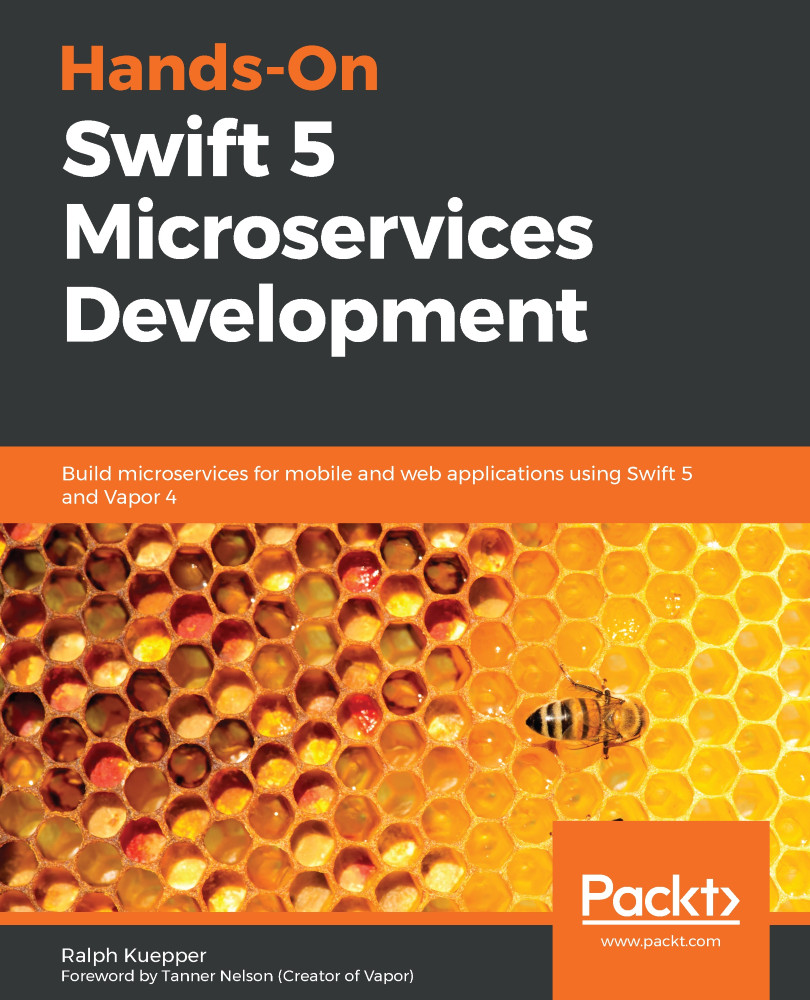
The capabilities of the Swift programming language are extended to server-side development using popular frameworks such as Vapor. This enables Swift programmers to implement the microservices approach to design scalable and easy-to-maintain architecture for iOS, macOS, iPadOS, and watchOS applications. This book is a complete guide to building microservices for iOS applications. You’ll start by examining Swift and Vapor as backend technologies and compare them to their alternatives. The book then covers the concept of microservices to help you get started with developing your first microservice. Throughout this book, you’ll work on a case study of writing an e-commerce backend as a microservice application. You’ll understand each microservice as it is broken down into details and written out as code throughout the book. You’ll also become familiar with various aspects of server-side development such as scalability, database options, and information flow for microservices that are unwrapped in the process. As you advance, you’ll get to grips with microservices testing and see how it is different from testing a monolith application. Along the way, you’ll explore tools such as Docker, Postman, and Amazon Web Services. By the end of the book, you’ll be able to build a ready-to-deploy application that can be used as a base for future applications.
Table of Contents (19 chapters)
close
close

Running Swift via Docker

If we were to set up each of our servers manually, just like we did previously, we would never finish deploying. Fortunately, a handy tool called Docker not only automates this step, but it also allows for intelligent memory management for servers. Docker is a tool that containerizes applications and gives them isolated environments while also saving their state as we need it to run. This means that if we were to put the preceding steps in a Dockerfile, we could spin this file up whenever we needed it.

Luckily for us, Apple has already done that. We can access official Docker images for Swift that give us all we need. Docker is best-explained by looking at a Dockerfile, so let's take a look at the standard Vapor Dockerfile. A Dockerfile is a text file that contains all the instructions for Docker to create images that we can then run as containers...

CONTINUE READING
83
Tech Concepts
36
Programming languages
73
Tech Tools
Icon Unlimited access to the largest independent learning library in tech of over 8,000 expert-authored tech books and videos.
Icon Innovative learning tools, including AI book assistants, code context explainers, and text-to-speech.
Icon 50+ new titles added per month and exclusive early access to books as they are being written.
Hands-On Swift 5 Microservices Development
notes
bookmark Notes and Bookmarks search Search in title playlist Add to playlist download Download options font-size Font size

Change the font size

margin-width Margin width

Change margin width

day-mode Day/Sepia/Night Modes

Change background colour

Close icon Search
Country selected

Close icon Your notes and bookmarks

Confirmation

Modal Close icon
claim successful

Buy this book with your credits?

Modal Close icon
Are you sure you want to buy this book with one of your credits?
Close
YES, BUY

Submit Your Feedback

Modal Close icon
Modal Close icon
Modal Close icon